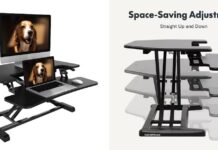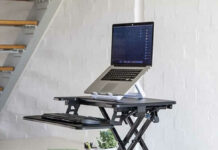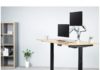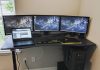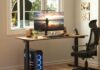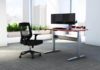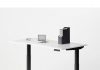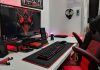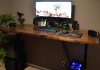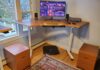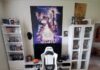

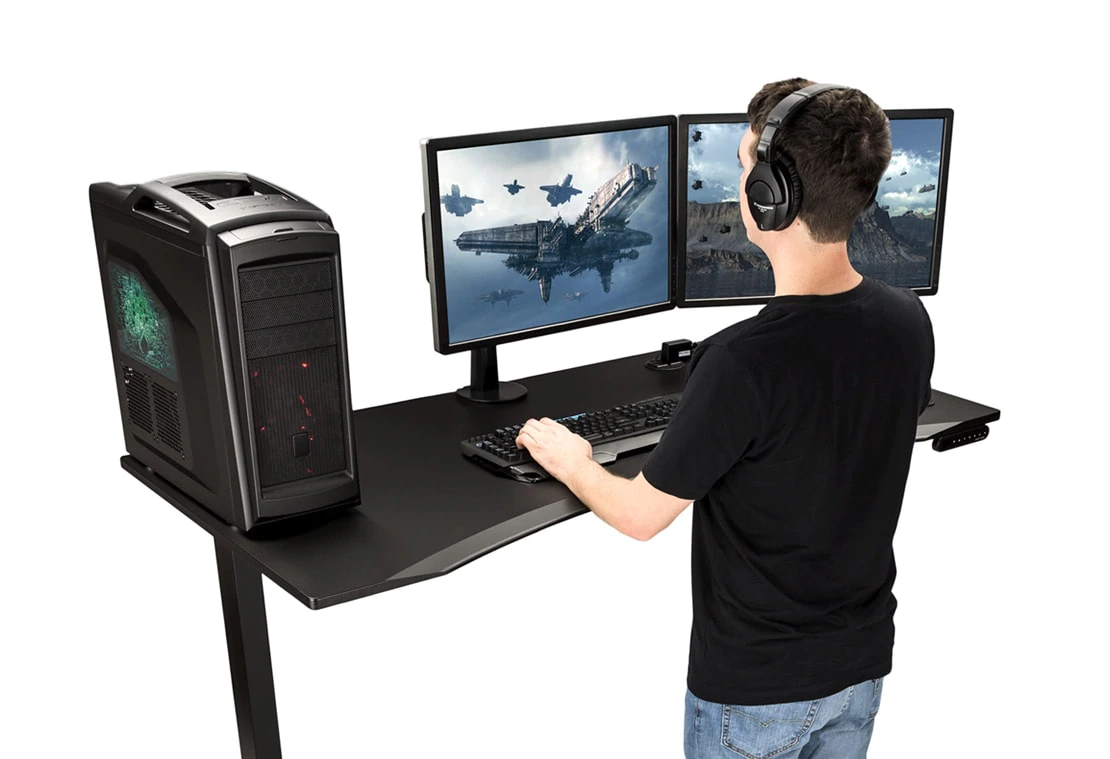
An UPLIFT desk is still one of the best foundations for a serious gaming setup in 2026 — just not through the Amazon listing this article once used, which sits dead without a buy box. UPLIFT sells direct at upliftdesk.com on the V3 platform now, and the gaming build recipe is stronger than ever: a 72-by-30 top for triple monitors, three-stage frame stability that keeps aim steady at standing height, memory presets for sit/stand swaps between matches, and an accessory catalog (cable spine, power strip mounts, keyboard trays) that turns cable chaos into a plan. Here’s the 2026 build guide.
Why an UPLIFT under a battlestation
Gaming punishes desk weaknesses that office work forgives: monitor arms levered at full extension, slammed inputs, and standing-height sessions where any frame sway shows up in your crosshair. The V3’s three-stage columns and rigidity-focused frame are the answer our UPLIFT V3 Standing Desk Review (2026): What Changed From the V2 documents in detail — and the 355-pound-class capacity means a dual-PC, triple-monitor build doesn’t approach its limits. Memory presets earn their keep the first time you swap from sitting ranked sessions to standing casual play with one press.
Speccing the build
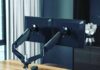
Top: 60-by-30 minimum for dual monitors, 72-by-30 for triples or monitor-arm sprawl; laminate takes abuse best, bamboo photographs best. Frame color and cable plan: match the frame to your cable sleeves (black hides everything), add the wire tray, and mount the power strip under the top so a desk-height change never tugs a cable. Accessories that matter for gaming: a clamp-on headphone hook, a grommet power hub for controller charging, and a keyboard tray only if your desk height overshoots your elbows — the fit math in our desk height guide decides. Skip: RGB kits taped to a premium desk; buy light bars instead.
If UPLIFT isn’t the answer
Two honest alternates. Corner commanders should read The 4 Best Corner Desks for Gaming (2026): Re-Verified Picks — an L-shaped layout beats a wider rectangle once three-plus screens enter. Budget builds should start at our PC gaming desks guide and the Amazon-verified standing picks in our main rankings — an E6L-class triple-motor L costs less than a configured UPLIFT and took the standing slot in our corner-gaming lineup for exactly that reason.
Conclusion
Build the UPLIFT gaming desk if you want the decade-grade version of a battlestation: configure direct, spec the cable management with the desk, and let the memory presets make standing play a habit instead of an aspiration. The old Amazon shortcut is gone; the desk it pointed to got better.
Last updated: August 22, 2026 — full 2026 refresh: dead Amazon listing retired (UPLIFT is direct-only), build guide updated to the V3 platform with current accessory and sizing advice, alternatives linked.