
The UPLIFT V3 has replaced the V2 as the only two-leg frame UPLIFT sells, and for new buyers it is the better desk — the same 355-lb lift capacity and 15-year warranty, a stiffer redesigned base, half the assembly hardware, and cable management included at no extra cost. The one real trade-off is height: the V3 tops out at 48.7″ versus the V2’s 50.9″, which matters if you are around 6′4″ or taller.
 UPLIFT DESK V3 2-Leg Black Laminate Wood Standing Desk Adjustable Height, Advanced 1-Touch Memory Keypad, Under Desk Cable Management, Wire Grommets & Rocker Board (Black C-Frame, 48 x 30 inch)
- 355 lb capacity, 15-year warranty
- Goes as low as 22.6 inches
- Memory keypad and cable kit included
- Quick 16-screw, one-tool assembly
- Tops out at 48.7 inches
- Dark laminate loves fingerprints
- Price climbs fast past basic laminate
From 2020 to 2025 this page reviewed the UPLIFT V2, the desk we used daily in our own work-from-home setup. In September 2025 UPLIFT announced the V3, a single frame that merges the V2 and V2-Commercial; less than a year later the V2 is gone from upliftdesk.com entirely — its old product page now returns a 404. We have rewritten this review around the desk you can actually buy today. Every specification below comes from UPLIFT’s official V3 documentation and current listings, checked on August 7, 2026, and every owner complaint is linked to its source. Where a number is UPLIFT’s own claim rather than an independent measurement, we say so.
UPLIFT V3 specs at a glance
Height range: 22.6″–48.7″, 26.1″ of travel · Lift capacity: 355 lb · Speed: 2″ per second (UPLIFT’s figure) · Noise: under 48 dB claimed, 50–54 dB in independent tests · Warranty: 15 years on frame, motors, electronics and desktop · Assembly: 16 screws, one tool, control box pre-installed
The V2 is discontinued — here is what the V3 changes
The V3 is not a ground-up reinvention, and UPLIFT itself describes it as an evolution of the V2. The company consolidated its two previous frames — the standard V2 and the lower-reaching V2-Commercial — into one design that keeps the proven lifting hardware and adds the structural fixes owners had been asking for.
| UPLIFT V2 (discontinued) | UPLIFT V3 (current) | |
|---|---|---|
| Frame options | Two: V2 and V2-Commercial | One unified frame (C-foot standard, T-frame version available) |
| Height range | 25.3″–50.9″ (Commercial: 22.6″–48.7″) | 22.6″–48.7″ (26.1″ of travel) |
| Lift capacity | 355 lb | 355 lb |
| Speed and noise | 2″/sec, under 48 dB listed | Same rating, carried over |
| Warranty | 15 years | 15 years |
| Assembly | 32 screws, control box mounted separately | 16 screws, one tool, control box and upper crossbars pre-installed |
| Stability aids | Wedges and crossbar sold as fixes | Dual-wall steel feet and steel motor plates, no add-ons needed |
| Cable management | Sold separately | FlexMount pouch, crossbar routing slots and cable wraps included |
| Anti-collision | Six-axis sensor | Same sensor, sensitivity adjustable from the keypad |
| Accessory mounting | 48 threaded points | 48 threaded points |
| Availability | No longer sold new | Sold direct at upliftdesk.com and on Amazon (live pricing in the product box above) |
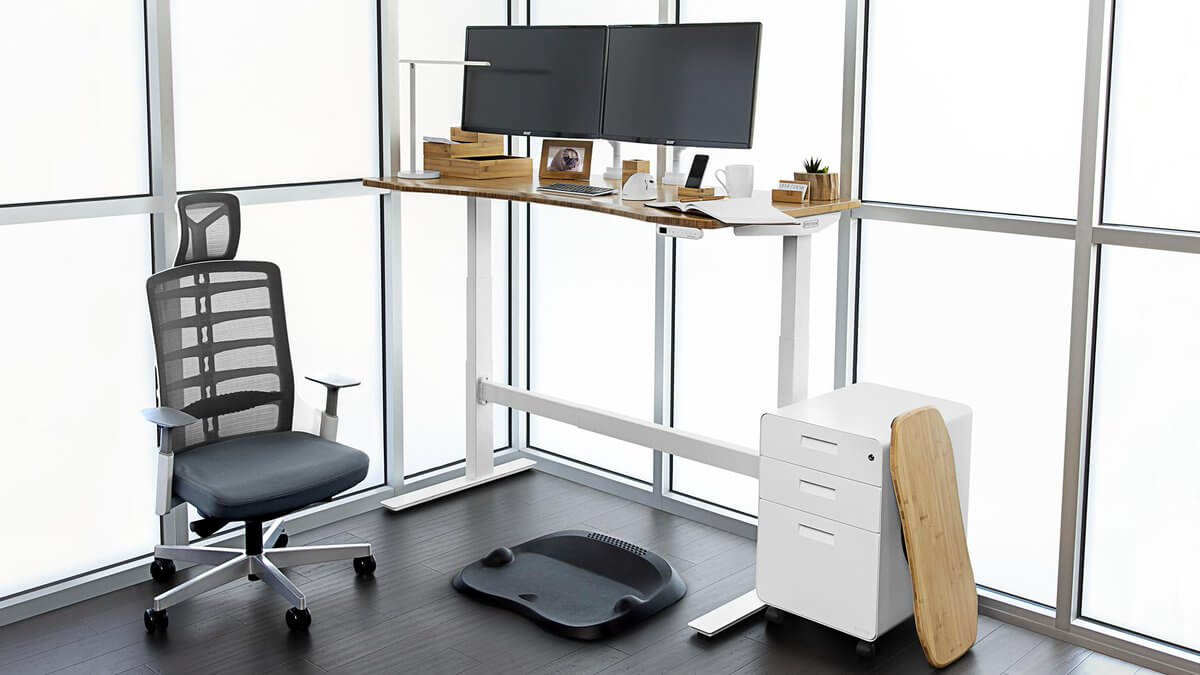
Two rows in that table deserve emphasis. First, the height range: the V3 adopts the old V2-Commercial geometry, so it descends 2.7″ lower than the standard V2 ever did — useful for shorter users, shared desks and kids — but gives up 2.2″ at the top. Second, the stability hardware: the wedges and crossbar UPLIFT used to sell as optional fixes existed precisely because tall V2 setups could sway. The V3’s redesigned base is UPLIFT’s attempt to make those add-ons unnecessary.
Design and stability
The structural changes concentrate on the two places where the V2 flexed. The feet are a new dual-wall steel design — UPLIFT brands it TremorGuard — with silicone pads on the leveling guides, and steel plates now cover the motor housings to resist leg flex. Under the desktop, a reworked steel I-beam crossbar stiffens the frame front-to-back. The frame ships in a C-foot configuration with 27.5″ feet as standard, and a T-frame version exists for setups that need feet flush with the desktop edge. UPLIFT claims the result eliminates wobble at every height.
Independent voices are more measured. An owner of both generations wrote on r/homeoffice: “The v3 does wobble a bit less at height but both are pretty solid.” That matches our long-term experience with the V2 — noticeable movement only near full extension — and suggests the V3 improves the worst case rather than transforming the desk. If you rarely raise the desk past roughly 45″, you are unlikely to feel a difference; at full height with monitors mounted, you should.
Height range: check this before anything else
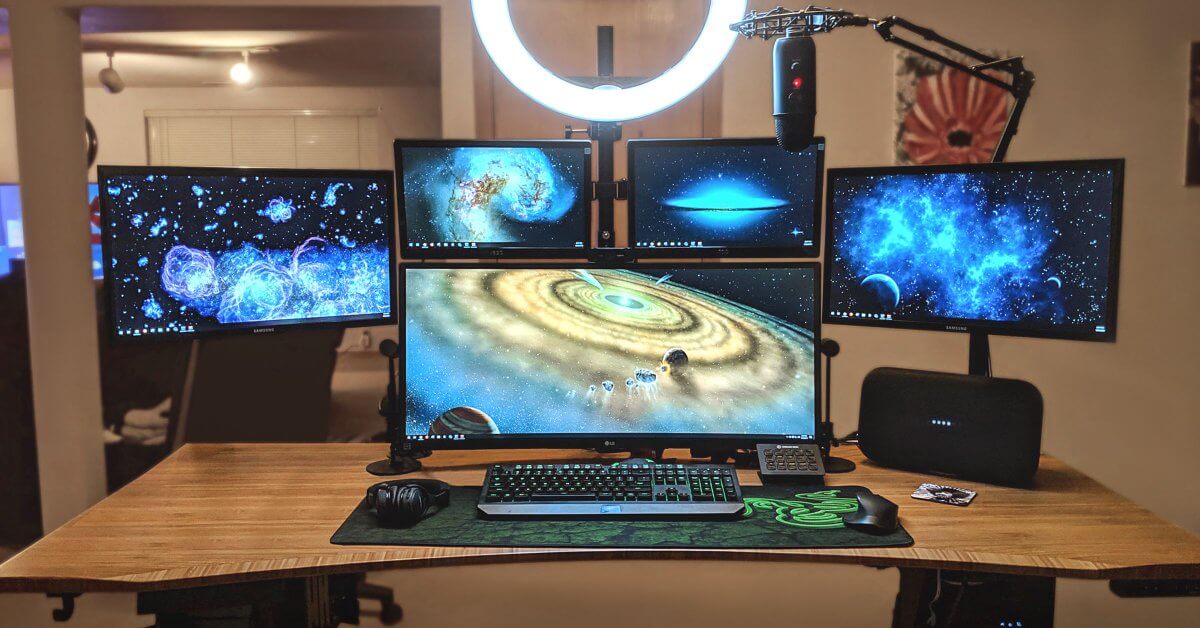
The V3 travels 26.1″, from 22.6″ to 48.7″ before desktop thickness. UPLIFT says this covers about 95% of users, and the range meets the ANSI/BIFMA G1-2013 ergonomic height standard, while the frame is built to the ANSI/BIFMA X5.5-2021 durability standard. The lower minimum is a real win for people under about 5′4″, who often needed a keyboard tray to get a standard V2 low enough for correct typing posture.
The ceiling is the caveat. At 48.7″ maximum, the V3 stands about 2.2″ lower than the old V2 at full extension. If you are around 6′4″ or taller, measure your standing elbow height before ordering; UPLIFT’s foot-raiser accessory and casters both add some height back if you land on the wrong side of the line.
Motors, speed and noise
The lifting hardware carries over from the V2: two motors, one in each leg, rated by UPLIFT at 2″ per second under load and 355 lb of total lift capacity. The speed claim held up in at least one stopwatch test — Workstation Setup timed the full 26.1″ of travel at 13.45 seconds, which works out to roughly 1.9″ per second.
Noise is where the spec sheet runs optimistic. UPLIFT lists sub-48 dB operation. Workstation Setup measured under 48 dB, TechRadar logged under 50 dB, and Tom’s Guide recorded 54 dB peaks. None of that is loud — normal conversation sits near 60 dB — but if you expected silence on video calls, the honest description is a soft audible hum for the few seconds the desk moves.
The six-axis anti-collision sensor also carries over. It stops and reverses travel when the desk meets resistance in either direction, protecting equipment, pets and shins. Two details worth knowing: sensitivity is adjustable from the keypad, and some owners find the default setting touchy — Standing Desk Reference flags the sensor as reportedly oversensitive in its V3 entry. Stepping the sensitivity down one level resolves most phantom stops.
Assembly: the change you will actually feel
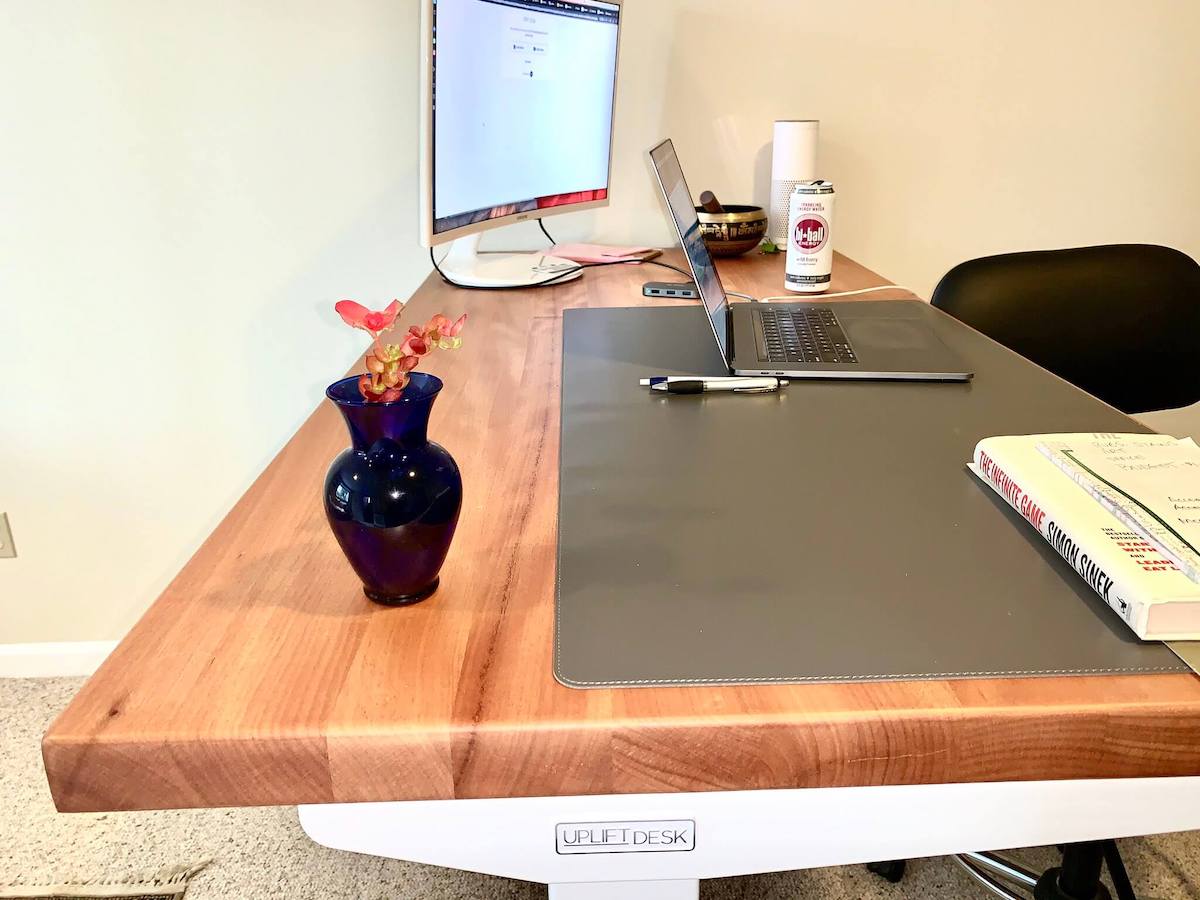
This is the V3’s clearest upgrade over the desk we originally reviewed. The hardware count drops from 32 screws to 16, screws come pre-set with threadlocker at their mounting points, the control box arrives already attached to the frame, the upper crossbars come pre-assembled, and the whole build uses one included tool. Once the frame is joined to the desktop, you connect a single cable and plug in. UPLIFT advertises a five-minute frame assembly; in practice, Tom’s Guide assembled a complete desk in under 30 minutes working alone. Plan for half an hour, plus a second pair of hands for flipping the assembled desk upright.
Cable management is now included
Every V3 ships with UPLIFT’s FlexMount system: a depth-adjustable pouch that mounts under the rear of the desktop with two screws and holds up to 10 lb of power strips and adapters, plus oval pass-through slots in the crossbar and adhesive cable wraps. On the V2 all of this was sold separately, so the included kit is a genuine price-of-entry improvement — and it matters more than it sounds if you run a multi-monitor setup with its extra power bricks and cabling.
It is not flawless. TechRadar’s reviewer liked the function but not the finish: “I wish that the cable management solution were either black to blend in or a more rigid and refined metal.” And if you add UPLIFT’s pop-up grommet power module, plan the under-desk layout first, because the grommet and the FlexMount pouch compete for the same space.
Desktops and configuration
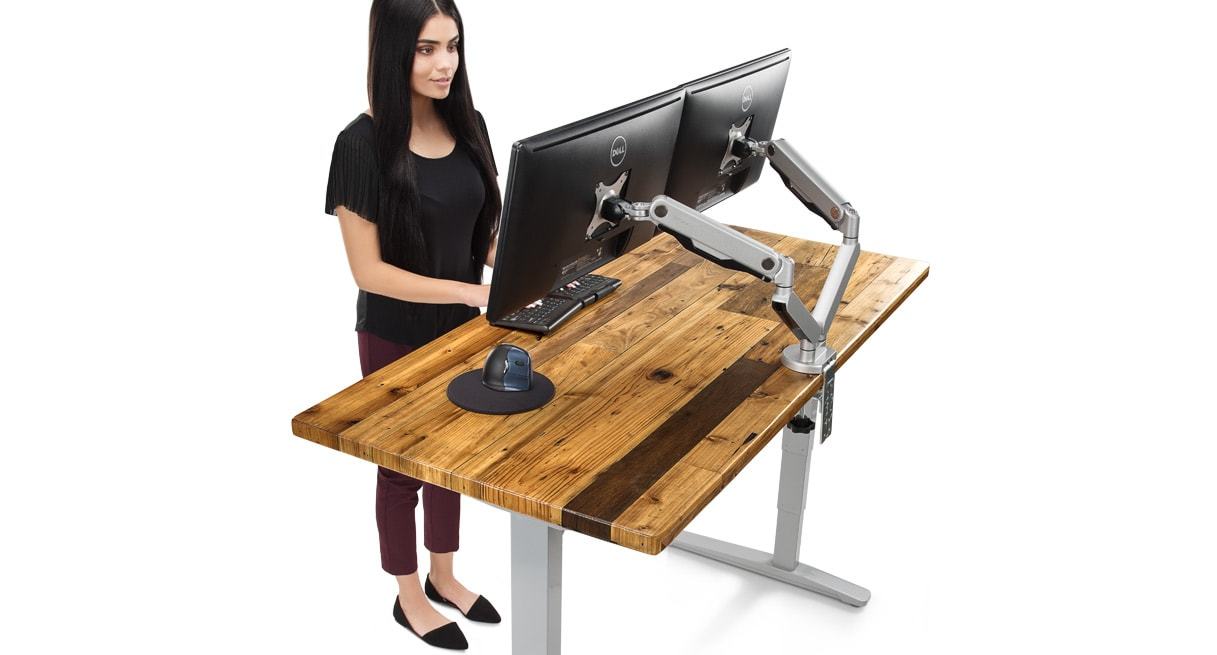
Desktop choice keeps the breadth that made the V2 famous: sizes from 42″ × 30″ to 80″ × 30″ in laminate, bamboo, rubberwood, walnut, acacia, pheasantwood and reclaimed fir, plus a whiteboard top, most available with or without grommet cutouts. The reclaimed-wood desktops that headlined our original review are still offered, and UPLIFT plants five trees for every solid-wood desktop sold. The frame keeps its 48 threaded mounting points, so monitor arms, drawers, CPU holders and the rest of UPLIFT’s accessory ecosystem bolt straight on.
A fair warning that echoes Tom’s Guide’s review: the configurator lists more than 30 desktop styles before you ever choose a frame color or keypad, and the price climbs fast once you leave basic laminate. It is the deepest customization program in the industry, and also the easiest place to spend considerably more than you planned.
What early V3 owners are complaining about
We have not bench-tested the V3 ourselves yet, so this section sticks strictly to problems reported by owners and hands-on reviewers — primarily threads from r/StandingDesk and r/homeoffice, aggregated by RedditRecs, which at the time of writing counted 54 positive against 3 negative verdicts across 59 rated owner comments. The pattern is consistent: very few complaints about the frame itself, more about surfaces and accessories.
- Dark laminate shows fingerprints. The most repeated gripe. One r/StandingDesk owner put it bluntly: “I just got one and it’s full of fingerprints — would not recommend.” Workstation Setup’s reviewer echoes it — easy to wipe, but you will notice. White laminate hides prints but shows dirt instead.
- Laminate is not chip-proof. Scattered owner reports of chips and scratches on laminate edges after moves and knocks. If that worries you, bamboo and rubberwood are the tougher mid-price tops.
- Accessory conflicts under the desk. Owners report the modesty panel can interfere with the cable tray, and the pop-up grommet competes with the FlexMount pouch for mounting space. Decide your full under-desk layout before drilling anything.
- Occasional motor stutter under uneven load. A handful of owners describe hesitation when weight sits heavily on one side of the desktop. UPLIFT’s prescribed fix is the reset procedure below plus rebalancing the load; persistent cases are warranty territory.
- Anti-collision can be oversensitive out of the box. Reported phantom stops during travel; adjustable from the keypad, as noted above.
- It is heavy. TechRadar lists weight among its few cons. Mass helps stability, but budget two people for assembly day and think twice if you rearrange your office often.
- Price creep. Standing Desk Reference notes that typical as-configured builds land well above the entry price once desktops and accessories are chosen, and somewhat above what comparable V2 configurations used to cost.
What we did not find in owner threads: meaningful reports of frame failures, dead motors or refused warranty claims. For a desk that has been on sale for under a year, that is an encouraging absence.
Price and value
The V3 costs more up front than budget rivals, but the comparison is closer than the sticker suggests: cable management is now bundled, the warranty runs 15 years across frame, motors, electronics and desktop, and UPLIFT’s US-based support remains a differentiator. Be realistic about configuration, though — a larger top, a nicer material and one or two accessories move the final invoice well above the entry price. If you want to keep the cost down: pick laminate or bamboo, skip accessories at checkout, and add them later through the 48 mounting points as need proves itself. Current pricing for the standard Amazon configuration is shown below.
UPLIFT DESK V3 2-Leg Black Laminate Wood Standing Desk Adjustable Height, Advanced 1-Touch Memory Keypad, Under Desk Cable Management, Wire Grommets & Rocker Board (Black C-Frame, 48 x 30 inch)
- 355 lb capacity, 15-year warranty
- Goes as low as 22.6 inches
- Memory keypad and cable kit included
- Quick 16-screw, one-tool assembly
- Tops out at 48.7 inches
- Dark laminate loves fingerprints
- Price climbs fast past basic laminate
Already own a V2? Keep it
Nothing in the V3 improves lifting performance, capacity or warranty terms over a working V2. The gains — quicker assembly, tidier cables, stiffness at maximum height — mostly matter on the day you buy the desk. If your V2 is stable at the heights you actually use, there is no upgrade case; our own V2 remains in daily service, and its 15-year warranty continues regardless of the product being discontinued. The V3 simply makes the buying decision easier for new buyers.
UPLIFT V3 not working? Error codes and the quick reset
The troubleshooting section of this article has long been one of its most-visited parts, so here is the updated version for the V3, drawn from UPLIFT’s official V3 manual and support pages. Note that V3 error codes are grouped differently from the V2’s — if you still run a V2, use UPLIFT’s V2 troubleshooting guide instead.
Start with the reset. UPLIFT reports that 70% of control boxes returned to it as defective were working and only needed this procedure:
- Clear everything from under and above the desk that could obstruct travel.
- Press the down button until the desk reaches its lowest position.
- Press and hold the down button for about 10 seconds until the display shows “ASr” (or “RESET” on some keypads).
- Press and hold the down button again until the desk lowers slightly, rises slightly and stops, then release.
If the desk still misbehaves, unplug it for 10 seconds, plug it back in and repeat the procedure once more.
| Code | What it means | What to do |
|---|---|---|
| H01 | Control box overheated. The V3’s duty cycle is 10% — about 2 minutes of continuous motion in any 20-minute window. | Let the desk rest roughly 18 minutes, then use it normally. |
| E01–E06 | Overcurrent fault — the system detected excess load or resistance. | Remove obstructions, reduce the load if you are near 355 lb, then run the reset procedure. |
| E07–E12 | Legs out of sync — one leg has fallen out of step with the other. | Check that both leg cables are fully seated at the control box, then run the reset procedure. |
| LOC | The keypad lock is enabled. | Hold the M button until the display unlocks (see your keypad’s manual page). |
| ASr / RESET | Not an error — the desk is asking for, or performing, the reset procedure. | Complete the reset steps above. |
If a code survives two reset cycles with cables confirmed snug, stop and contact UPLIFT support — the 15-year warranty covers the control box and motors, and support can diagnose from the code. The full code list is in the official V3 manual (PDF) and on UPLIFT’s reset and troubleshooting page.
Prevention is mostly habit: respect the duty cycle instead of riding the desk up and down, keep the leg cables snug (a loose cable is the most common cause of out-of-sync legs), keep heavy loads roughly centered, and never relocate the desk by dragging it while raised.
Standing, sitting and your health
The case for a sit-stand desk has not changed with the model number. Long uninterrupted sitting is associated with back pain and metabolic risk — the Mayo Clinic’s summary of the research is a good starting point — and the benefit comes from alternating positions, not from standing all day. We recommend switching roughly every 30 to 60 minutes. Our separate guide to the benefits of standing desks covers the evidence in more depth.
Verdict
The UPLIFT V3 keeps everything that made the V2 our long-standing recommendation — the capacity, the warranty, the accessory ecosystem, the support — and fixes the V2’s two practical annoyances, assembly friction and cable clutter, while stiffening the frame where it mattered. The complaints owners actually report are surface-level: fingerprints, accessory placement, an eager safety sensor, and a configurator that inflates the invoice. The one structural regression is the 48.7″ ceiling, which pushes the tallest users toward the foot-raiser accessory or a different desk entirely.
Buy the V3 if you want a desk to configure once and keep for a decade; it remains the top overall pick in our best standing desks guide. Look elsewhere if you are well over 6′4″, if your budget is firmly entry-level, or if you want premium bamboo styling for less — our Jarvis review covers the closest premium alternative.
UPLIFT V3: frequently asked questions
Is the UPLIFT V3 better than the V2?
For new buyers, yes: the same 355-lb capacity and 15-year warranty, but a stiffer foot design, half the assembly hardware and included FlexMount cable management. Existing V2 owners do not need to upgrade — the improvements target setup and wobble, not lifting performance. Note the V3 tops out at 48.7″ versus 50.9″ on the V2, so very tall users should add the foot-raiser.
Is the UPLIFT V2 discontinued?
Yes. UPLIFT announced the V3 in September 2025 as the successor to both the V2 and V2-Commercial, and by mid-2026 the V2 was removed from upliftdesk.com. Existing V2 desks keep their warranty coverage and support.
Is the UPLIFT V3 suitable for tall people?
Up to roughly 6′4″, yes, depending on your proportions and desktop thickness: maximum height is 48.7″ before the desktop. Taller than that, add UPLIFT’s foot-raiser or casters, or verify your standing elbow height against the maximum before ordering.
How loud is the UPLIFT V3?
UPLIFT lists under 48 dB. Independent measurements range from under 48 dB (Workstation Setup) to about 54 dB at peak (Tom’s Guide) — an audible but conversation-level hum for the few seconds the desk moves.
What do error codes E07 to E12 mean on the V3?
The legs have fallen out of sync. Check that both leg cables are firmly seated at the control box, then perform the quick reset: lower the desk fully, hold the down button about 10 seconds until “ASr” appears, then hold down again until the desk settles and stops.
Last updated: UPLIFT has retired the V2, so this review now covers its replacement, the UPLIFT V3: what actually changed, what early owners are reporting, and the V3’s updated error codes.