
An arm that isn’t rated for your ultrawide is a countdown, not a mount: first the tilt drifts, then the wobble, then — worst case — 34 inches of monitor meets the floor. We re-verified this heavy-duty field for 2026: the Ergotron LX HD is still the arm to beat and still one click away, EchoGear remains the value tension-tamer, Loctek’s mounts live on under the FlexiSpot flag, and our old Monoprice pick has cycled off — its section explains where that budget crown went.
- Jarvis Monitor Arm Review – Affordable and Fully Adjustable
- Vari Dual Monitor Arm review – Enjoy more Flexibility and More Range of Motion
Ergotron LX HD — Best Ultrawide Arm Overall
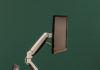
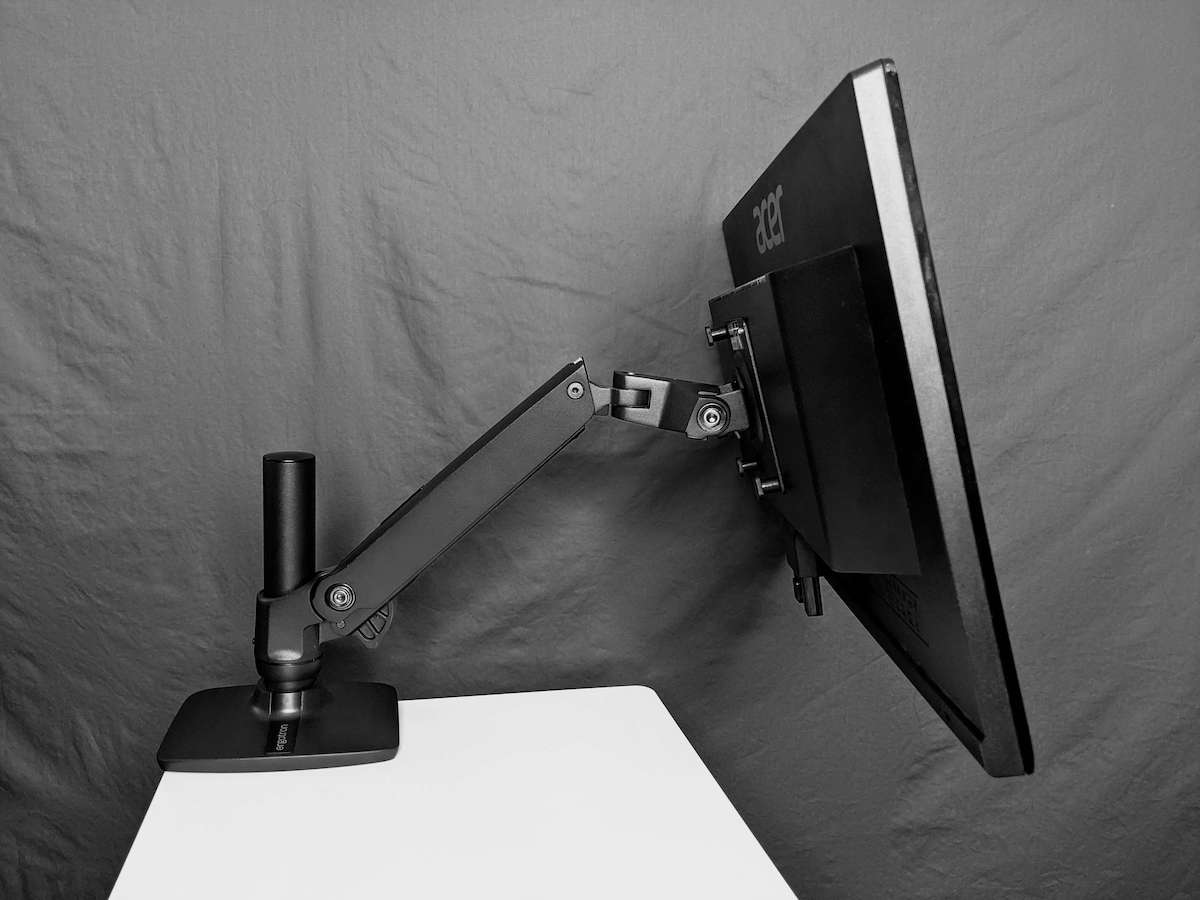
The LX HD is the heavy-duty branch of Ergotron’s famous LX family, and “heavy-duty” is not marketing: it’s rated for panels up to 42 lbs and 49 inches, which means a 34-inch ultrawide sits in its comfort zone with margin to spare. The arm itself has real heft — recruit help for mounting if lifting isn’t your sport — and moves with the smoothness that heft buys: 180-degree swivel, 75-degree tilt, 360-degree rotation, plus a rotation-stop that keeps the arm from swinging into your wall. Industrial steel, a 10-year warranty, and cable management that actually routes a thick ultrawide’s wiring.
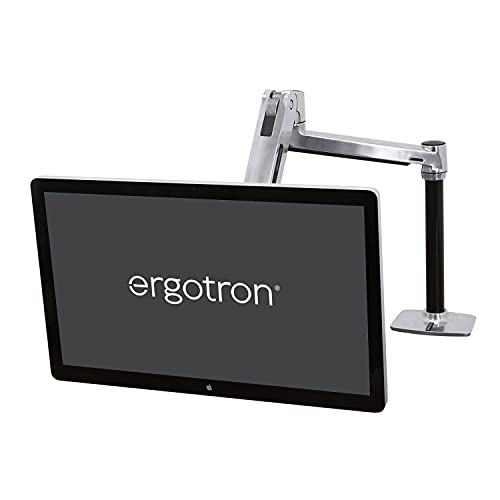
Now for the honest part: your stock cables will probably run short once they’re routed through the arm — buy longer ones with the mount — the tension-adjustment wrench takes a few tries to seat properly, and a minority of long-term owners report the base’s Allen bolts stripping after months of frequent readjustment, so snug them correctly the first time rather than cranking. Stock also flows through third-party sellers, so compare the price against Ergotron’s own store before clicking. None of it moves the verdict: for a 34-inch ultrawide, this is the arm.
Related post: Top 5 best Ergotron Monitor Arms – best warranties in the market
EchoGear Single Monitor Arm — Best Value Tension-Tamer
Big monitors droop — that’s the category’s chronic disease — and EchoGear’s cure is adjustable tilt tension via included extra screws, so your ultrawide holds the angle you set instead of slowly bowing to gravity. The range of motion covers the essentials: 90-degree tilt, 180-degree swivel, 12 inches of forward extension, easy vertical and horizontal repositioning. Assembly lands under 30 minutes with genuinely clear instructions, and the wobble-free C-clamp grips desks from half an inch to 3.25 inches thick — wider compatibility than most of the premium field.
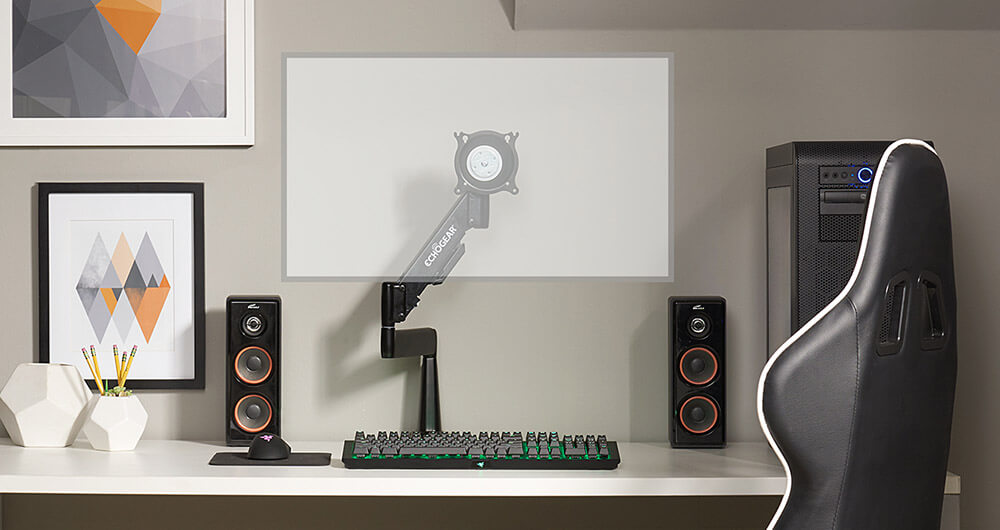
The honest part: every stability promise is conditional on tightening the screws properly — the handful of wobble complaints trace back to skipped torque, so bring five extra minutes and the included hex key. EchoGear’s listings rotate stock at retailers and its own echogear.com; either route gets the same hardware and the brand’s cheerfully competent support.
Loctek Monitor Mount — Now Wearing the FlexiSpot Badge
The Loctek gas-spring mount earned its spot on premium feel: substantial weight, heavy-duty build, silky repositioning, and a range of 85 degrees up / 15 degrees down — with the honest asterisk that a 34-inch panel won’t use all of that downward travel. The cable management does an okay job (heavy multi-cable setups will want extra ties), and the customer service was a bright spot in our dealings.
The 2026 part of the story: Loctek is the parent company that folded its consumer energy into FlexiSpot — the full saga is in our Loctek review — so this mount’s descendants now sell as FlexiSpot monitor arms, same gas-spring engineering, easier-to-find listings. The old quirk carries over too: the tension adjustments integrate into the arm itself and take some getting used to. Once tuned, it holds a big LCD without a tremor.
Monoprice Workstream Dual — What Happened to the Budget King
The Workstream dual slid “like butter on hot toast” — a gas-spring system that raised, lowered, and repositioned two 34-inch panels (19.8 lbs each) with no wobble and no drama, at a price the premium brands couldn’t see without binoculars. Its limits were structural: modest tilt flexibility, which is physics when two large monitors share one mount.
The honest part, 2026 edition: the exact listing we tested has cycled off Amazon. Monoprice itself is alive and the Workstream line continues at monoprice.com, where the current dual gas-spring arms carry the same value DNA. If you’d rather stay on Amazon for the dual-ultrawide brief, the HUANUO dual mount we’ve reviewed covers the same side-by-side territory — interior designers and financial pros, your chart-comparison layout survives.
How to choose the Best Monitor Arm for 34 inches ultra wide?
Is a 34-inch monitor good for work, and is it the right size for gaming? Yes, and yes: enough screen real estate for serious multitasking, enough peripheral view to sink into a game world. (If you want the absolute maximum, 49-inch super-ultrawides exist — and demand even beefier arms, which is why the LX HD’s 49-inch rating future-proofs the purchase.)
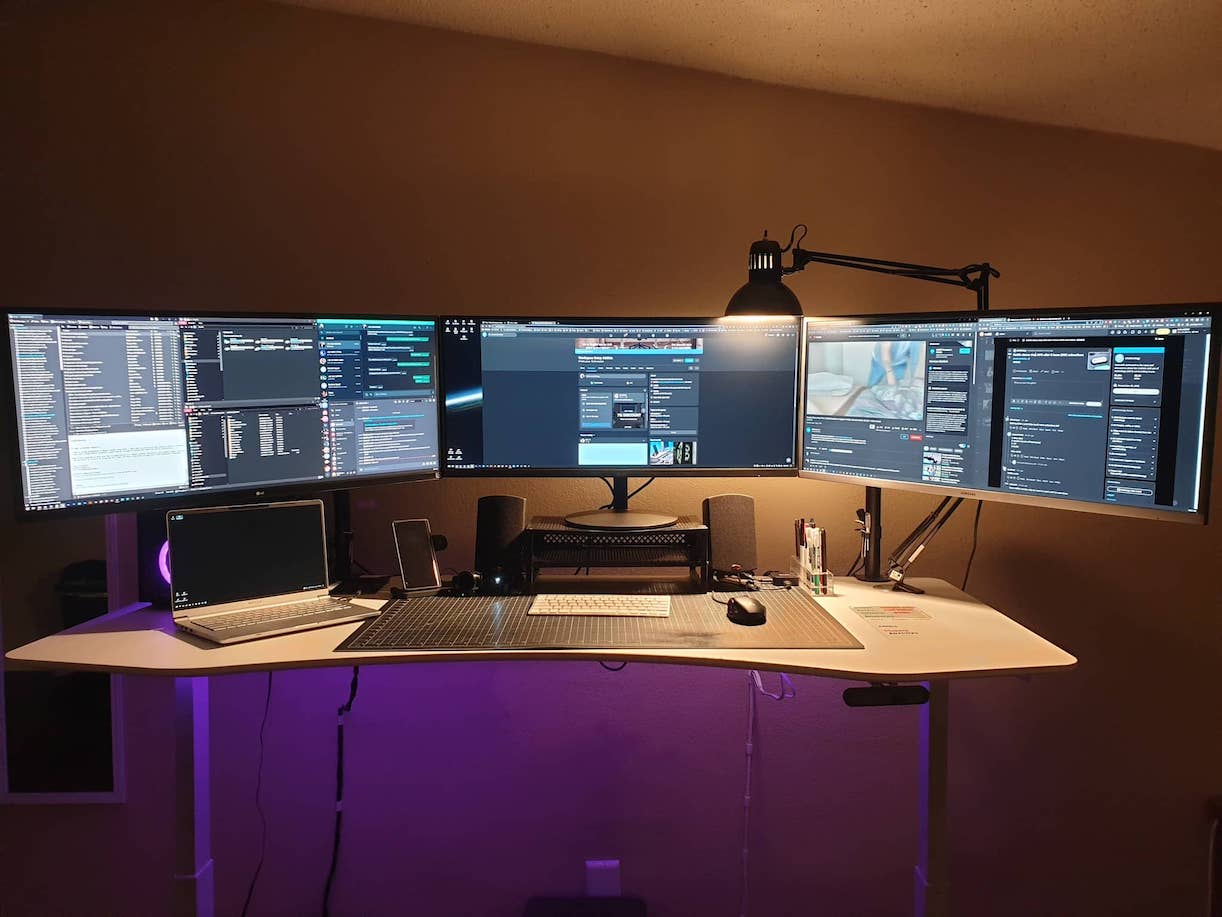
When choosing an arm for your ultrawide, weigh these in order:
Weight of your monitor. The most important number on the page. A 34-inch panel can weigh 20 lbs, and plenty of arms are rated only for 27-inch screens — under-rate the mount and it can come crashing down with your monitor aboard. Check the arm’s rating against your panel’s spec-sheet weight, stand included if it stays attached.
Available space. Small desk: pick an arm that folds close to the wall when parked. Big desk: a robust long-reach arm earns its footprint. Freestanding bases suit desks that can’t take a clamp at all.
Mounting options. Clamp for thick desks, grommet for thin ones — and if you’re not sure where the arm will live long-term, pick one that ships with both, as most of the arms on this list do.
Range of motion. Swivel, tilt, and rotation determine whether the monitor meets your eyes or your eyes meet the monitor. Ultrawides rarely rotate to portrait (physics again), but tilt and swivel you’ll use daily.
Adjustability. Fixed-height arms fit one body; height-adjustable arms fit whoever sits down. If the desk is shared — or you alternate sitting and standing — adjustability is non-negotiable.
Cable management. An ultrawide brings power, DisplayPort, USB hub wiring, and more. Integrated routing keeps the floating-screen illusion intact; without it you’ve mounted a monitor on a curtain of cables.
Price and features. The field runs from budget gas-springs to 10-year-warranty tanks. Pay for the weight rating first, the warranty second, and the polish third — in that order, regret is impossible.
Conclusion
If your big LCD is drooping and wobbling, the fix is an arm actually rated for it. The 2026 shortlist: Ergotron LX HD for the definitive buy-once answer, EchoGear for value with tamed tilt tension, FlexiSpot’s Loctek-descended mounts for gas-spring smoothness, and Monoprice’s successors (or the HUANUO) for dual setups. Rated capacity first, everything else after — your ultrawide is worth the arithmetic. For the broader field beyond ultrawides, our best monitor arms guide has the full map.
Last updated: August 30, 2026 — full 2026 refresh: LX HD boxed and re-verified, Monoprice retirement noted, guide expanded.