
You bought the dream workstation; now keep it dreamy. Standing desks are low-maintenance machines, but they are machines — a motor, a controller, moving legs, and a surface that takes daily abuse. This care guide, refreshed for 2026, covers the few habits that keep a sit-stand desk working (and looking) new for a decade.

If you’re still choosing the desk itself, start with our standing desk rankings or the converter guide — then come back here to keep it pristine.
TLC for the desktop
Cleaning laminate and bamboo tops
Dust regularly with a microfibre cloth (it beats a feather duster by a mile). Coffee spills come off with warm soapy water on a sponge, wiped dry with a paper towel afterward. Two rules that save desktops: never use ammonia or harsh chemical cleaners — they lift laminate and strip finishes — and never leave the surface wet, because trapped moisture is how laminate bubbles and bamboo grows mold. Stubborn stains surrender to repeated gentle soapy passes, not to stronger chemistry.
Wood desktops
Solid wood takes the same cleaning routine but rewards extra love: a coat of paste wax every six to twelve months keeps the finish sealed and the rustic sheen alive, and an occasional wipe of lemon oil conditions the grain while discouraging the tiny critters that like to snack on untreated wood. Ten minutes twice a year — that’s the entire wood-ownership tax.
How to deal with scratches
Scratches and dents are inevitable on a busy workstation — scissors, staplers, and paper clips see to that. Light ones buff out with a fine steel-wool hand pad: work gently until the scratch fades, then wipe the dust away. For the deep, ugly ones, a scratch-cover polish is the lemonade play: buff the area first, work a dollop in with a clean cloth following the wood grain, then wipe off the excess. On laminate, prevention matters more, because what’s scratched through stays scratched — which brings us to the habits below.
Prevention is better than cure
Always use a coaster. Hot mugs and icy glasses both attack the sealant — heat delaminates, condensation seeps. A hot ramen bowl gets a placemat, no exceptions.
Don’t let liquid sit. Spills happen; puddles are a choice. Dab spills immediately with a dry paper towel or sponge — dab, never rub, because rubbing drives water into seams and edges.
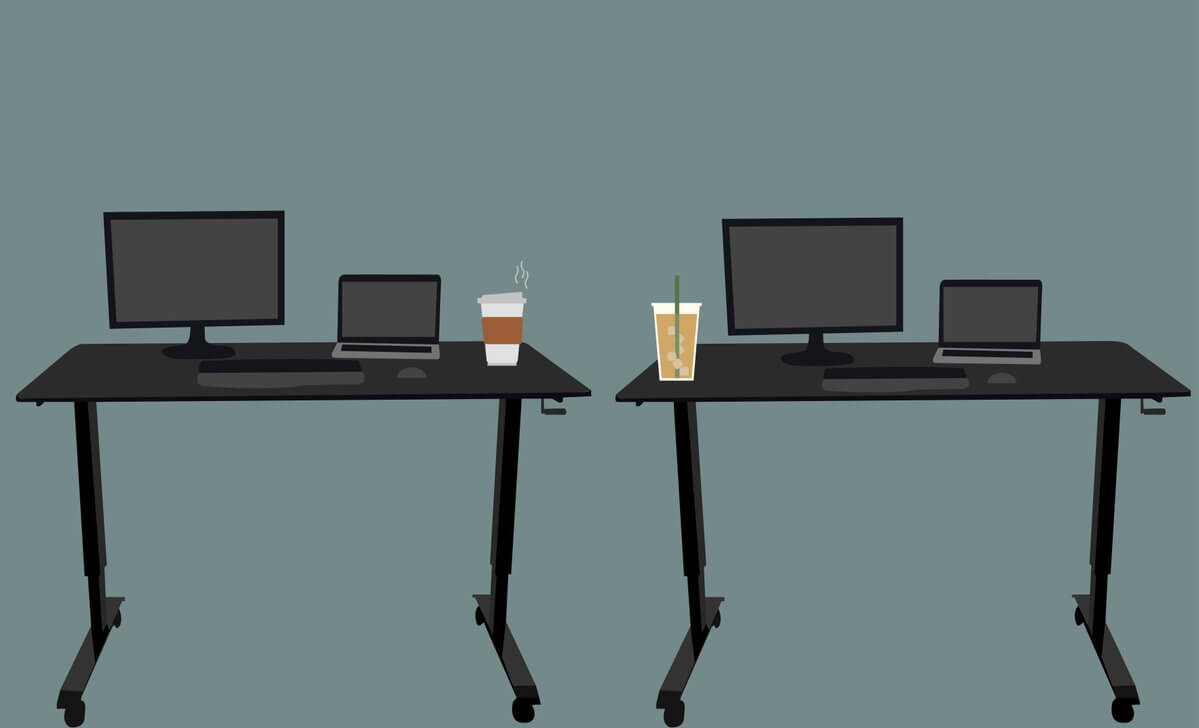
Use a mouse pad. Bare mousing slowly sands a shiny patch into any finish — and the pad tracks better anyway.
Write with a pad under the paper. Heavy handwriting embosses laminate and soft wood, and ballpoint pressure marks are forever. A clipboard or desk pad costs nothing.
Never sit on the desk. Weight ratings assume distributed load, not a concentrated human on one edge. Perching on a raised electric desk stresses the frame, the top, and — if it gives way — you.
Taking care of the motor
Don’t tax the capacity. The weight rating is a ceiling, not a target. Living near the limit slows adjustments, strains the motor, and adds wobble; a comfortable margin keeps transitions quick and quiet for years.
Don’t interrupt the desk mid-motion. Anti-collision sensing exists for accidents, not entertainment. Repeatedly stopping and reversing the lift wears the mechanism — let each adjustment finish.
Keep liquids away from the electronics. A toppled drink that finds the control box or motor housing turns a cleaning problem into a warranty conversation. Related rule: never leave a full mug on the desk while it’s moving.
Check your pens. A leaking pen is the most stubborn stain a desktop ever meets. Thirty seconds of cap-checking beats an hour of scrubbing.
Common problems with an electric standing desk
Electric desks are more convenient than crank models and correspondingly more prone to glitches. When the motor “dies,” run this checklist before calling anyone:
First, check the plug — feet unplug cables more often than anyone admits. Second, clear obstructions above and below: a chair armrest, a windowsill, a storage box can all stop the travel (and a desk that suddenly reverses direction is usually its anti-collision system meeting one of these). Third, reset: unplug the desk, hold the down button about ten seconds, replug, and try again — most brands use some version of this sequence, so check your manual for the exact ritual. If the motor still won’t respond after a reset, stop there and contact the manufacturer: opening the motor housing yourself usually voids the warranty that would have fixed it for free. (More fixes live in our repair guides family, and if the desk is simply old and tired, the frame guide covers transplant options.)
Conclusion
A cared-for sit-stand desk is a decade appliance; a neglected one is a three-year regret. The whole regimen is coasters, prompt spill duty, a mouse pad, sane loading, and letting the motor finish its moves — ten minutes of habit a week to protect the biggest piece of equipment in your office.
Last updated: August 30, 2026 — full 2026 refresh: guidance modernized against current evidence, internal links updated, original imagery retained.