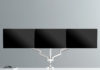

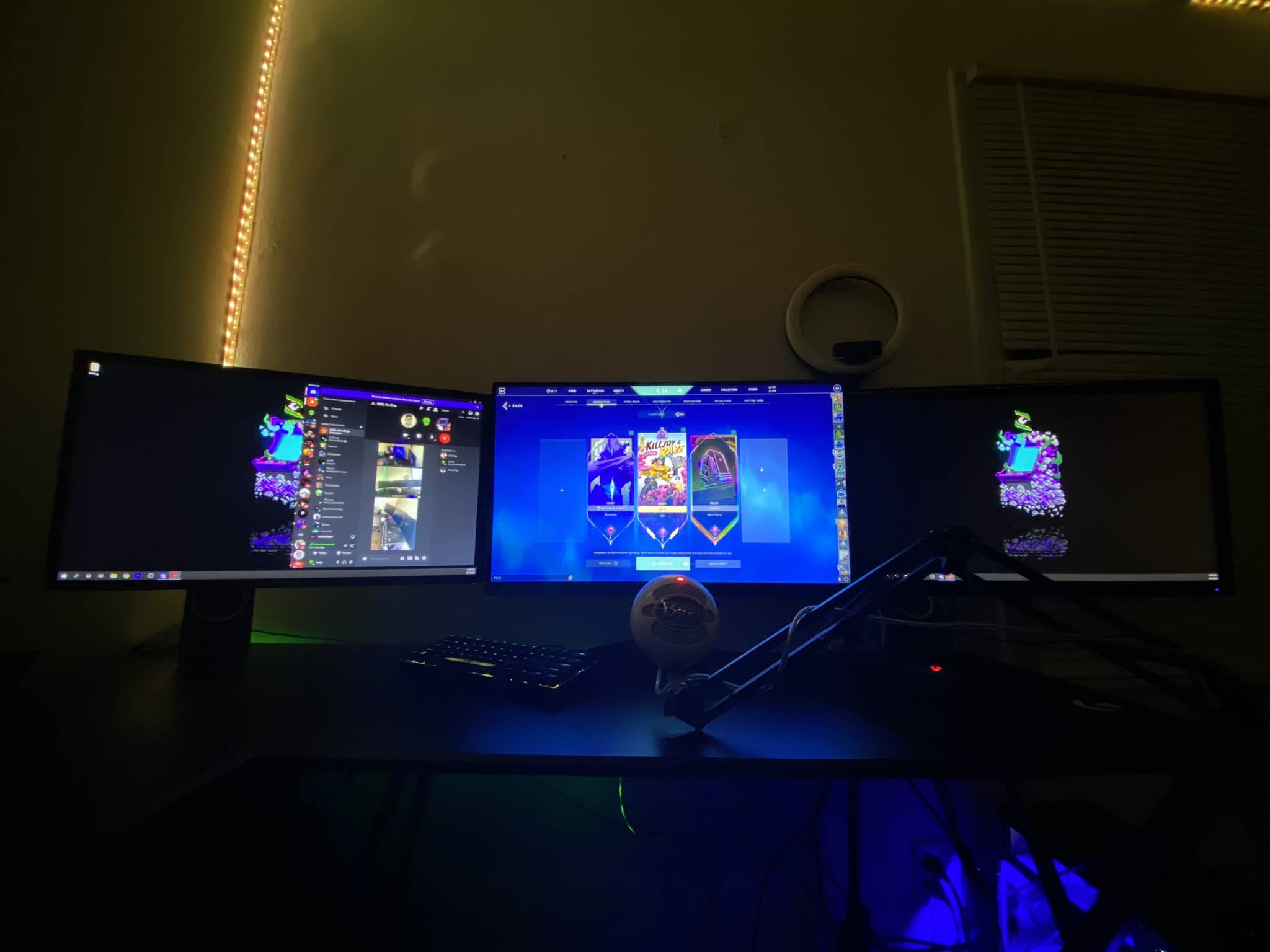
A triple monitor stand floats three screens on one mount and hands you back the desk they were squatting on. We re-verified the field for 2026, and the market has consolidated: the Mount-It! is still the best all-round pick (side-by-side, built like plumbing), the HUANUO is the articulation king for restless repositioners, the WALI is the easy-install 2-over-1 value with a 10-year warranty, and the VIVO STAND-V103 is the big-desk flexer. Three former picks — TechOrbits, LANGRIA, AVLT — have left the building; their eulogies are below the picks.
- Top 5 best Ergotron Monitor Arms – best warranties in the market
- Vari Dual Monitor Arm review – Enjoy more Flexibility and More Range of Motion
Best Triple Monitor Stands in 2026 — the four still standing
Mount-It! Triple Monitor Stand — Best Overall
Alloy and metal nearly everywhere, plastic almost nowhere — the Mount-It! feels solid because it is, and its 46-lb combined capacity carried our three 32-inch monitors without a shrug. The three counter-balanced gas-spring arms sit side by side (the chart-comparison layout architects, designers, and financial analysts live in), each arm’s tension adjusts with an Allen wrench for a snug fit, and the base clamps or grommet-mounts in minutes. Bonus points for the built-in USB, audio, and microphone ports at the base — cables from three monitors route cleanly if your wiring is reasonably pliant.
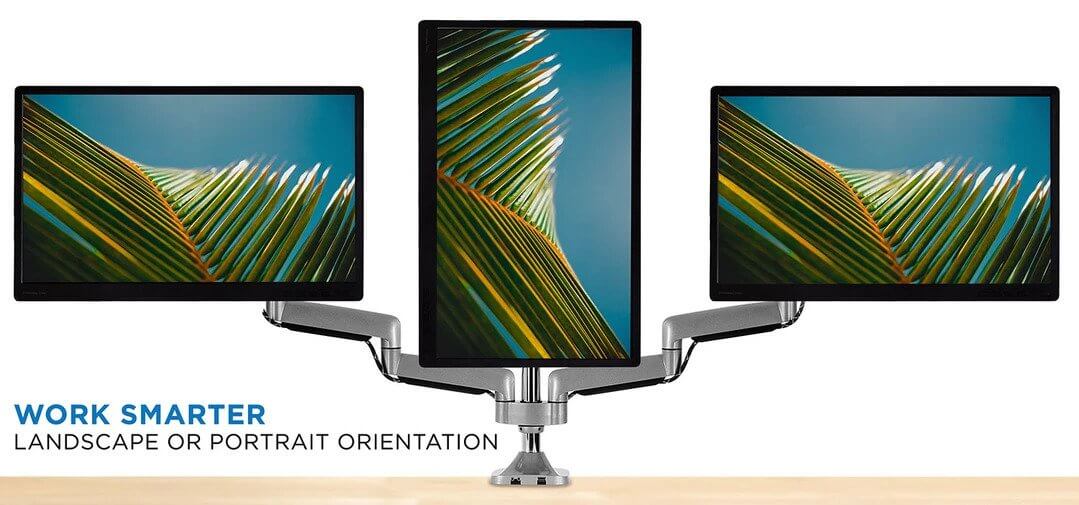

Now for the honest part: the center mount doesn’t adjust forward and back — the wings articulate, the middle holds court — and most “it sagged” complaints trace to skipping the tension adjustment, so do the Allen-wrench ritual before mounting. Thick, stiff cables also fight the cable channels. None of it dents the verdict: this is the triple stand we’d buy first.
HUANUO Triple Monitor Stand — Best Articulation
Our favorite fully-articulating triple: three gas-spring arms that hold 17-to-32-inch screens without sagging or bending, each capable of a full 360-degree rotation. If you reposition monitors several times a day — portrait for code, landscape for video, pulled close for detail work — this is the one that never argues. The cable management runs the wires along the arms themselves, sleek enough to survive all that motion, and the whole unit is genuinely heavy-duty.
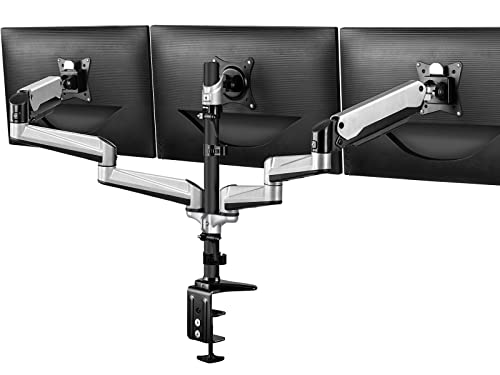
The honest part: all that articulation needs room — leave at least 5 inches between desk and wall, and accept that the arms eat real estate. Tight spaces should look at the WALI below instead.
WALI Triple Monitor Stand — Best 2-over-1 Value
WALI’s take mounts two 27-inch screens side by side with the third floating on top — the pyramid layout — on a height-adjustable 31.5-inch pole that doubles as a stability spine. Installation is the category’s easiest: hardware arrives labeled in pouches, the instructions are dummy-proof, and the included VESA screws have plastic handles you turn by hand instead of the fiddly knobs that usually make monitor alignment a swear-word exercise. Each arm rotates 360 degrees for quick portrait flips, construction is aluminum and steel, and the warranty is a Ergotron-grade 10 years.
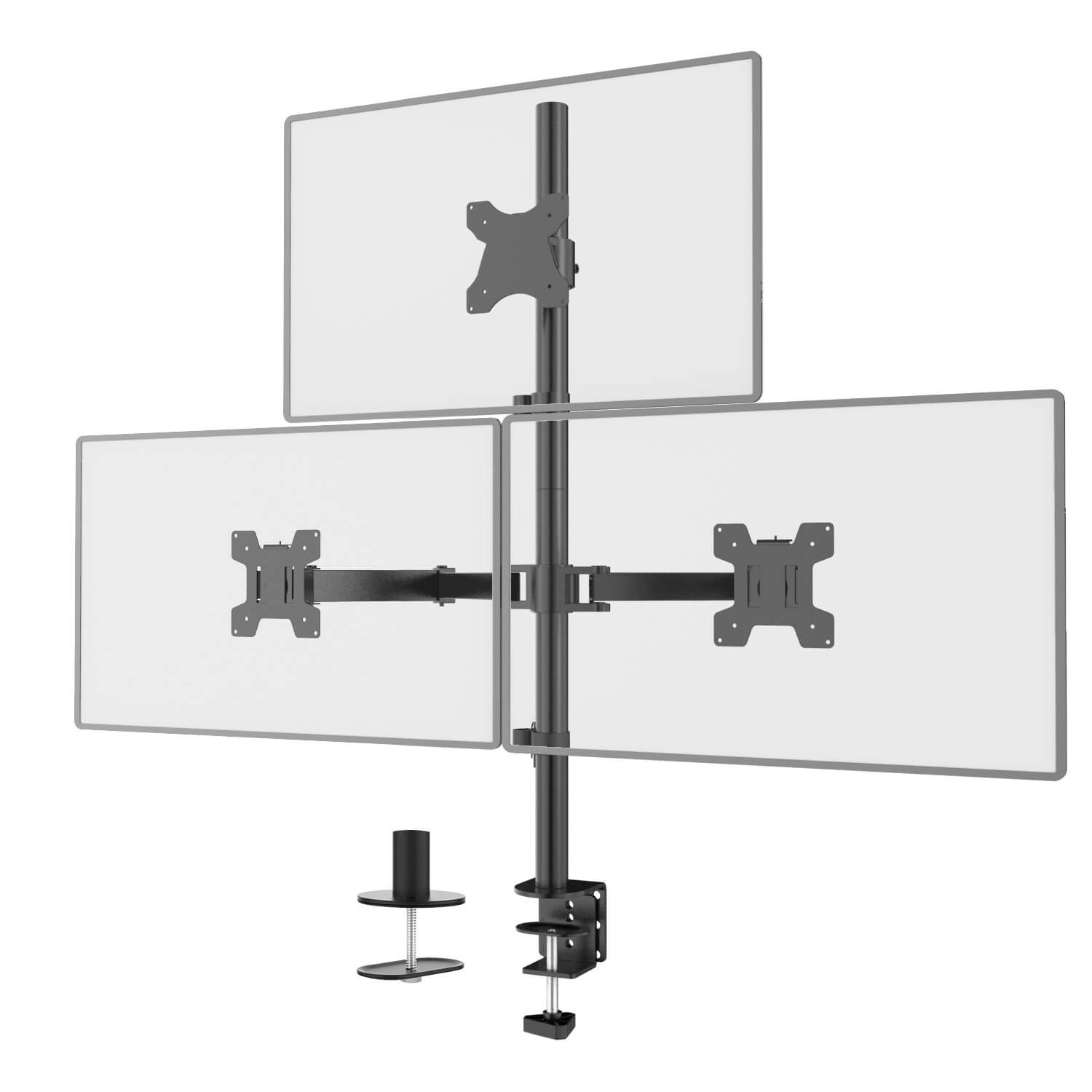
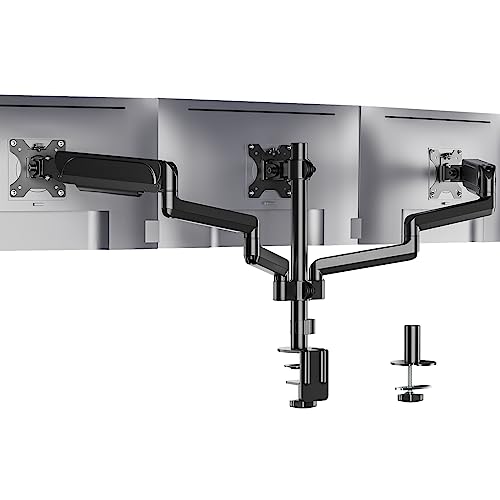 WALI Triple Monitor Mount, 3 Monitor Stand Desk Mount with Premium Gas Spring Arm for Screens up to 27 inch, Mounting Holes 75x75 or 100x100 mm (GSDM003), Black
- Three full-motion arms
- 17,000-plus owner ratings
- Fits screens to 32 inches
- Sold by WALI storefront
- Workmanlike finish
- Patient tension setup needed
The honest part: the cable clamps run small — thick cables overflow them — and the 27-inch/22-lb-per-arm ceiling means 32-inch-screen owners shop elsewhere. For the pyramid crowd, it’s the easy call.
VIVO Triple STAND-V103 — Best for Big Desks
The VIVO’s selling point is range of motion: heavy-duty full tilt, swivel, and rotation across three 23-to-32-inch screens, holding its integrity even at maximum load. It’s the pick for frequent repositioners with room to spare — we’d call 39 inches of desk width the realistic minimum, and generous wall clearance the second requirement, because those long arms want to stretch.
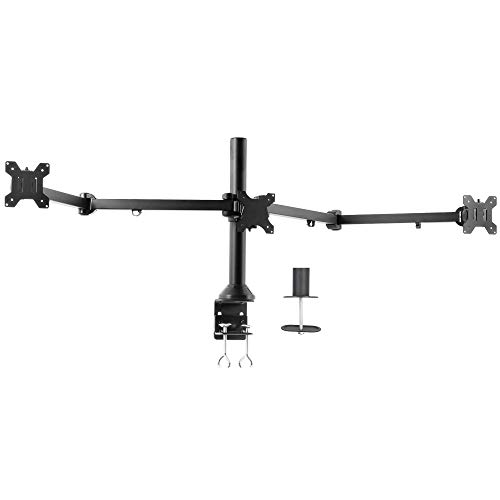
The honest part: the center screen always sits a few inches higher than the wings — no adjustment fully levels all three, so perfect-line purists should know going in — and on a small desk the arms crowd your face and bump the wall. Big desk, big room, happy VIVO.
The fallen three: TechOrbits, LANGRIA, AVLT
Three picks from earlier editions of this guide have vanished from the market — a routine hazard among Amazon-native accessory brands — and we’ve retired them rather than leave you clicking into voids.
TechOrbits offered the style play: floating gas-spring arms for screens up to 30 inches, premium feel without the premium tag, needing only periodic re-tensioning. Its niche — sharp looks, big screens, modest money — is covered today by the Mount-It! above, which matches the capacity and outbuilds it.
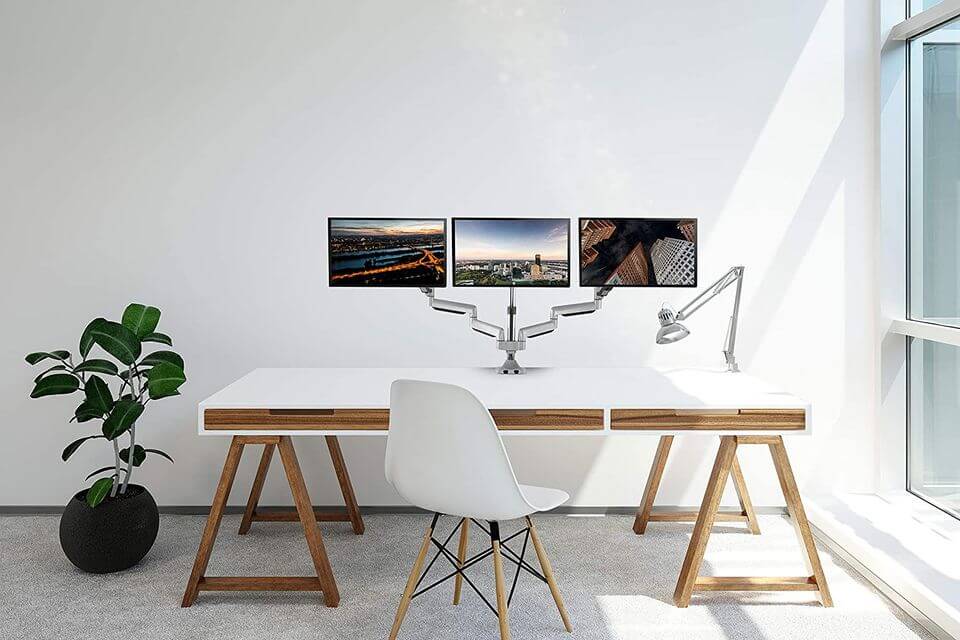
LANGRIA was the freestanding heavyweight — a 7mm chrome-plated forked base so solid it made clamps feel optional, with enough adjustability to stagger three screens at different heights on a 48-inch desk. Freestanding fans should now look at pole-based designs like the WALI, or accept the clamp life; nothing at LANGRIA’s price replicates that base today.
AVLT combined a pole mount with fully-extending 27-inch arms and a clever top-mount install (no under-desk spelunking), marred only by arms without true locking. Its pole-plus-articulation formula lives on in the WALI and VIVO above.
What to consider when choosing a monitor arm for three screens
No one shoe fits all — here’s the due-diligence checklist that separates a happy triple setup from an expensive regret.
Adjustment options
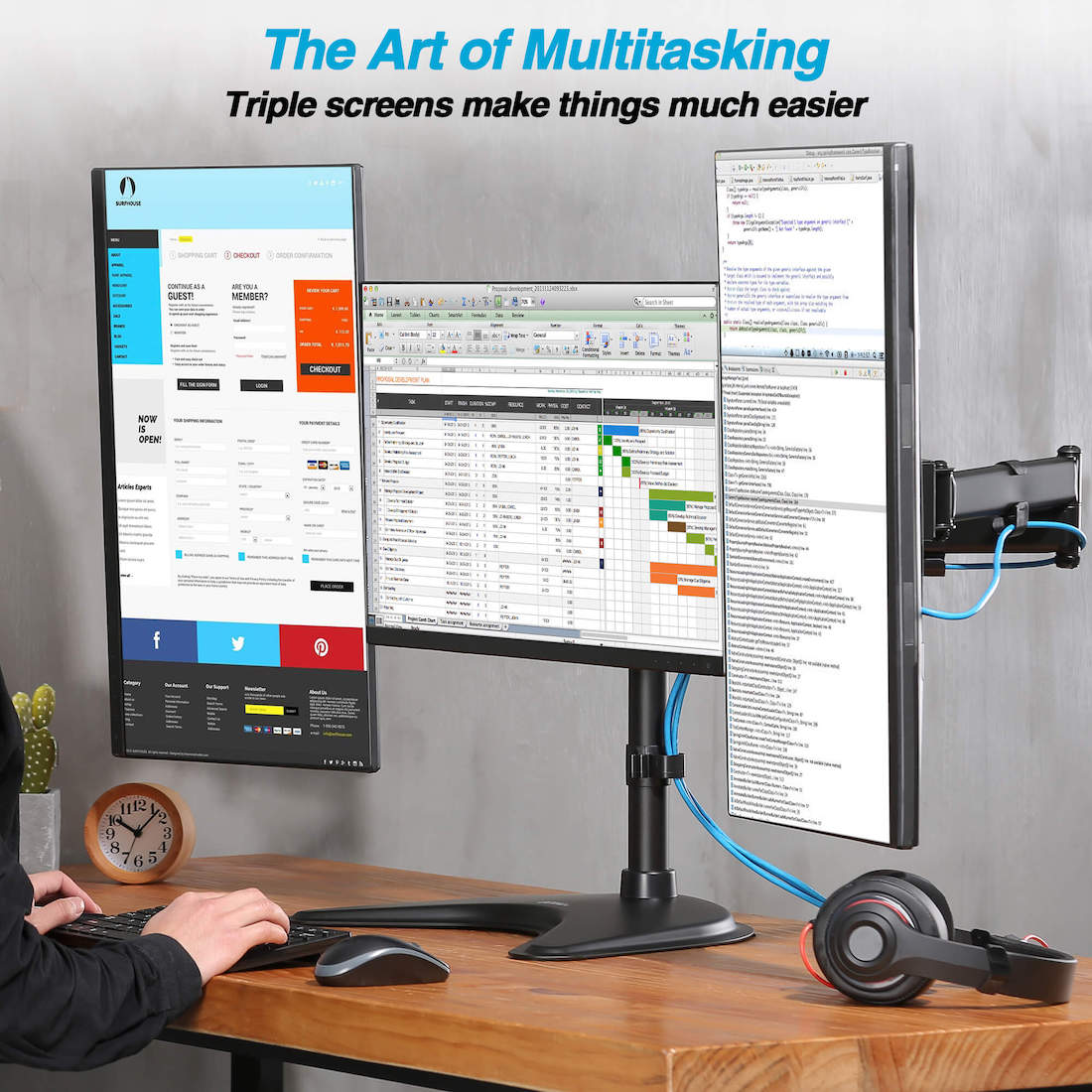
Check the stand’s height range, tilt degrees up and down, swivel, and how far the screens pull toward you; some units reposition monitors a full 360 degrees. The deeper distinction: fully articulating arms adjust each screen independently, while stacked designs move two screens around a stationary third. How much flexibility you need decides which family you’re shopping in.
Space
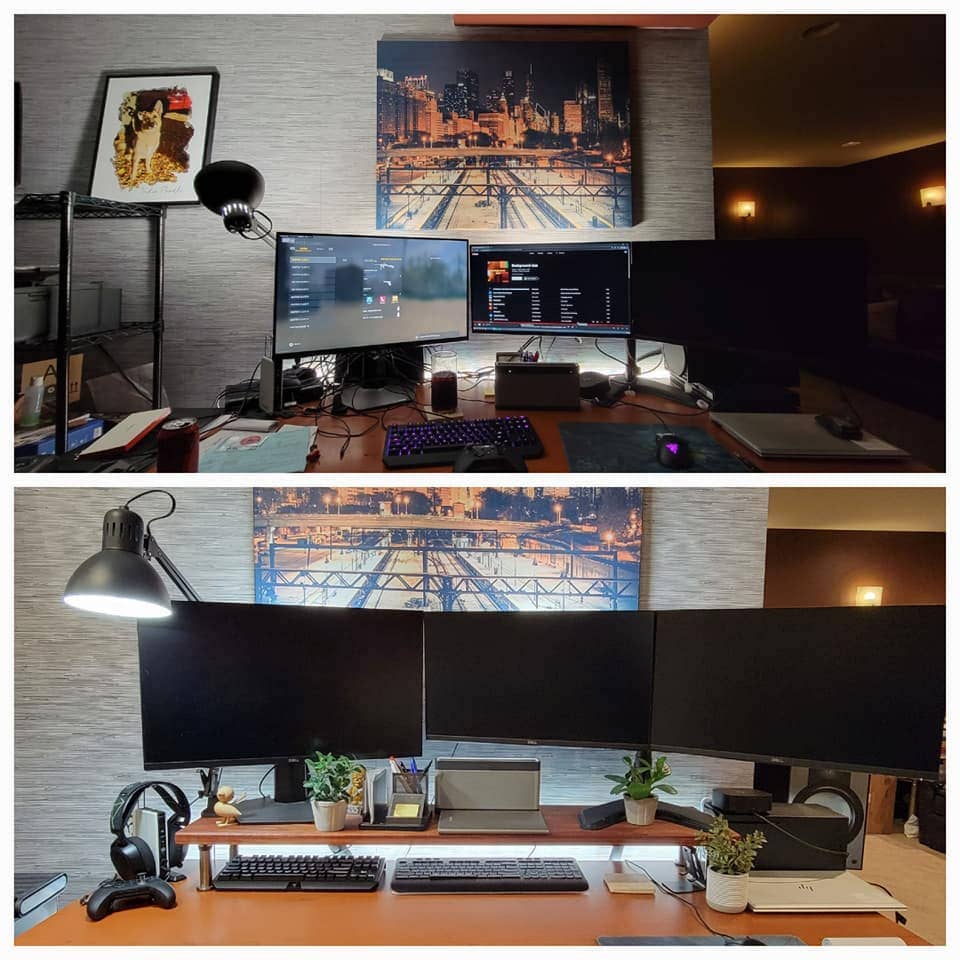
How big is your desk? Depth determines whether screens sit at focus distance or in your face. And the room matters too: a desk flushed against the wall starves articulating arms of clearance — different units need different breathing room to earn their keep.
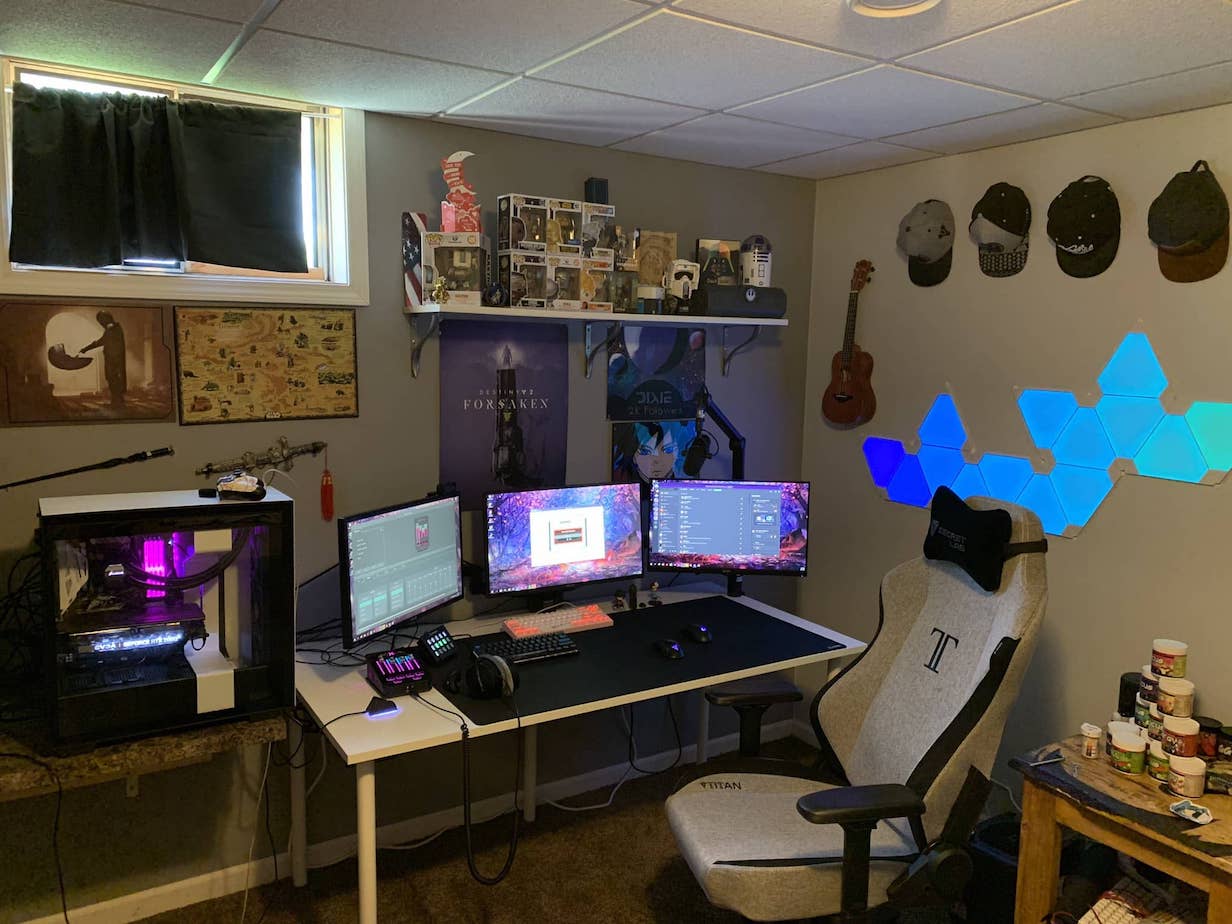
The standing desk
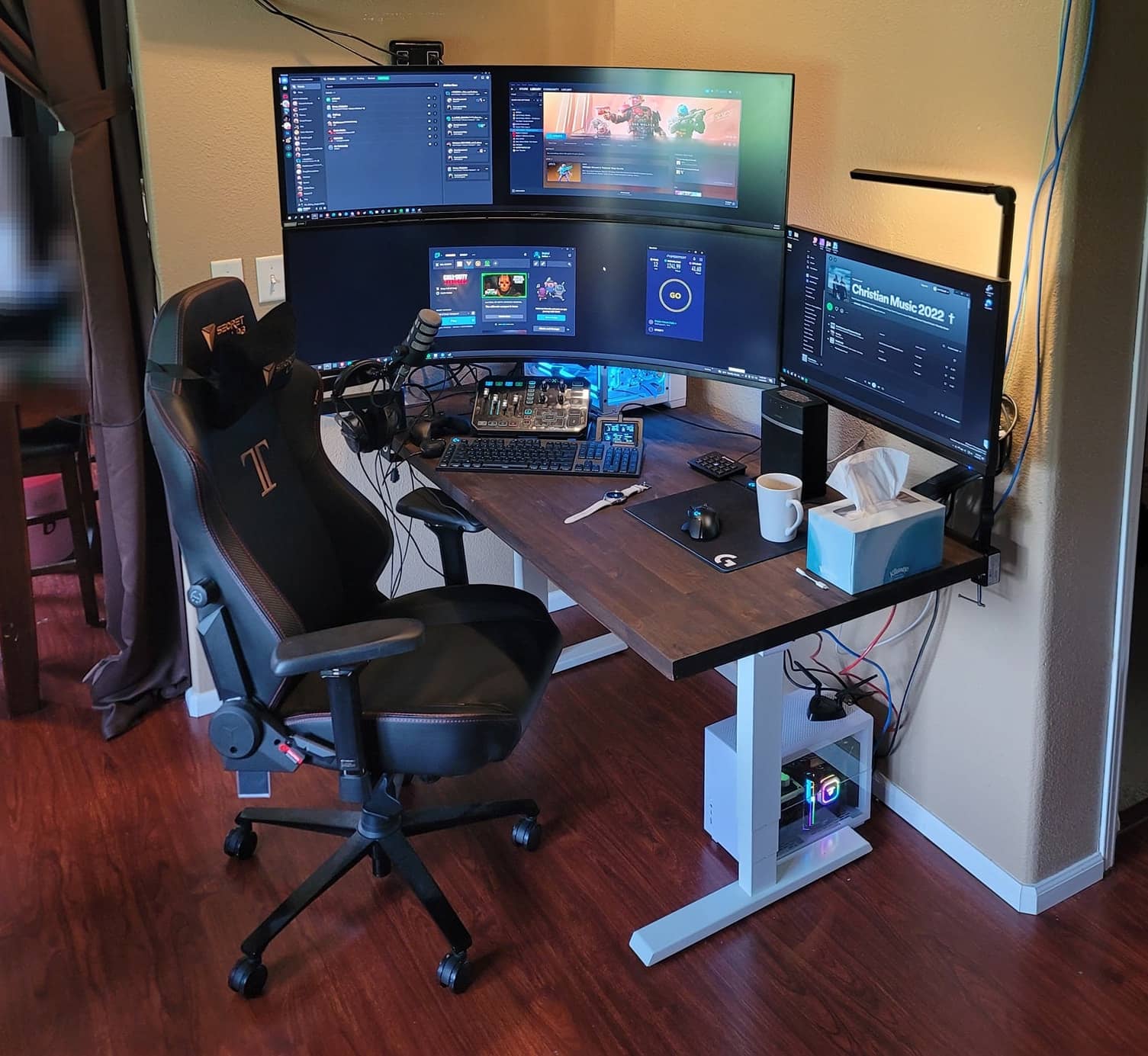
On a standing desk, the stand’s height range matters less — the desk itself adjusts. What matters is the mounting style: grommet, C-clamp, or freestanding. Not every sit-stand top takes a C-clamp, and every clamp has a recommended desk thickness that keeps the whole tower steady.
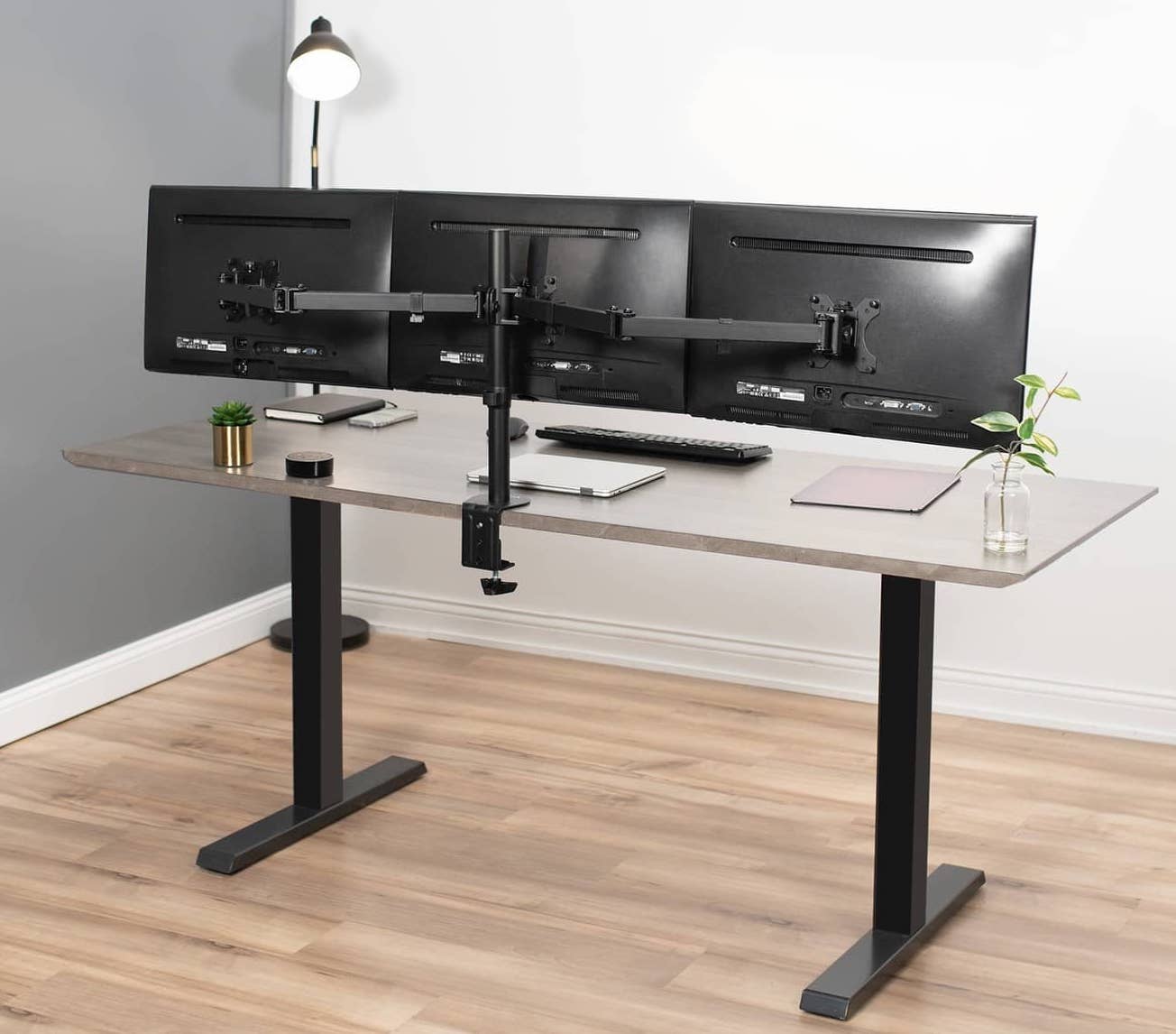
Weight capacity and size of monitors
How big are the screens, and how much do they weigh? Exceed the rated numbers and the result is sagging, bending, and monitors bumping shoulders. The per-arm rating is the one to read, not just the headline total.
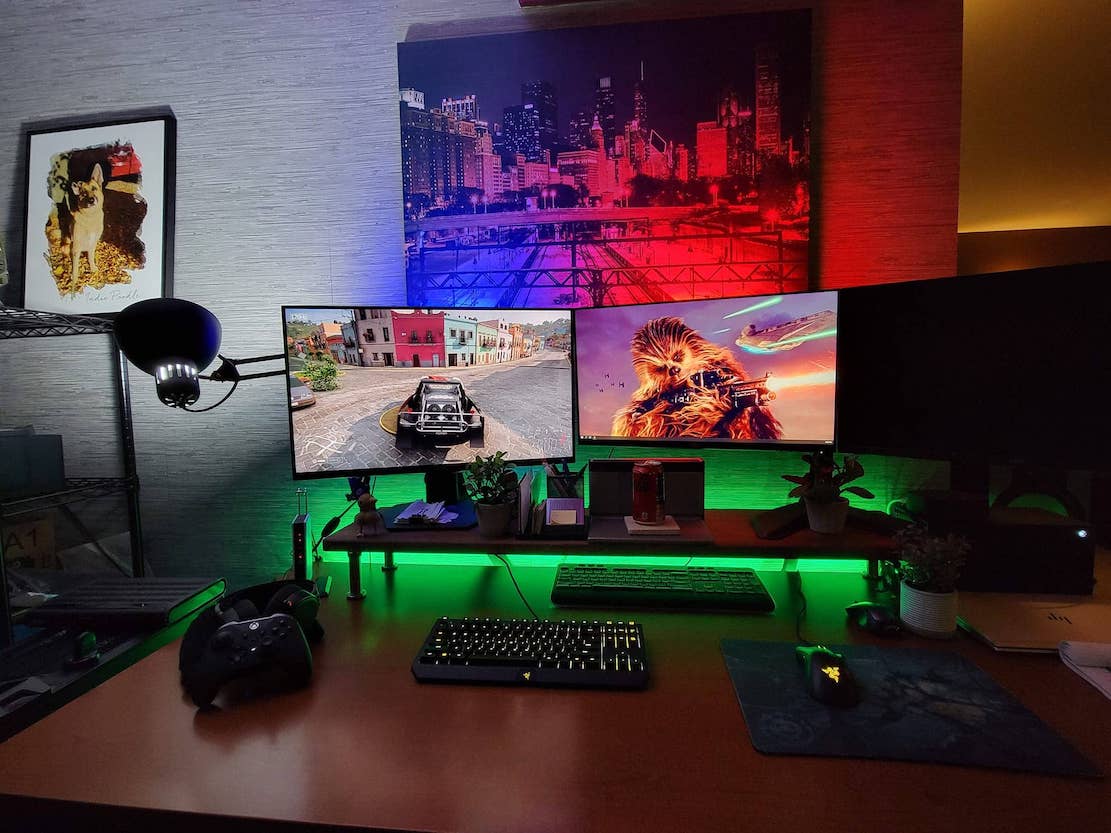
VESA compatibility
Every arm-mounted monitor needs a VESA match — check your screen’s pattern (75×75 and 100×100 are the common ones) against the stand’s plates before buying, or the two will never meet.
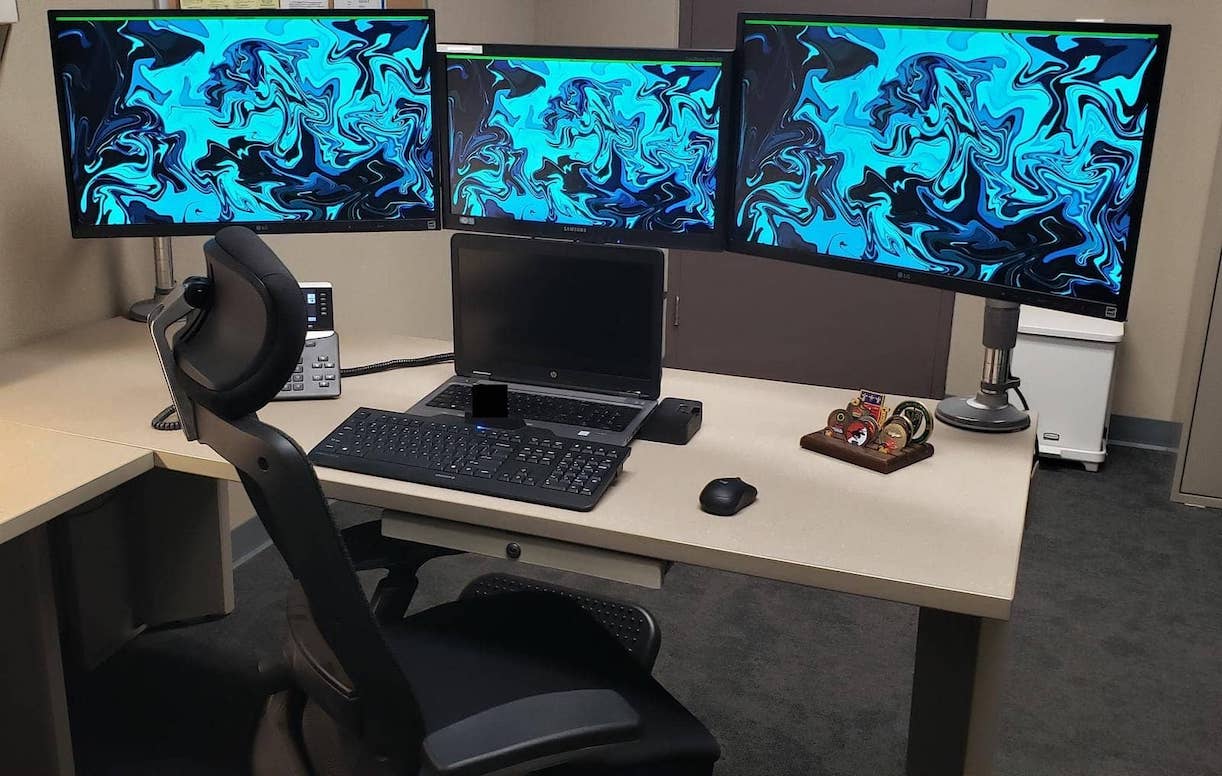
Warranty
Long warranties track with long lifespans — and with three screens aboard, an arm that fails takes expensive company down with it. The WALI’s 10 years leads this field; treat anything under 3 as a caution flag.
Conclusion
Four stands, four briefs: Mount-It! for the strongest all-rounder, HUANUO for maximum articulation, WALI for the pyramid layout and painless install, VIVO for big desks with room to swing. Match the mount to your desk’s depth, your screens’ VESA plates, and your repositioning habits, and three monitors stop being clutter and start being a cockpit.
- You may also like: How To Setup A Perfect Gaming Desk
Last updated: August 30, 2026 — full 2026 refresh: four picks re-verified with boxes, three retired brands given honest send-offs.