
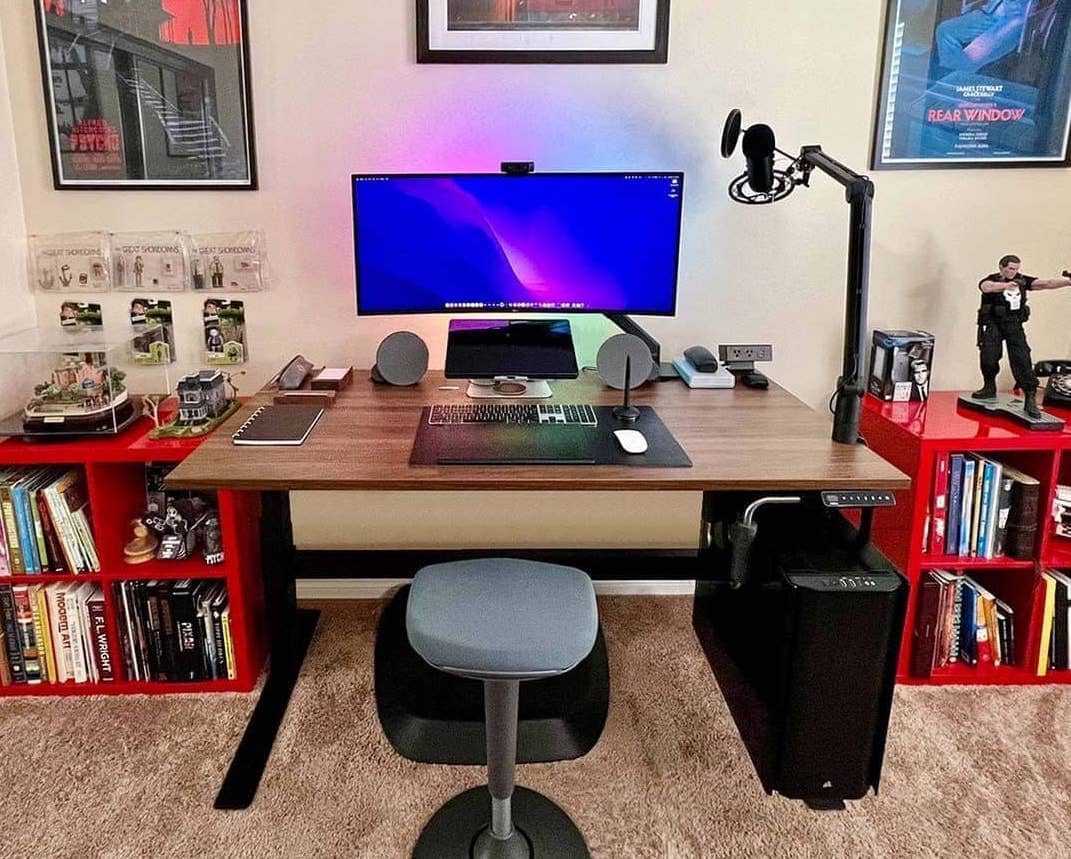
Jarvis vs UPLIFT V2 was the defining standing-desk rivalry of its era — and then the plot twisted: Fully wound down, and the Jarvis now lives on as a Herman Miller product, sold through the design giant’s own store. The desks themselves still share DNA and still deserve the head-to-head, so here’s our full comparison, re-verified for 2026, with the ownership change folded in.
Related showdowns: our standing desk rankings, FlexiSpot E7 vs UPLIFT V2, and Vari vs UPLIFT.
The spec table
| Standing Desk | Jarvis (now Herman Miller) | UPLIFT V2 |
| Height range | 25.5″–50.7″ on the 72×30 size (fits roughly 5’4″–7′); smaller sizes reach down to 22.9″ for shorter sitters | 25.3″–50.9″ standard (5’4″–7′); the Commercial frame drops to 22.6″–48.7″ for sitters from about 4’8″ |
| Lifting capacity | 350 lbs | 355 lbs (4-leg Commercial: ~535 lbs) |
| Tabletop sizes | Eight sizes from 30×24 up to 72×30 | Five sizes from 42×30 up to 80×30 |
| Warranty | 15 years frame, 5 years top | 15 years all parts |
| Memory presets | 4 | 4 |
| Assembly time (our build) | ~60 minutes | ~90 minutes |
| Top finishes | 10+ | 20+ |
| Where to buy now | Herman Miller’s store | upliftdesk.com (V3-series laminate desks also live on UPLIFT’s Amazon storefront — box below) |
Jarvis vs UPLIFT V2 — stability
The wobble question is the whole ballgame for anyone running two 27-inch monitors and a PC at full height. Both frames skip the crossbar, which is where wobble complaints usually start — but UPLIFT’s V2 generation added a wedge system at the frame base and tightened the leg fit, and that alternative bracing genuinely works: side-to-side motion at height is noticeably tamer than its V1 ancestor.

The Jarvis, with no wedge equivalent, shows side-to-side movement even around 36 inches and gets progressively chattier past the 40-inch mark. Its extended-range version is steadier than the midrange, and pairing a wide top (60 inches and up) with the frame helps — a big top on the narrow frame setting is the recipe for maximum wobble. (Full hands-on in our Jarvis bamboo review.)
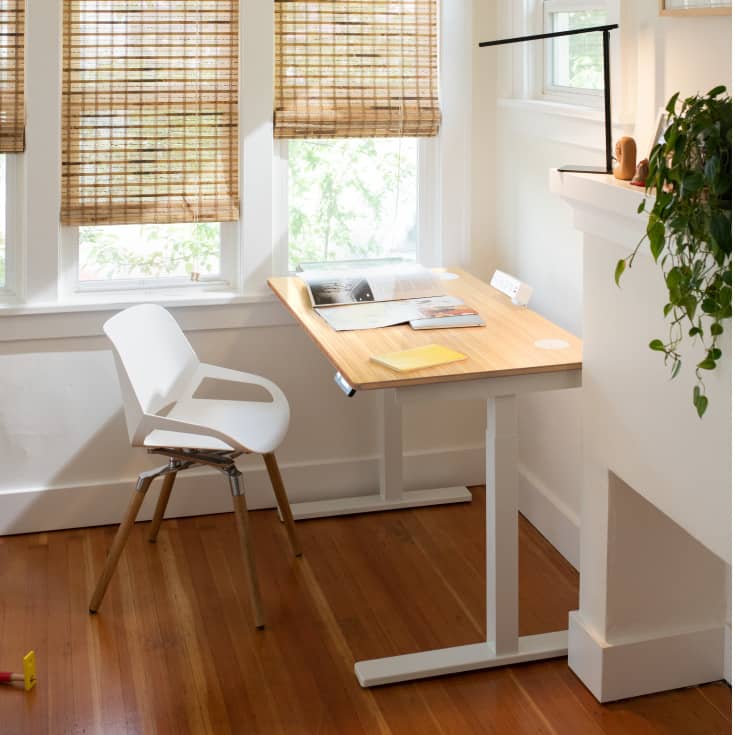
Monitor-arm note for either desk: a quality arm with the screen kept close to the post transmits far less desk motion than a cheap gas arm at full extension — the arm choice can matter as much as the frame.
Winner: UPLIFT V2 — and by a bigger margin if you spring for the 4-leg.
Weight capacity
On paper it’s a tie — 350 vs 355 lbs. In our over-limit stress tests (not recommended at home), both desks kept lifting past their ratings with the transition speed sagging toward one inch per second, and neither has overload protection, so treat the ratings as real ceilings. The difference-maker sits in UPLIFT’s catalog: the V2 4-leg Commercial lifts roughly 535 lbs on a larger workstation footprint.
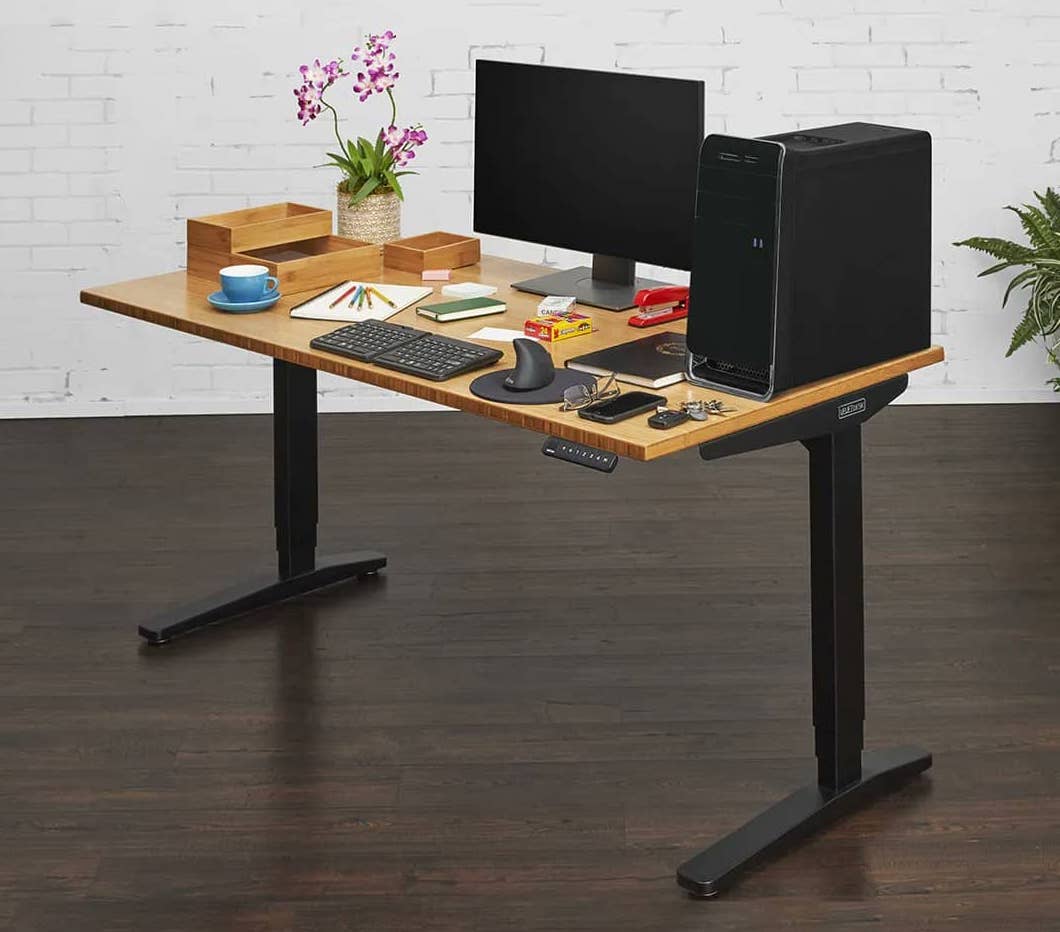
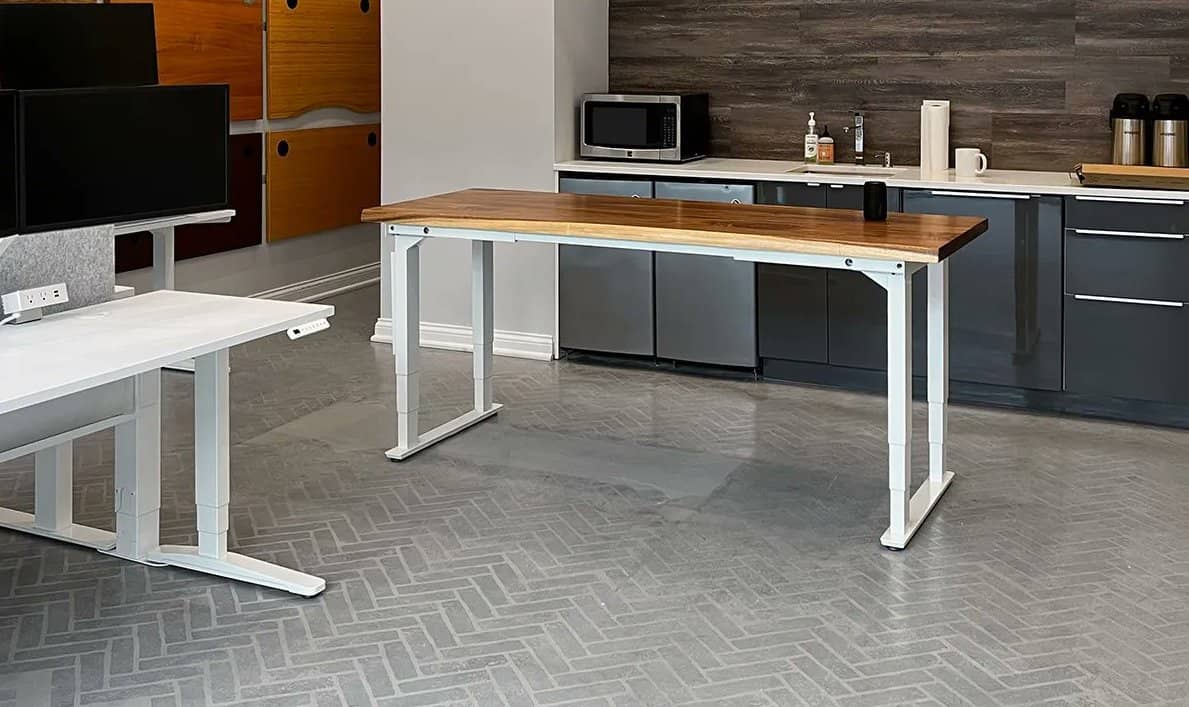
Is the 4-leg worth it purely for stability? The side-to-side and front-back motion does shrink, but the premium is easier to justify for the capacity and footprint than for wobble alone — against a wall, the 2-leg V2 already behaves. UPLIFT’s current V3-branded laminate desks carry the same lineage on Amazon through the brand’s own storefront:
 UPLIFT DESK V3 2-Leg Black Laminate Wood Standing Desk Adjustable Height, Advanced 1-Touch Memory Keypad, Under Desk Cable Management, Wire Grommets & Rocker Board (Black C-Frame, 48 x 30 inch)
- 355 lb capacity, 15-year warranty
- Goes as low as 22.6 inches
- Memory keypad and cable kit included
- Quick 16-screw, one-tool assembly
- Tops out at 48.7 inches
- Dark laminate loves fingerprints
- Price climbs fast past basic laminate
Winner of this round: UPLIFT V2.
How about the pricing?
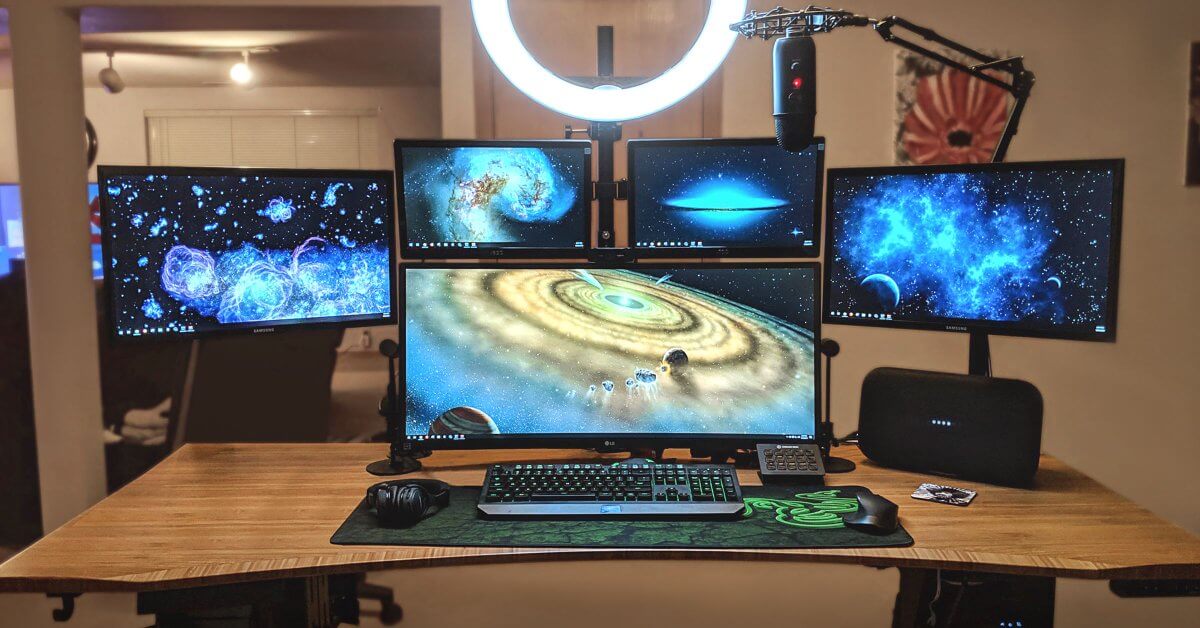
Both live in the premium tier, with the Jarvis typically undercutting the same-size UPLIFT by a modest gap that shrinks or vanishes with configuration choices — same class, same “you get what you pay for” economics. The Herman Miller move nudged Jarvis pricing and options around at the margins, so compare configured carts, not sticker prices.
Assembly
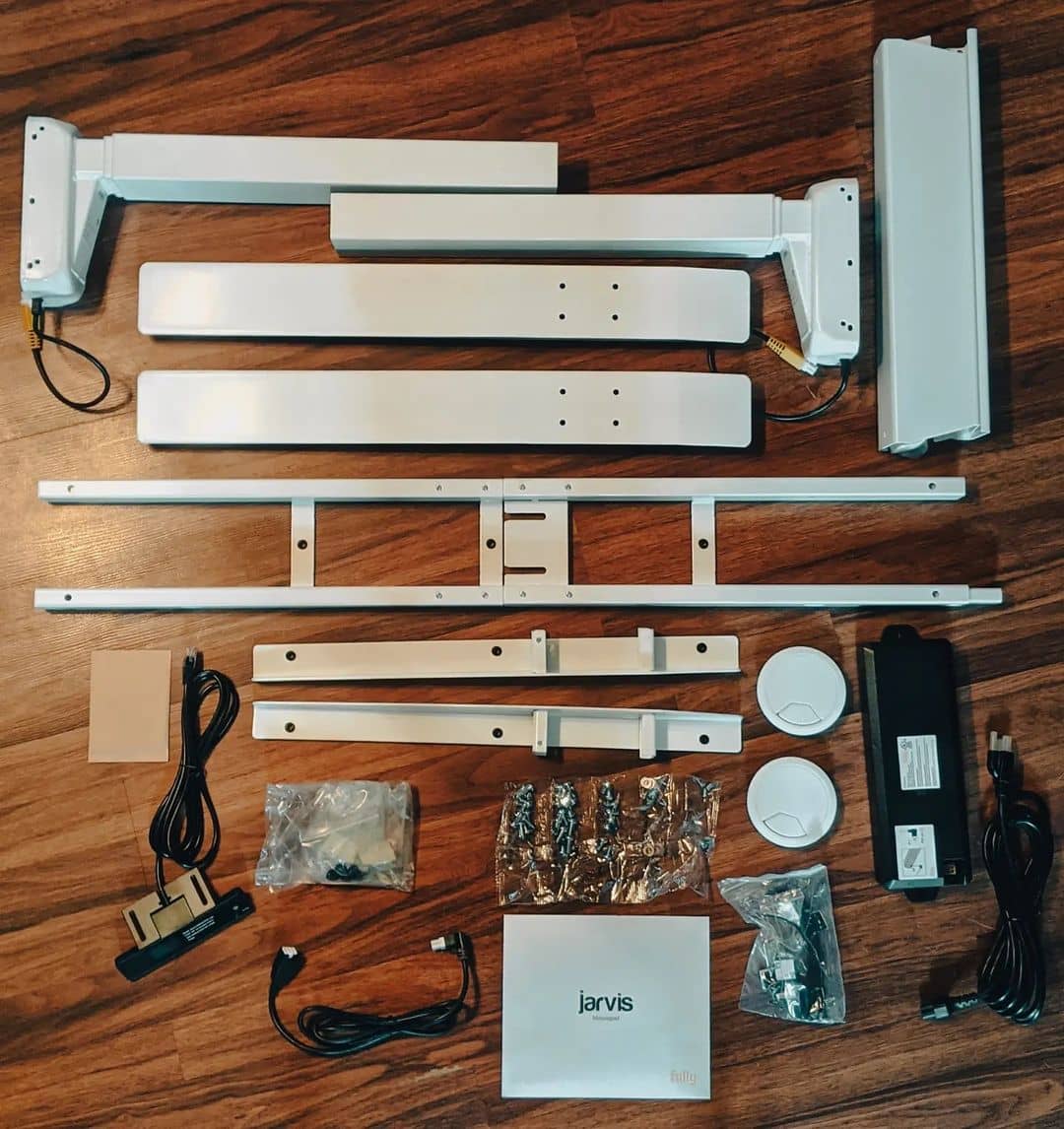
Neither desk is a ten-minute build. The Jarvis base alone ran us half an hour, alignment goes better with a second pair of hands, and the screws ship without washers — snug everything hard and consider thread-locker, because loosening over time is the known quirk. The UPLIFT counters with its own hardware blizzard and an included Allen wrench that makes the job painstakingly slow. Realistic budget: 60–90 minutes for either, cable management not included.
Winner of the installation: Jarvis, by a nose.
Design
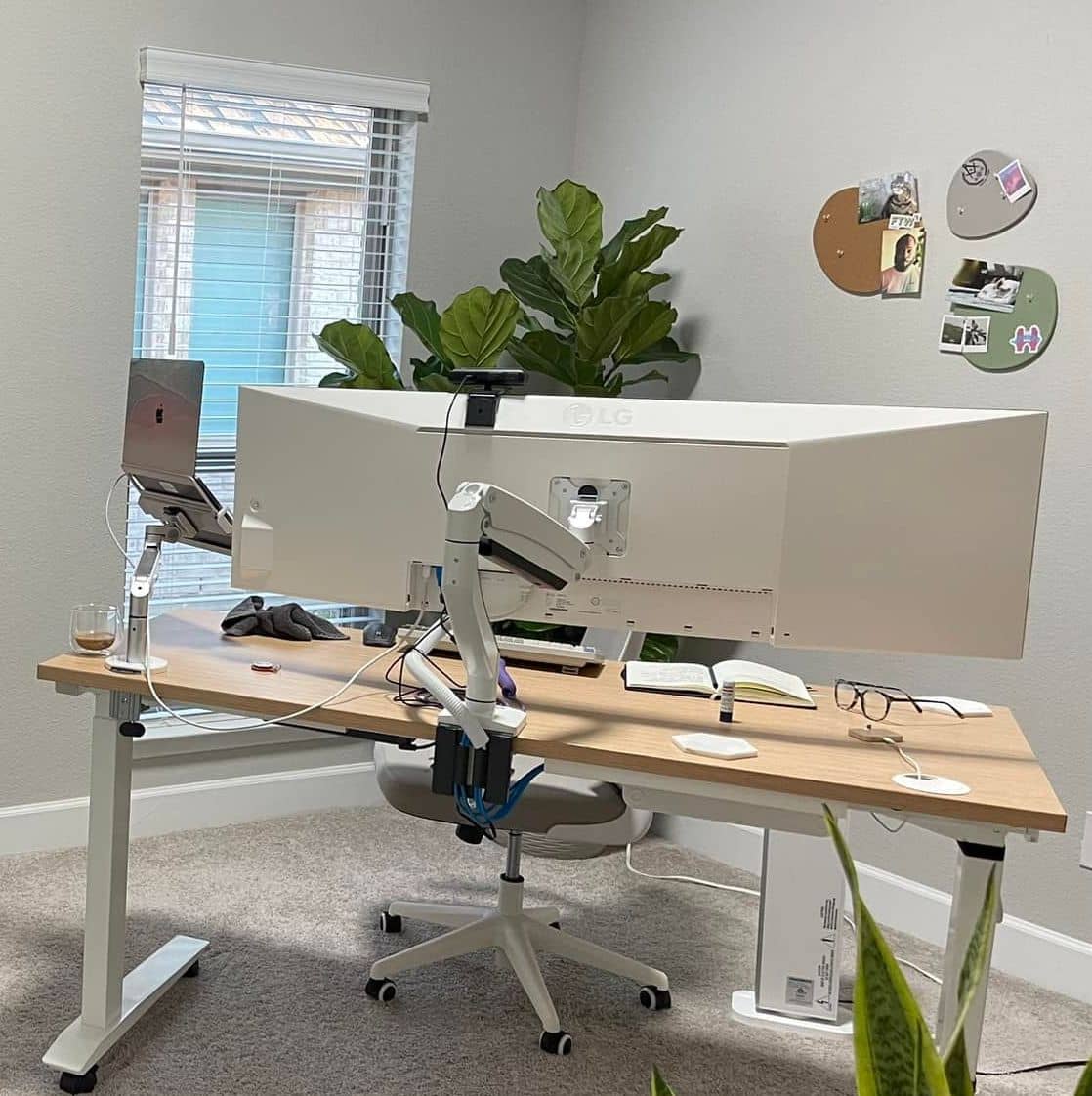
The Jarvis built its reputation on the bamboo top — responsibly-sourced by the brand’s account (a claim that has drawn some scrutiny), lovely in any room, and now presented with Herman Miller’s design polish. UPLIFT answers with breadth: more finish options (20-plus), rectangular or contoured profiles, and tops sold separately for frame-only upgraders.
Adjustment height range
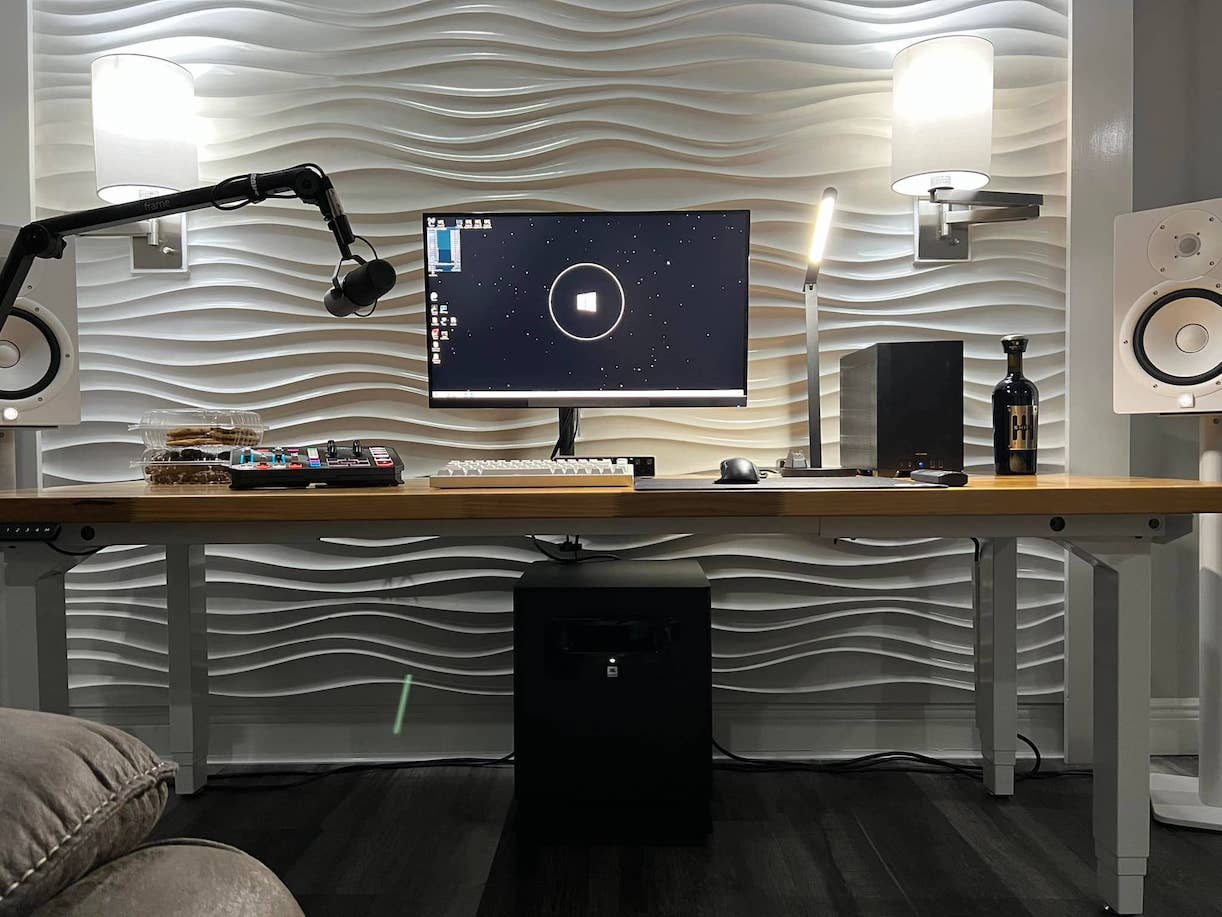
UPLIFT gives tall sitters slightly more ceiling (50.9″); Jarvis dips slightly lower on its smaller sizes, which suits shorter sitters — with the note that Jarvis range varies by top size. UPLIFT’s answer for shorter bodies is the Commercial frame, reaching down to 22.6″. Both cover the 5’4″-to-7′ mainstream comfortably; the edges of the height bell curve should pick by these numbers, not the brand.
Noise level
UPLIFT holds a steady mid-50s decibel hum — noticeable in a silent room, forgettable otherwise. The Jarvis starts in the same range but climbs under load; heavily loaded, ours got properly loud. If your desk shares a room with calls and microphones, this round matters more than it looks.
Quieter desk: UPLIFT V2.
Grease on the bars
A small, real-world footnote: our Jarvis legs wore visible excess white grease — brush against them in dark clothing and you’ll remember it. UPLIFT keeps its legs cleaner and its (ample) yellow grease inside the motor housing where it belongs.
Fully automated
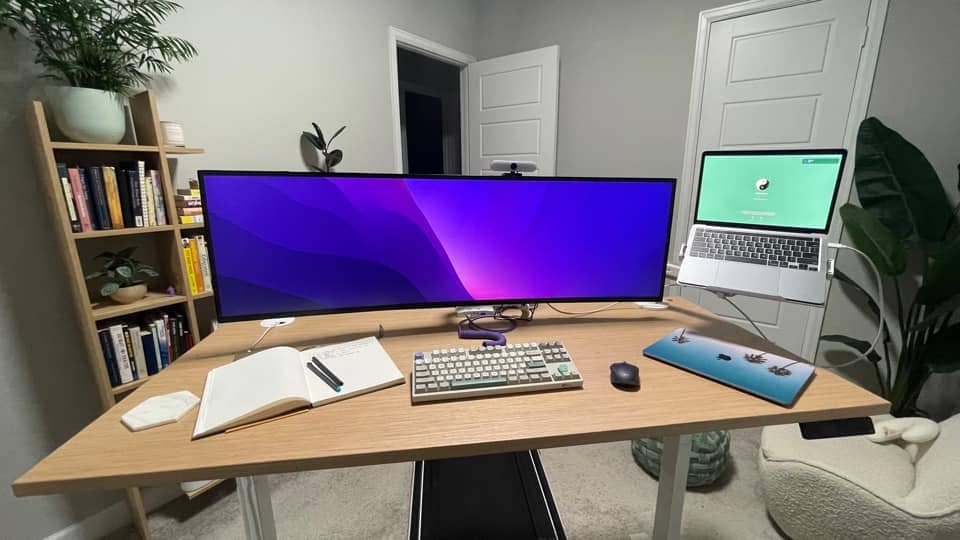
Both are push-button electric with memory presets; both offer a cheaper plain up/down handset if you don’t need presets. UPLIFT’s control menu runs slightly deeper (comfort-angle programmable pads, a vertical bezel option), but functionally this round is a tie.
Continuous motion
Our one safety note favors Jarvis: the UPLIFT V2 we tested kept creeping briefly after button release — worth knowing with kids and fingers around, and something its collision system doesn’t fully paper over. The Jarvis stopped when told, every time.
Collision avoidance
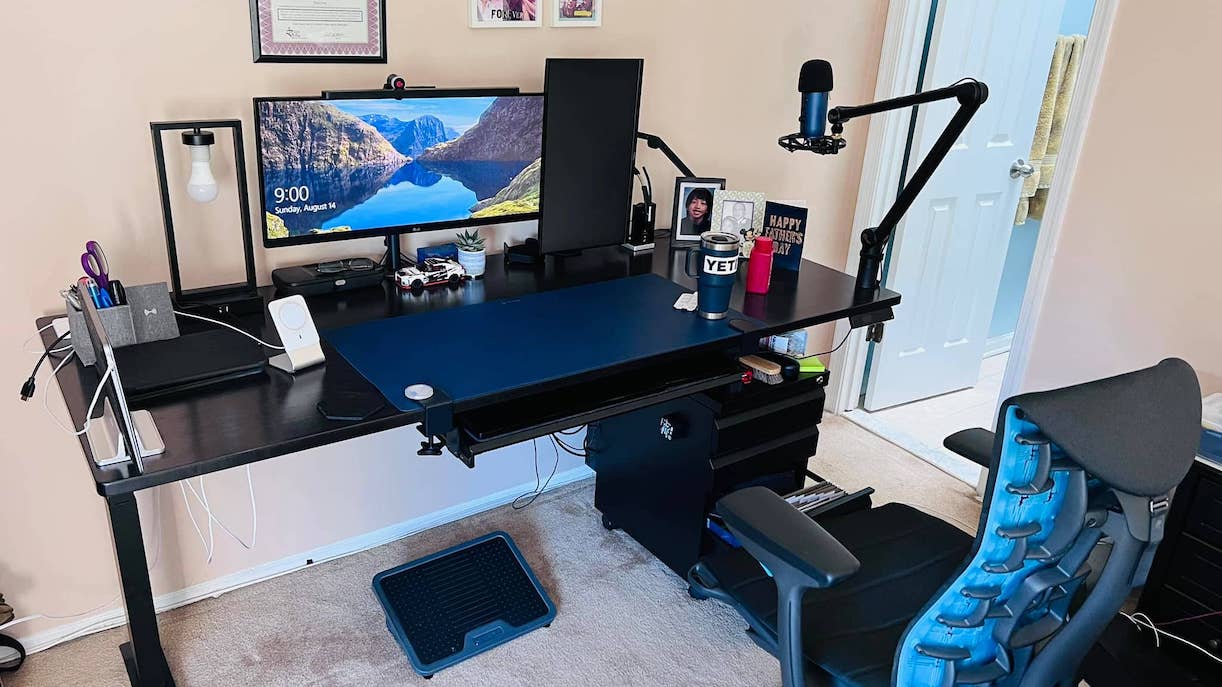
Both desks carry anti-collision sensing, and UPLIFT’s V2-generation tuning is meaningfully more sensitive than its V1 — fewer false negatives, fewer bruised windowsills.
Warranty
Fifteen-year frame coverage on both sides — UPLIFT extends 15 to all parts, Jarvis pairs its 15-year frame with 5 years on tops. Post-acquisition, Jarvis warranty service runs through Herman Miller’s support machinery; UPLIFT remains famously generous with parts. Either way, confirm current terms in chat before checkout — policies have shifted with the ownership changes.
Conclusion
The verdict survives the Herman Miller twist: the UPLIFT V2 takes the showdown — steadier at height thanks to the wedge system, quieter under load, a wider finish catalog, a Commercial frame for short sitters, and the 4-leg option when capacity rules. The Jarvis remains a lovely, slightly cheaper desk with the better top story and the cleaner stop behavior, now backed by Herman Miller’s ecosystem — and if that pedigree matters to you, it’s a fine pick. For most buyers, most bodies, and most budgets: UPLIFT. (The deeper Jarvis-vs-UPLIFT drawer and L-shape questions live in our drawer comparison and L-shaped showdown.)
Last updated: August 30, 2026 — full 2026 refresh: comparison re-verified end to end, Fully wind-down and Herman Miller ownership folded in, live UPLIFT box added, all original photography and captions retained.