

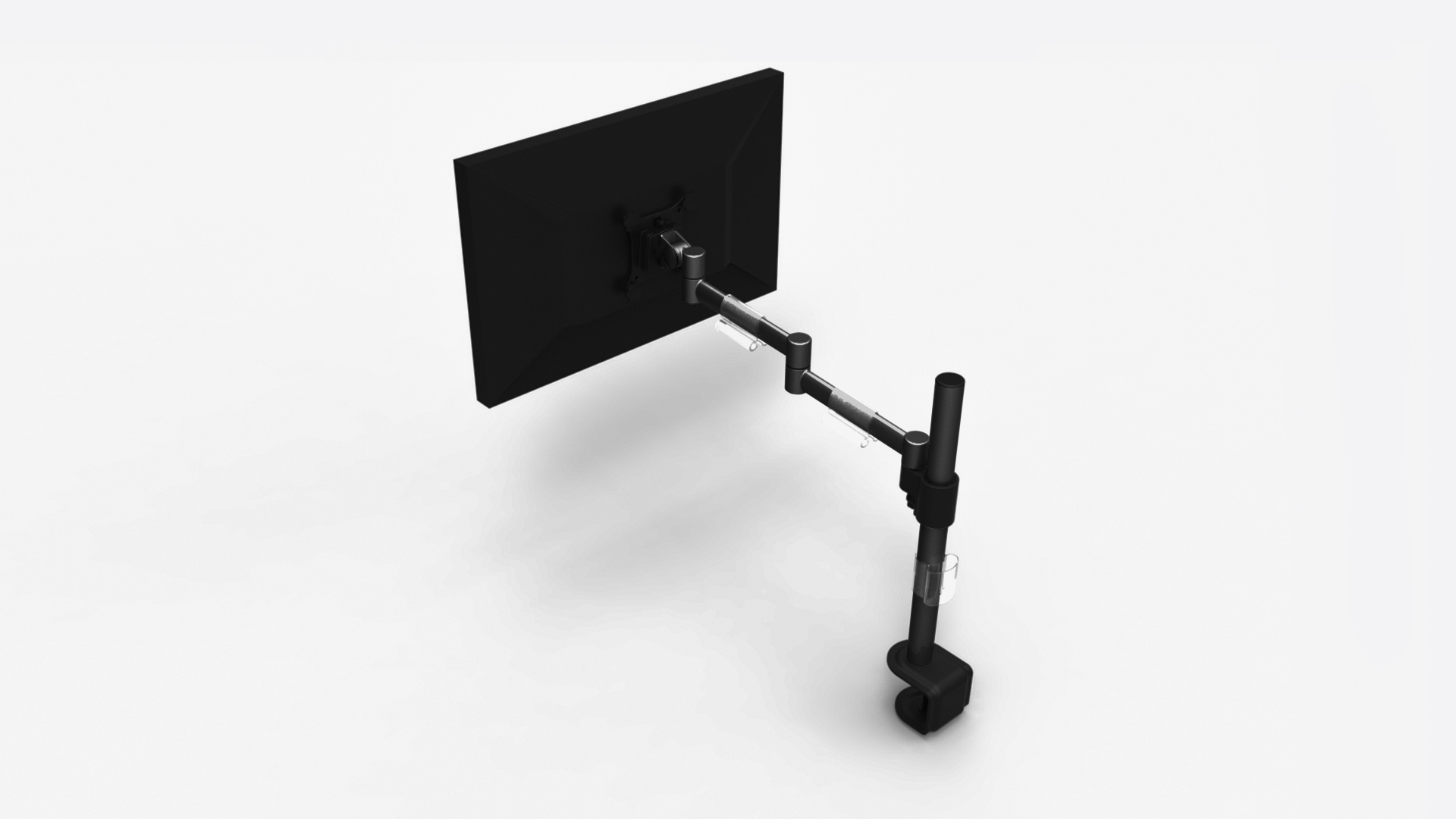
Choosing a monitor mount in 2026 comes down to four checks, in order: confirm your monitor’s VESA pattern and weight, confirm your desk edge can take a clamp (or pick a grommet or freestanding base), match the arm’s rated weight range to your screen — the floor matters as much as the ceiling on gas-spring arms — and then pay only for the motion you’ll actually use. Get those right and even a budget arm transforms a desk; get the weight match wrong and no price fixes the sag. Below is the full decision walk-through, plus the two arms we hand people when they just want the answer.
Why mount your monitor at all?
Three reasons survive contact with real desks. Ergonomics: factory stands park most screens too low, and a mount puts the top of the screen at eye level exactly — the single cheapest neck-pain fix in the office. Space: reclaiming the stand’s footprint frees the depth a keyboard tray, notebook, or second screen needs, and on a standing desk it keeps the surface clear for the things you actually touch. Flexibility: an arm turns repositioning — landscape to portrait, toward a colleague, away from window glare — from furniture-moving into a one-hand gesture. On sit-stand desks the case is even stronger, because your ideal screen height differs between sitting and standing, and an arm absorbs the difference.
Types of monitor mounts
Clamp-mount arms (the default)
A C-clamp grips the rear desk edge and carries a jointed arm — this is what most people should buy. Full-motion gas-spring versions hold the screen anywhere in their envelope with fingertip effort; cheaper fixed-tension versions adjust with a knob and stay put. The only real requirements are a desk edge thick enough for the clamp’s range and enough rear clearance for the arm’s elbow — measure both, especially on desks with modesty panels or crossbars.
Grommet mounts (the clamp’s quieter sibling)
Most quality arms ship with a grommet option: a bolt through a hole in the desktop instead of a clamp on its edge. It’s the answer when the desk edge is unusable — too thick, too thin, or already occupied — and it holds even harder than a clamp. If your desk has factory grommet holes, this is the cleanest install available.
Freestanding mounts
A weighted base that sits on the desk, no clamping at all. It’s the rental-friendly, glass-desk-friendly, zero-commitment option, and modern ones are stable enough for single screens. The costs: it gives back some of the desk space a clamp would free, and heavy dual setups outgrow it. Buy freestanding for constraints, not preference.
Wall mounts
Fixed VESA plates or articulating arms bolted to studs — superb for kiosks, wall-facing desks, and TVs doing monitor duty, irrelevant for anyone who rearranges. If the desk moves (or stands), keep the mount on the desk.
What to look for in a monitor mount
VESA pattern: 75×75 and 100×100 millimeters cover nearly every monitor; big ultrawides sometimes use 100×100 with adapters. Check the back of your screen first — this is the one absolute compatibility gate. Weight range, both ends: every arm lists a max, but gas-spring arms also have a working minimum — a too-light screen rides up and won’t hold position, a too-heavy one sags. Weigh your monitor (spec sheets list it without the stand) and land mid-range; our monitor-arms guide flags this exact trap on heavy-duty arms like the Ergotron HX. Screen size era: 2026 desks carry 27-to-34-inch screens routinely and 49-inch ultrawides increasingly; ultrawides need arms rated for their width’s leverage, not just their pounds — the listicle below has a dedicated ultrawide pick. Motion quality: height, tilt, swivel, rotation, and how smoothly the joints hold — the difference between a budget arm and a premium Ergotron is not whether it moves, but how it feels and how long it stays smooth; both tiers have a place. Cable management: integrated channels keep the whole point of the clean look intact. Warranty: Ergotron’s 10-year coverage is the category flag-bearer; budget brands run shorter — priced accordingly.
The two arms we actually hand people
When someone wants the short answer instead of the full The 9 Best Monitor Arms for Your WFH Setup (2026) guide, these two cover most desks. The reference pick, smooth for a decade:

And the budget pick that made expensive arms optional:
 HUANUO FlowLift Single Monitor Mount, 13 to 32 Inch Monitor Arm, Adjustable Monitor Stand, Vesa Mount with Clamp and Grommet Base - Fits 4.4 to 19.8lbs LCD Computer Monitors
- Outstanding value in the under-$50 tier
- Gas spring holds 13-32 inch panels to about 20 lbs
- Clamp or grommet install in minutes
- Bare-bones cable management
- Joints less smooth than premium arms
Conclusion
Mounting a monitor is the rare upgrade that improves ergonomics, space, and looks in one purchase. Run the four checks — VESA, desk edge, weight match, needed motion — pick clamp unless your desk vetoes it, and spend up only for daily repositioning or ultrawide leverage. Then enjoy the strange pleasure of a desk with nothing on it but the things you use.
Last updated: August 17, 2026 — full 2026 rewrite: four-check decision framework, mount types re-explained for the ultrawide era, weight-range (min and max) guidance added, our current reference and budget arm picks embedded with live pricing.