
You budgeted for the GPU, the monitor, maybe even the chair — and the whole rig sits on a desk you’ve never thought about. This guide is our case for the desk as the most under-rated upgrade in a gaming station, refreshed for 2026: what a gaming desk actually needs to do, and how to step yours up without starting over.
Location first
Before specs, pick the spot: near outlets, away from glare on your monitor, with room behind the chair to actually recline and rise. Corner placements buy the most surface per square foot of room; wall placements make cable runs and backlighting easier. Measure the slot before you shop — width, depth, and the height of anything the desk must slide under or beside.
Scratching the surface
The desktop is where cheap desks betray you. You want a surface wide enough for monitor-plus-peripherals (47 inches is the practical floor for dual monitors; 55–60 for triple or ultrawide), deep enough to keep the screen an arm’s length away, and rigid enough not to wobble when you slam a keyboard. Laminate and powder-coated MDF shrug off drink rings; cheap veneer doesn’t. If you clamp a monitor arm, check the desk’s edge thickness against the clamp’s jaw range.
Sit back and relax — the chair half
A great desk with a bad chair is still a bad station. Pair the surface with a chair that fits your body and session length — our gaming chair rankings keep the current field verified, and the office-vs-gaming chair explainer settles the eternal styling question. Desk and chair heights are one system: elbows near 90 degrees on the desk, feet flat on the floor.
What should your desk do?
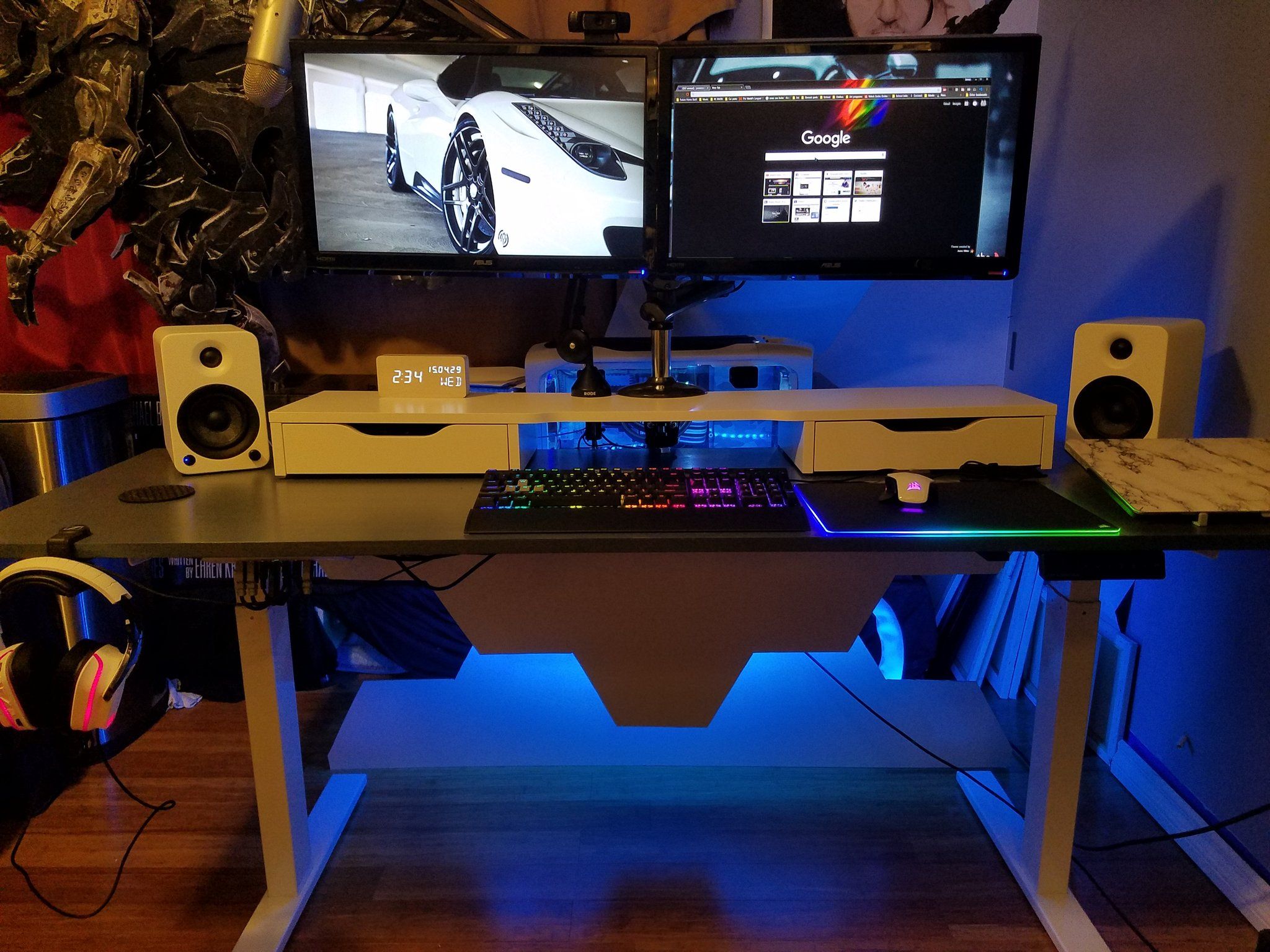
In 2026 the checklist for a serious gaming desk reads: cable management (grommets, trays, or channels — a rat’s nest is a dust magnet and a latency of the mind), headset and cup handling (hooks and holders beat surface clutter), monitor mounting (a rear edge that takes clamps), and capacity — a loaded triple-monitor rig with arms passes 100 pounds, so frame ratings matter.
Sit or stand — it’s up to you
The biggest step-up available is height adjustment. A sit-stand gaming desk lets you stand between matches, dial the exact elbow height for aim-heavy sessions, and share the desk between differently sized players. Electric frames with memory presets have gotten cheap enough that they’re no longer the exotic option — the field lives in our PC gaming desk rankings.
Built to last, and be the best
Steel frame, quality slides and grommets, a warranty measured in years — the desk is the one component you won’t replace next upgrade cycle, so buy it like infrastructure. Then finish the station properly: our gaming desk setup guide covers layout and ergonomics, and the accessories guide handles the last 10 percent.
Wrap up: what works for you
Step up the desk and everything on it plays better — not because frames win games, but because a stable, organized, correctly sized station removes every small friction between you and the screen. Pick the spot, size the surface, sort the cables, and consider the sit-stand jump; your rig deserves the foundation.
Last updated: August 23, 2026 — full 2026 refresh: checklist modernized (cable management, monitor arms, sit-stand guidance), internal resources linked, original photography retained.