

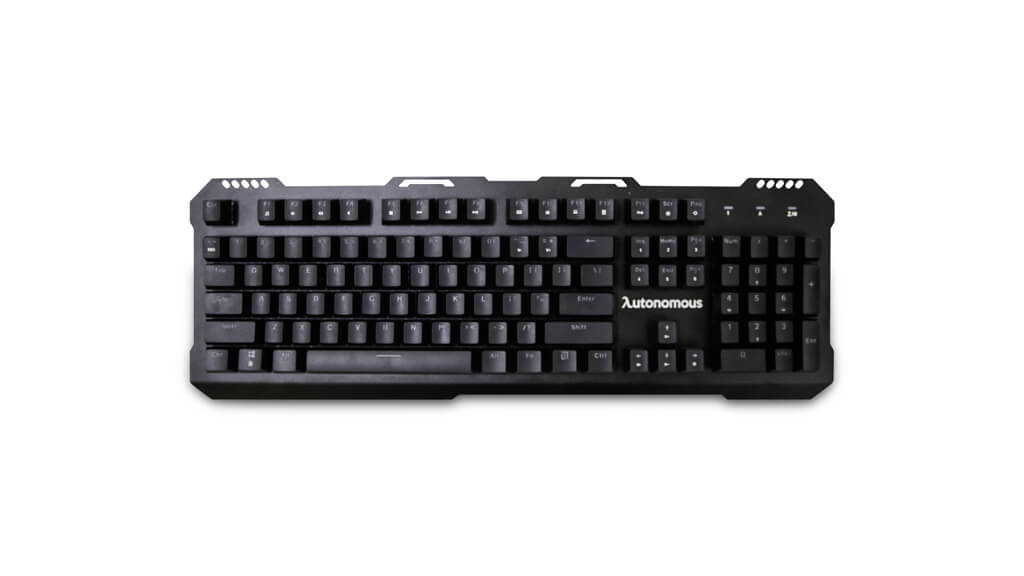
Ask why someone’s keyboard costs $150 and clicks like a typewriter, and you’ve asked the mechanical keyboard question. This explainer has answered it since 2018; here’s the 2026 revision — how mechanical switches actually work, the switch families that define the feel, and how the market looks now that mechanicals went from enthusiast niche to office mainstream.
Different types of keyboards
Three constructions cover nearly everything on desks today. Membrane/rubber-dome — the office default: a rubber sheet under the keys completes circuits when pressed; cheap, quiet, mushy, and the whole board wears as one part. Scissor-switch — the laptop construction: membrane with a stabilizing mechanism for short, tidy travel. Mechanical — an individual spring-loaded switch under every key, each rated for tens of millions of presses, each replaceable, each delivering a defined actuation point you can feel (and often hear).
How do mechanical keyboards work?
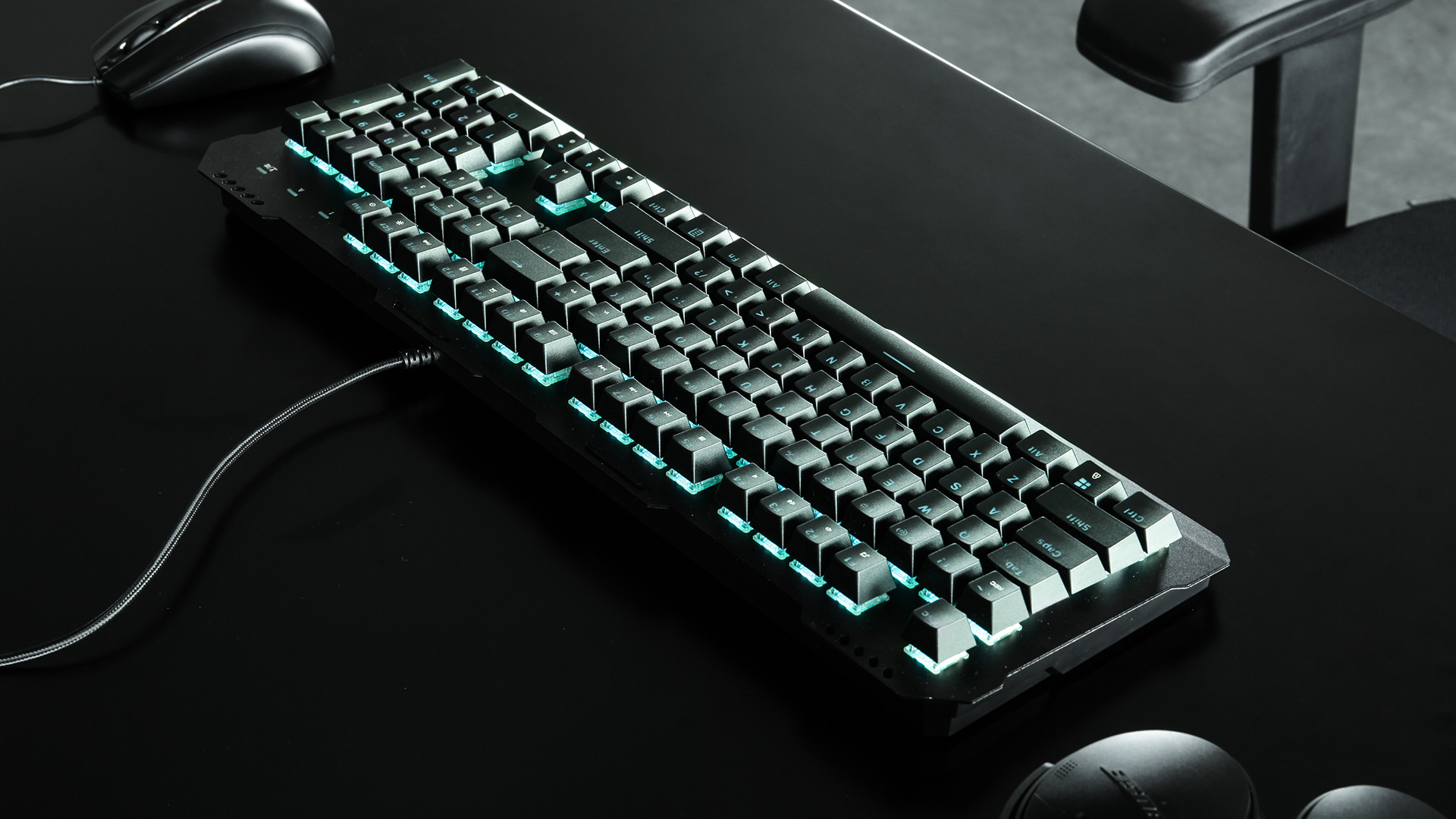
Every key sits on a housing containing a stem, a spring, and metal contacts. Press, and the stem slides down until the contacts meet — actuation — which registers before the key bottoms out. That early, consistent actuation is the entire magic trick: typists float across the tops of the keys, gamers get faster and more repeatable inputs, and the spring returns each key with a precision rubber domes can’t fake. Because switches are discrete parts, a spilled coffee or a worn key means replacing one switch, not one keyboard — and the modern hot-swap boards make that a no-solder, pull-and-push job.
The switch families that define the feel
Switch color is shorthand for feel, inherited from the Cherry MX naming that the whole industry (Gateron, Kailh, and the in-house brands) still follows. Linear (red, black): smooth travel, no bump — the gamer’s default for rapid double-taps. Tactile (brown, clear): a gentle bump at actuation — the typist’s compromise: feedback without racket. Clicky (blue, green): the bump plus the audible click — glorious solo, warfare on conference calls. Beyond color: actuation force (lighter ≈ 45 g, heavier ≈ 60 g+), low-profile variants for laptop-like height, and silent-damped versions for shared rooms.
What are the specific features of a mechanical keyboard?

Durability — 50-million-plus press ratings mean a decade of hard use. N-key rollover and anti-ghosting — every simultaneous press registers, which is why gamers care. Keycap freedom — standardized stems (and PBT keycap sets) make boards endlessly customizable. Build heft — steel or aluminum plates that don’t flex under enthusiasm. Programmability — macros, layers, and onboard profiles on anything mid-tier and up. The trade-offs: price, weight, and noise politics.
The mechanical keyboard market in 2026
Our old list of ten specific models aged the way electronics lists do — half those exact listings are gone — so here’s the durable version: the gaming tier is ruled by Corsair’s K-series, Razer’s BlackWidow line, and Logitech G boards (per-key RGB, dedicated media keys, optical-switch options); the typist tier by Das Keyboard, Filco, and Leopold (build first, lighting never); the enthusiast-value tier — the decade’s big arrival — by Keychron and friends: hot-swappable, wireless, Mac/Windows-native boards that made “custom mechanical” a sub-$100 hobby; and the ergonomic wing by split boards like Kinesis’s Freestyle line. Whatever the tier, choose switch feel first, size second (full, TKL, or compact), connectivity third — and pair the board with a setup that deserves it, per our gaming desk accessories guide and desk setup walkthrough.
Last updated: August 23, 2026 — full 2026 refresh: switch and construction explainers modernized, dated model list replaced with current market tiers, dead product links removed, original imagery retained.