
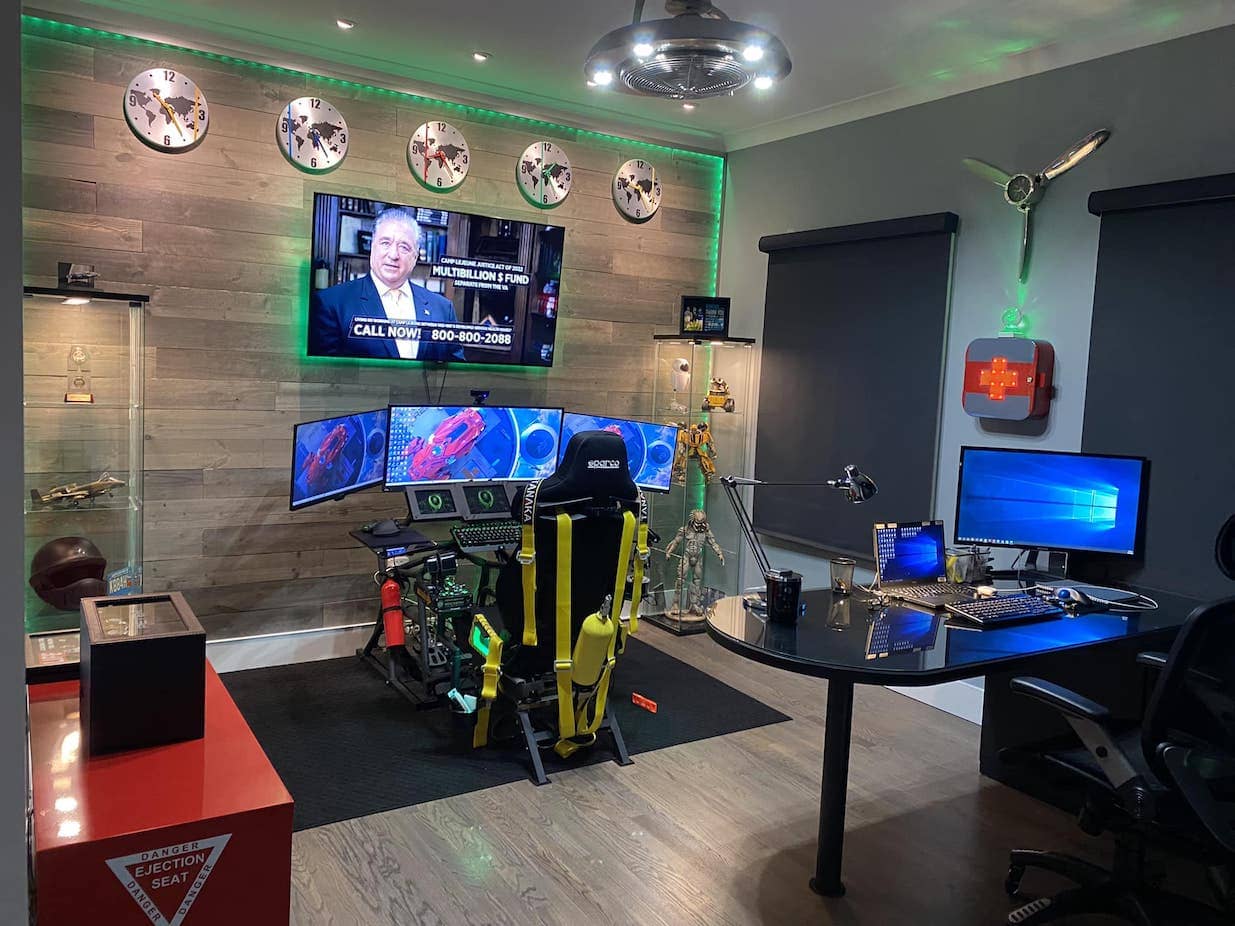
A perfect gaming desk isn’t bought — it’s assembled: the right surface, at the right height, wearing the right displays, wiring, and light. This is our full setup guide, re-verified for 2026 from the desk questions to the finishing touches, with every accessory link below checked against a live buy box this week.
An example build: gaming on a custom standing frame
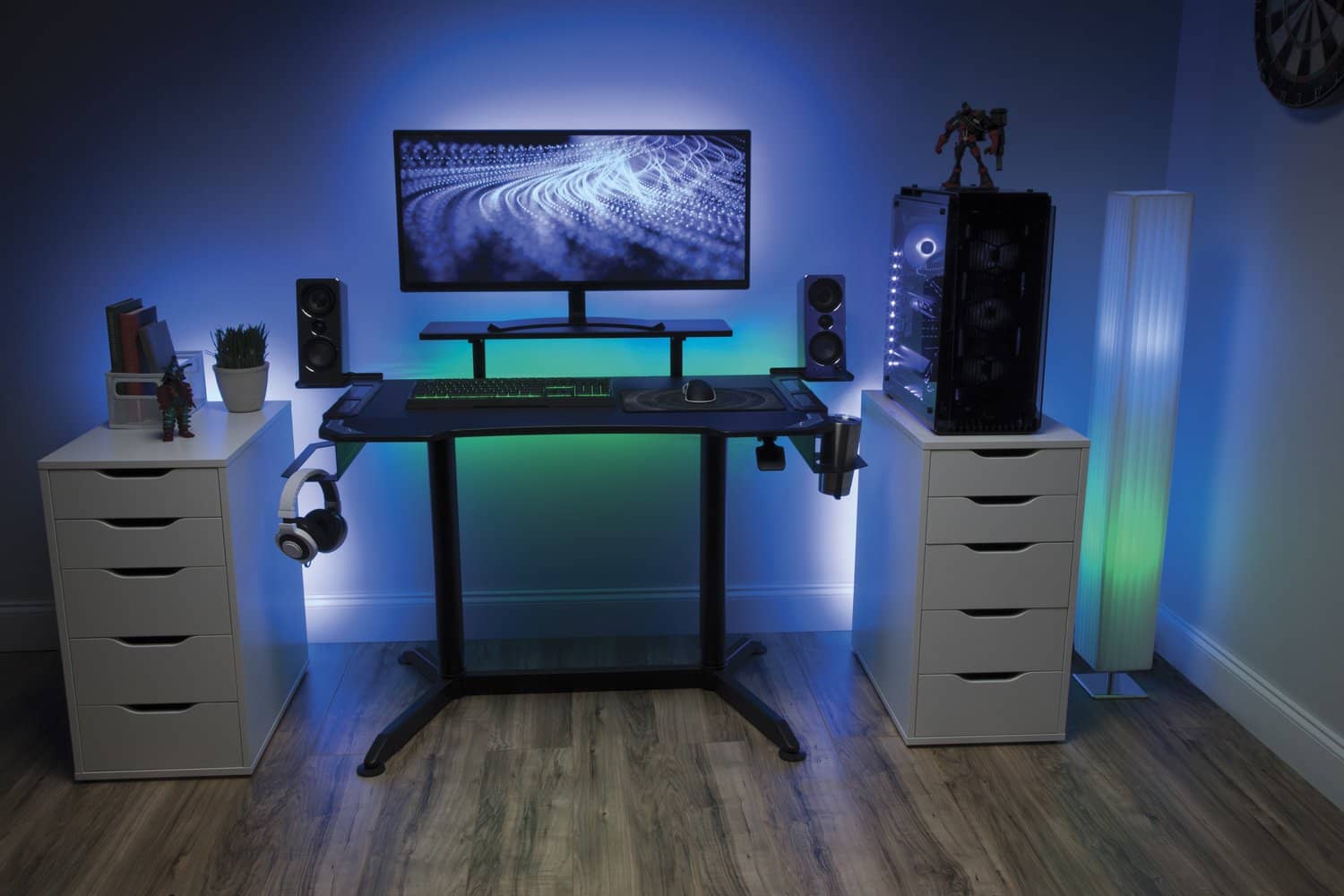
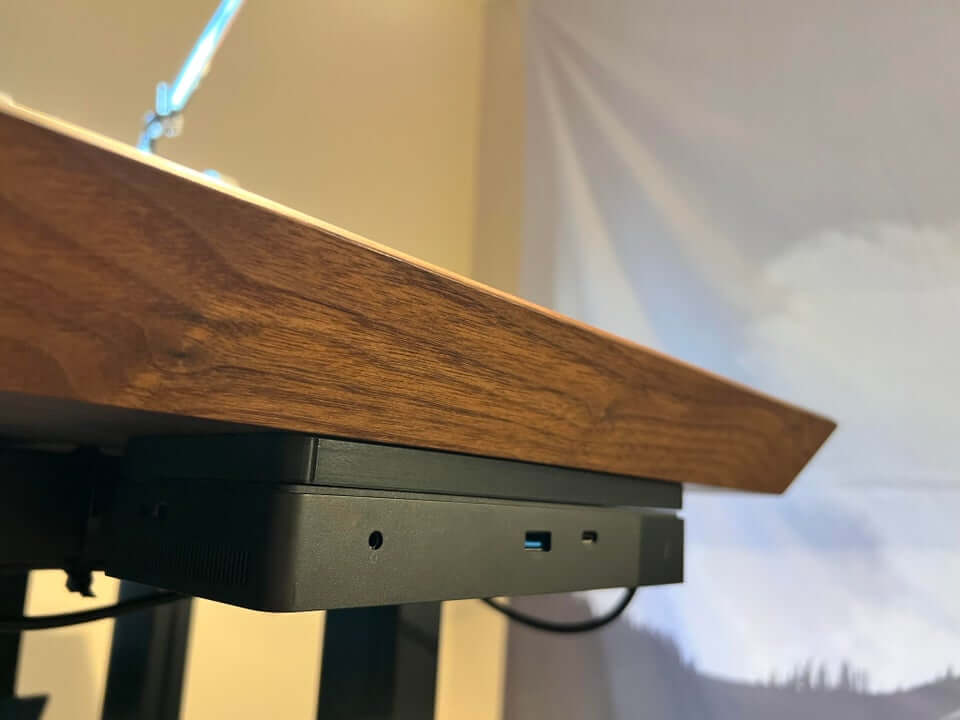
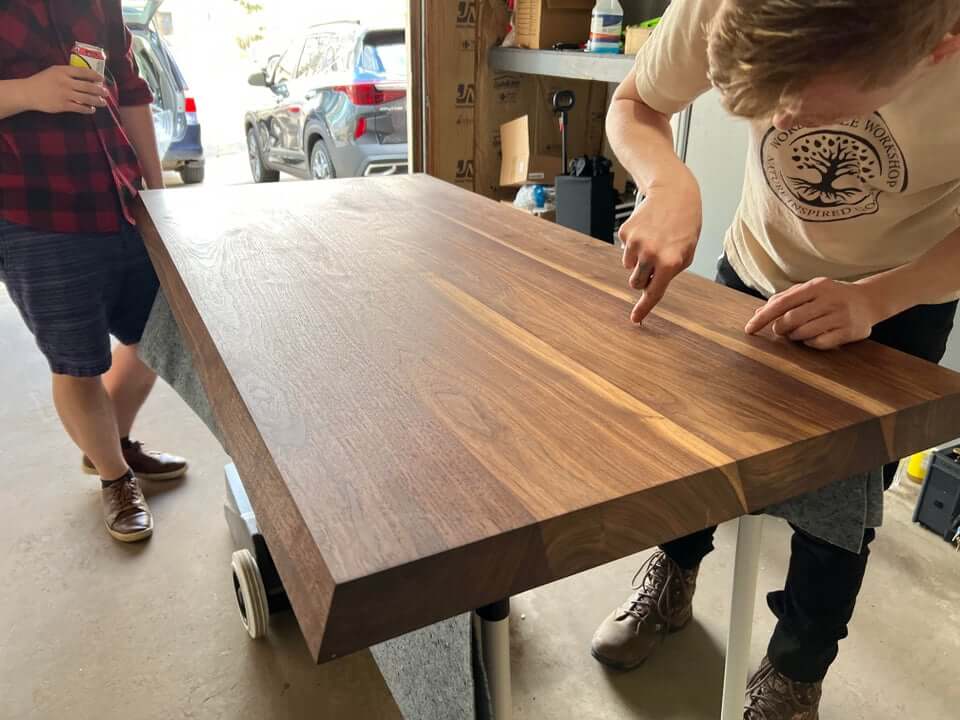
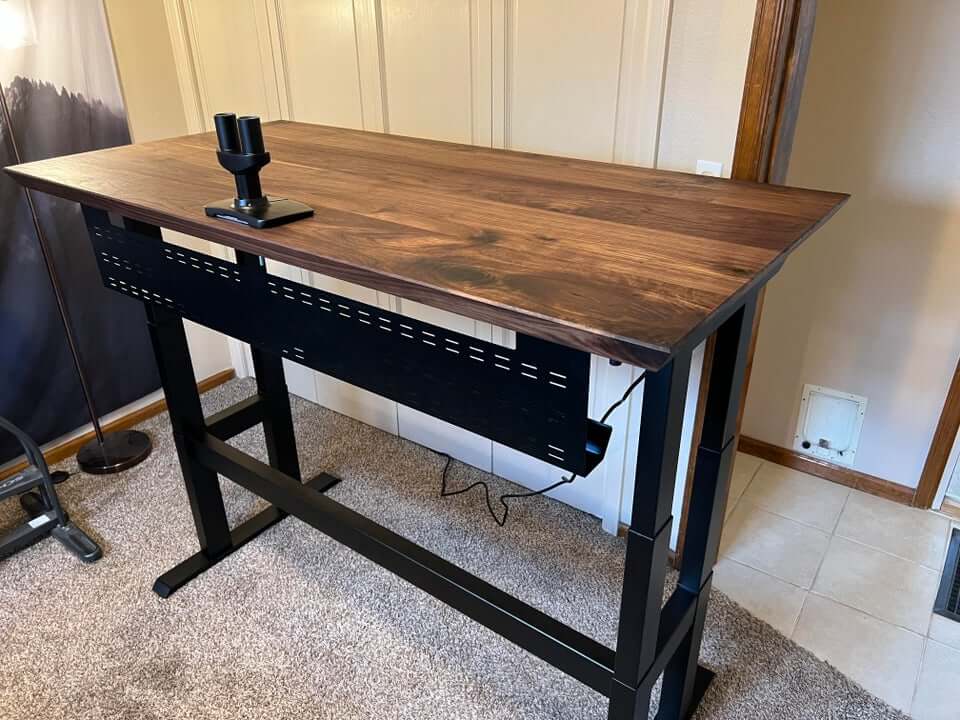
The build we keep recommending: a dual-motor frame kit under a wide top of your choosing — sit for grinding sessions, stand between matches, memory presets for both. It’s the gaming payoff of the DIY movement (frames compared in our frame guide), and everything below applies to it as much as to any store-bought desk.
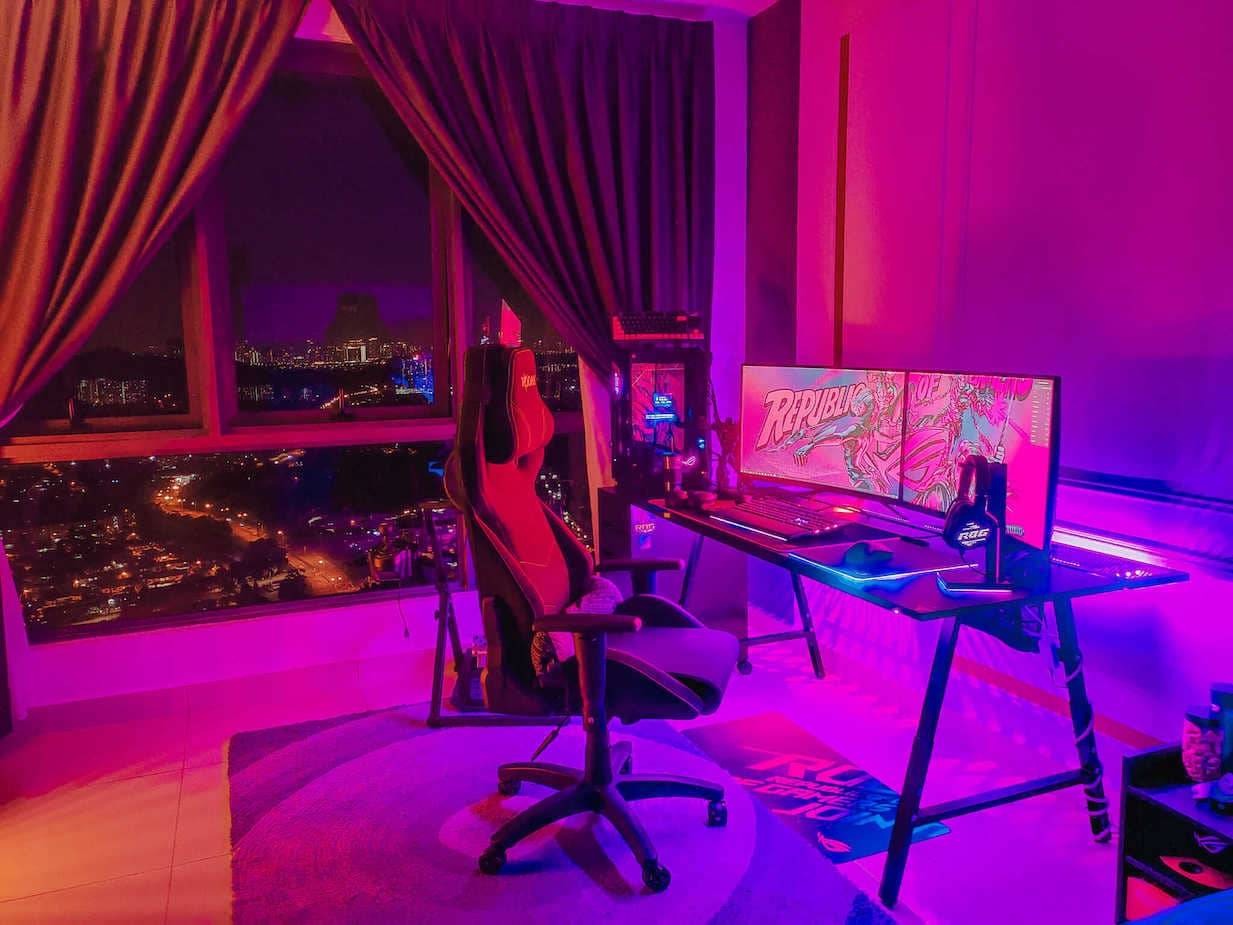
Things to know about gaming desks
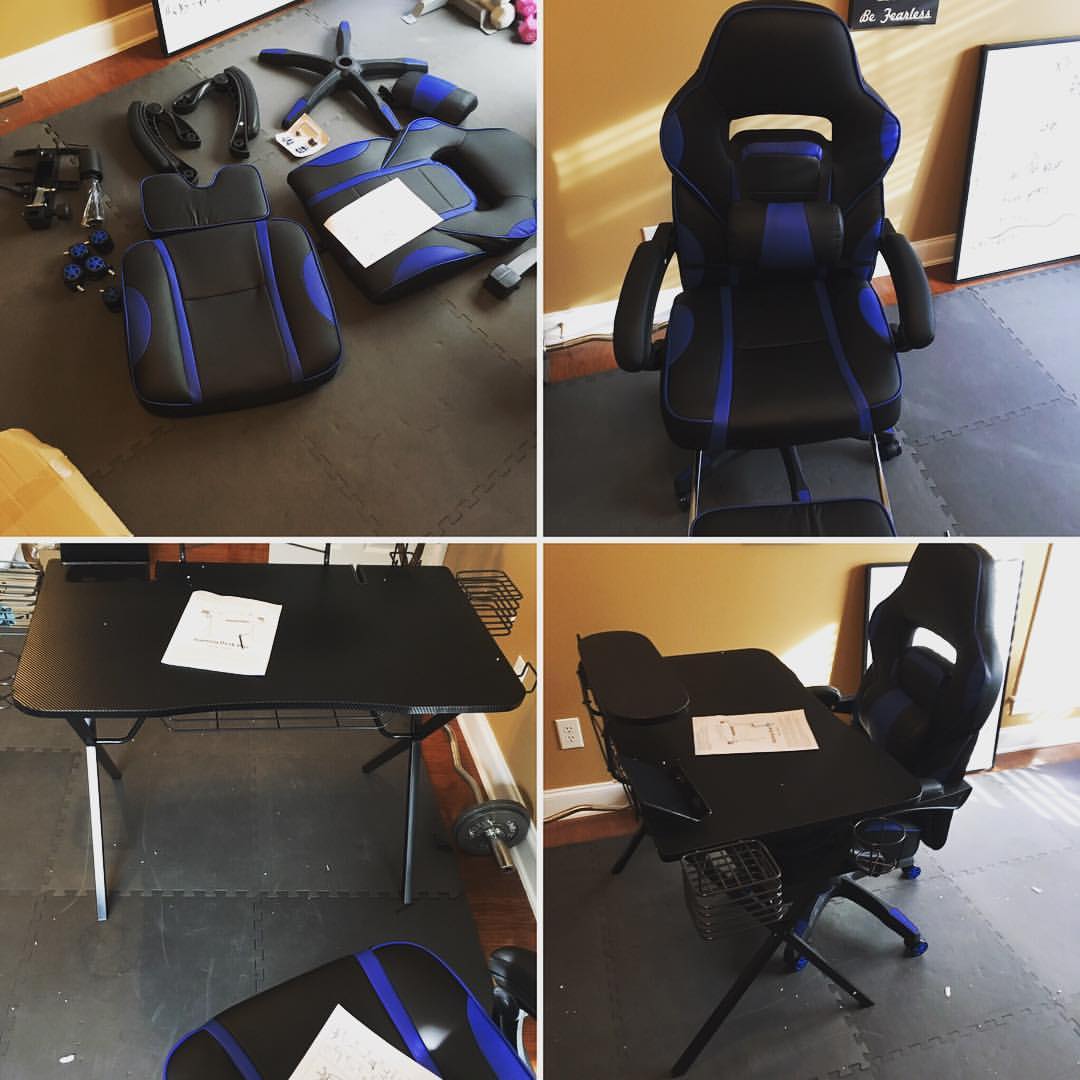
Materials: laminate and powder-coated MDF shrug off spills; tempered glass looks sharp but shows everything; solid wood ages best and costs like it. Assembly: read the hardware count before buying — an hour with clear instructions is normal, an evening with bad ones is common. Weight capacity: a triple-monitor rig with arms passes 100 pounds; check the frame rating, not the vibe.
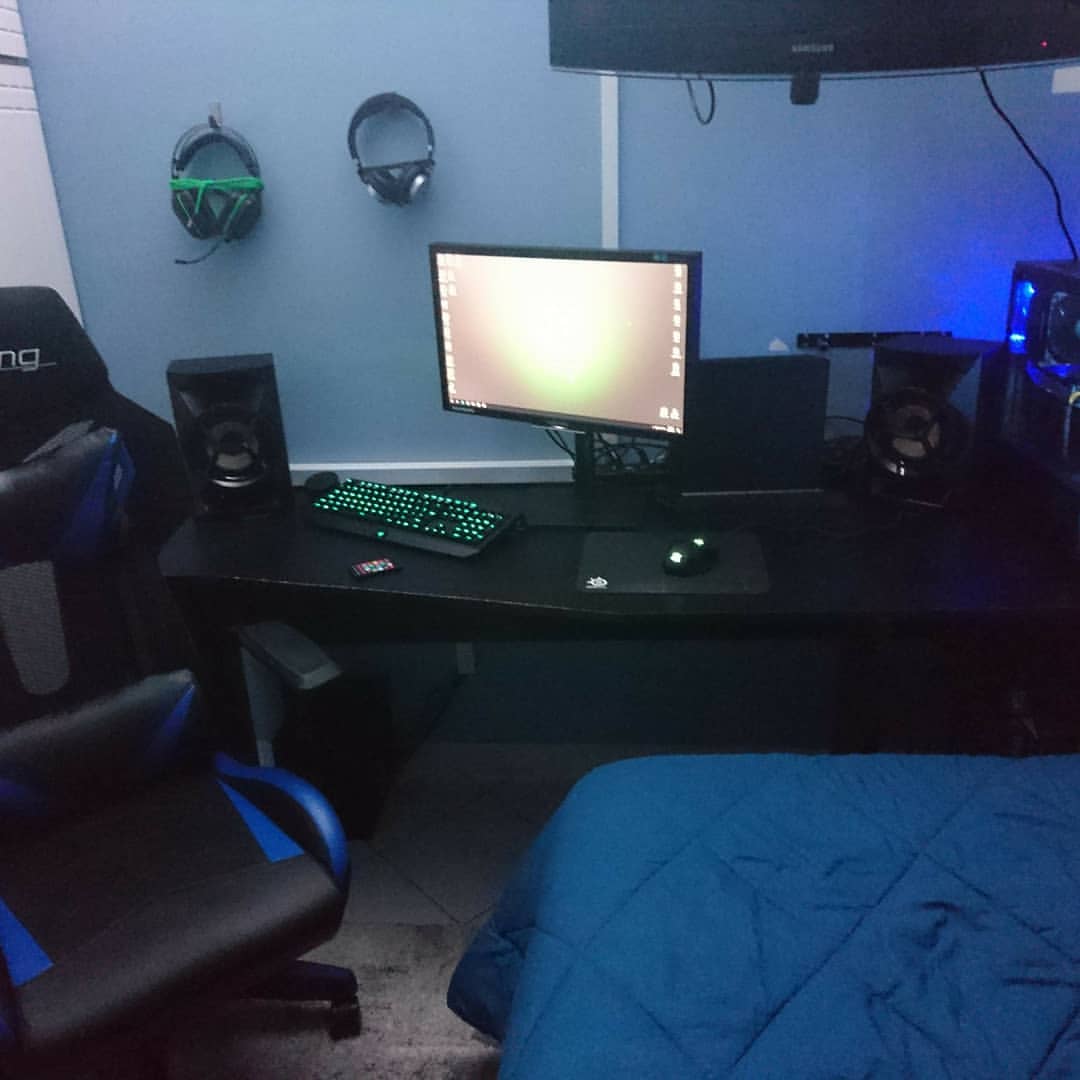
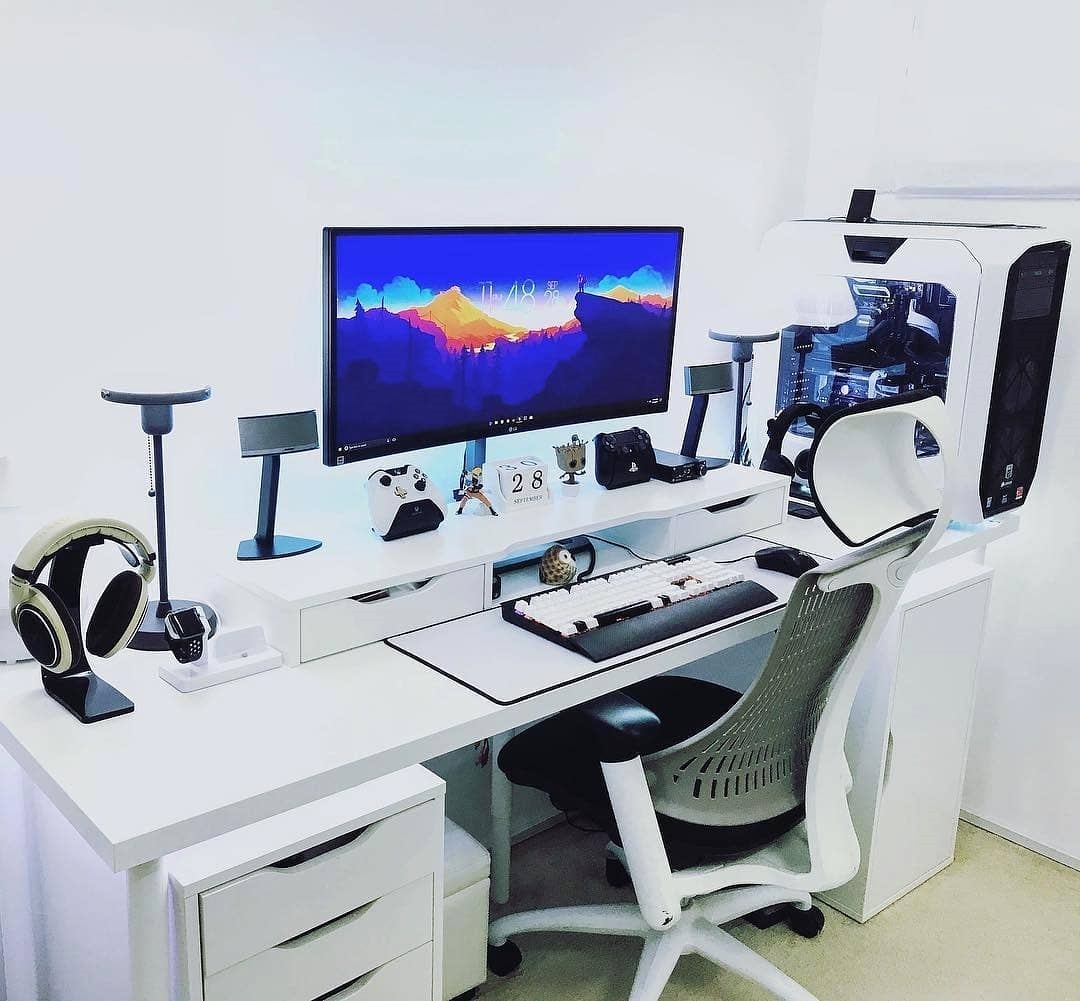
Ergonomics: elbows at 90 degrees on the surface, screen tops at eye level an arm’s length away — the height calculator gives your exact numbers. Shape: rectangles for walls, L-desks for corners and dual-station streaming (see corner desks for gaming). Style: RGB-and-carbon or clean workstation — pick the room’s language. Budget: solid fixed-height desks run modest money; electric sit-stand frames now start where fixed desks used to.
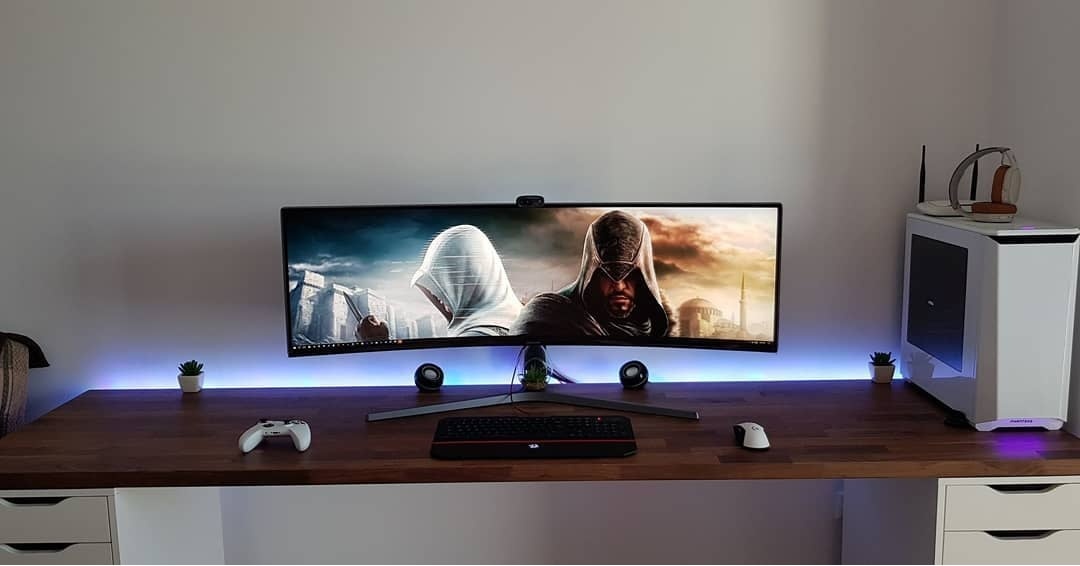
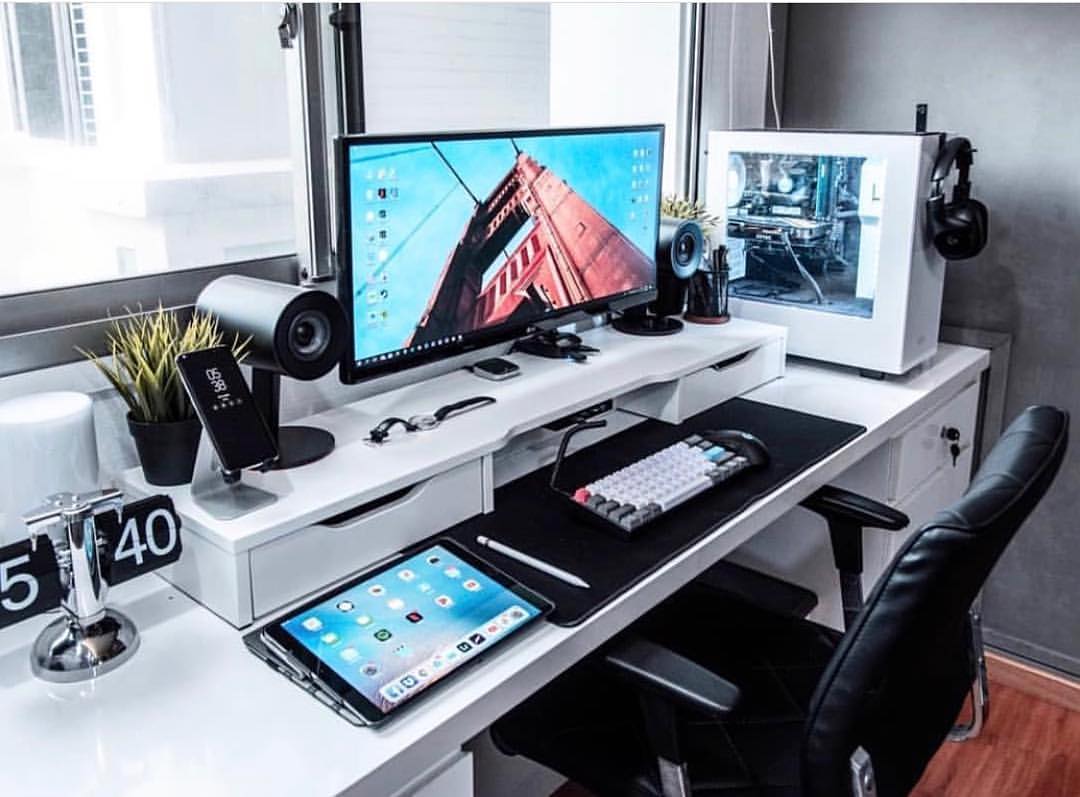
How to build a DIY gaming desk
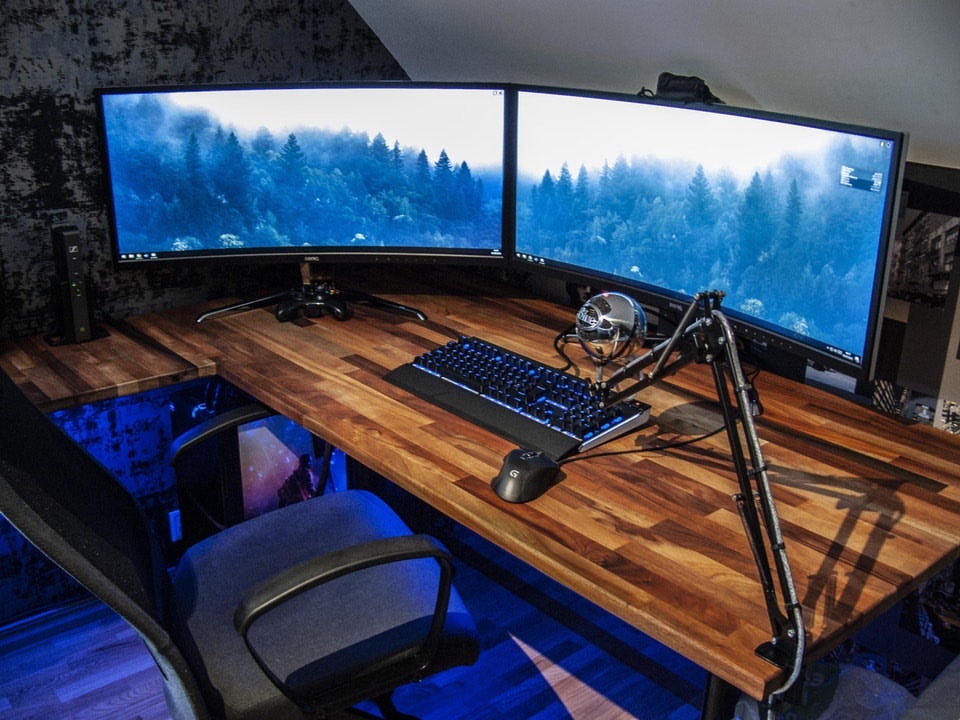
The short version: frame kit (or sturdy legs), a top at least 47 by 24 inches (55-plus for triples), edges finished, everything bolted — the full walkthrough lives in our DIY desk guide. Salvage tops make the best-value gaming surfaces going.
The desk, piece by piece
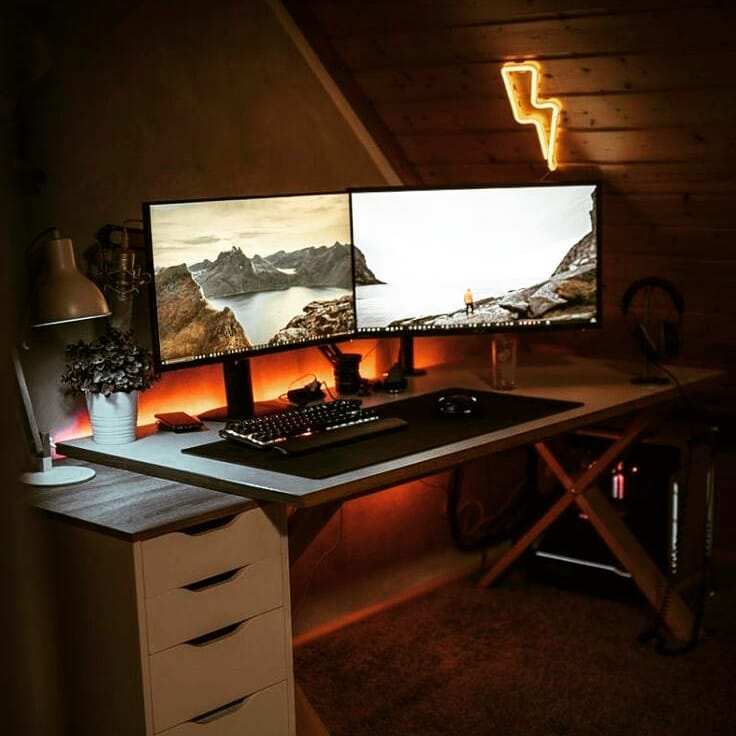
The desk anchors everything — current verified models in our PC gaming desk rankings.
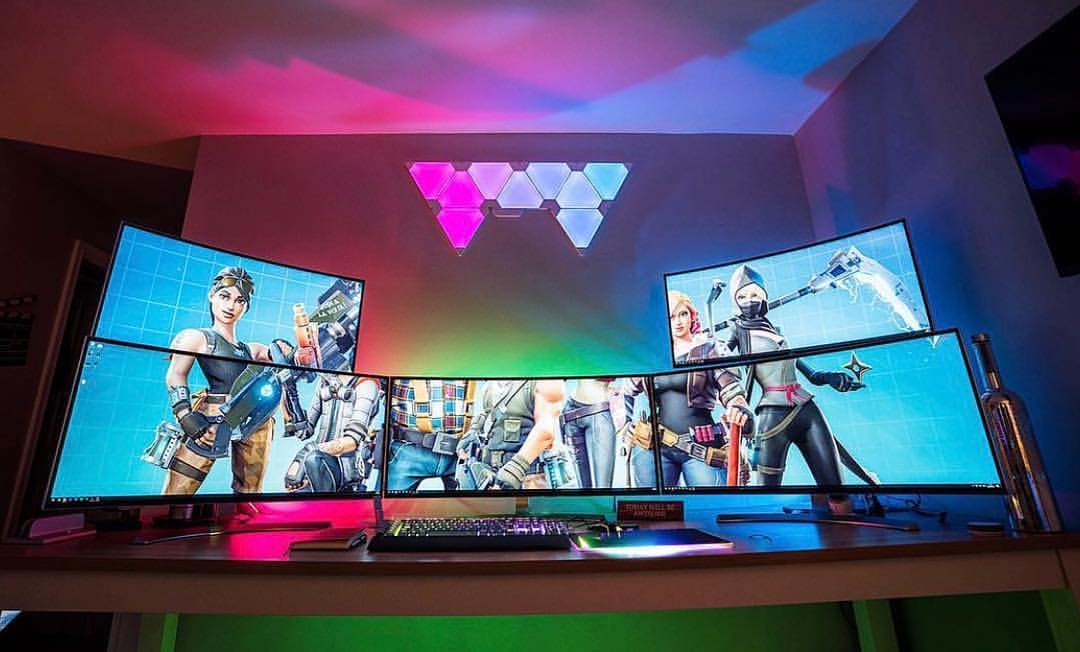
Digital displays: mount them on arms instead of stands — eye-level alignment, reclaimed depth, clean sightlines. The HUANUO gas-spring dual arm we verified live covers most dual setups (the old AmazonBasics mount this guide once linked has lost its buy box), and WALI’s mounts handle triples. Feed them properly: Cable Matters’ VESA-certified DisplayPort 1.4 cables remain the cheap insurance for high-refresh panels.
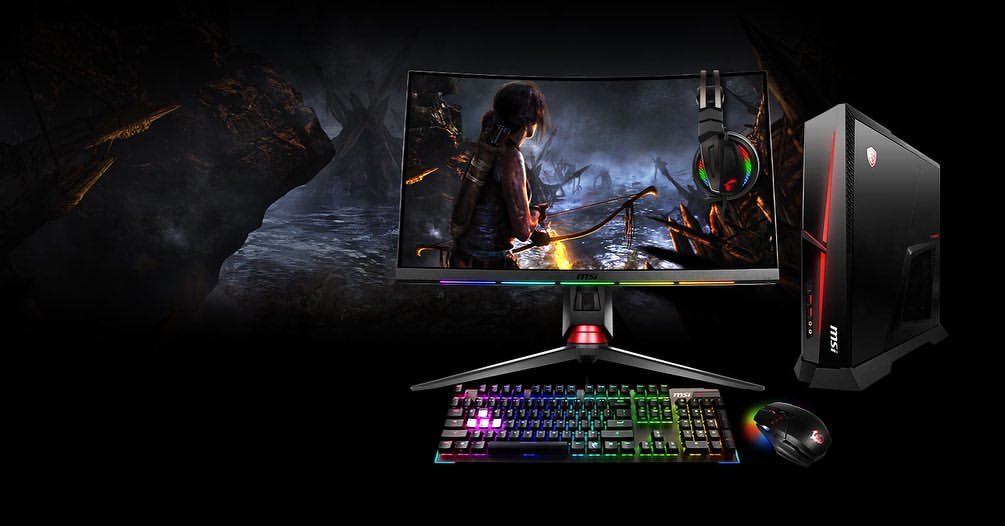
Gaming TV stand: console corner beside the desk? A media stand at seated eye height keeps the big screen out of your PC sightline.
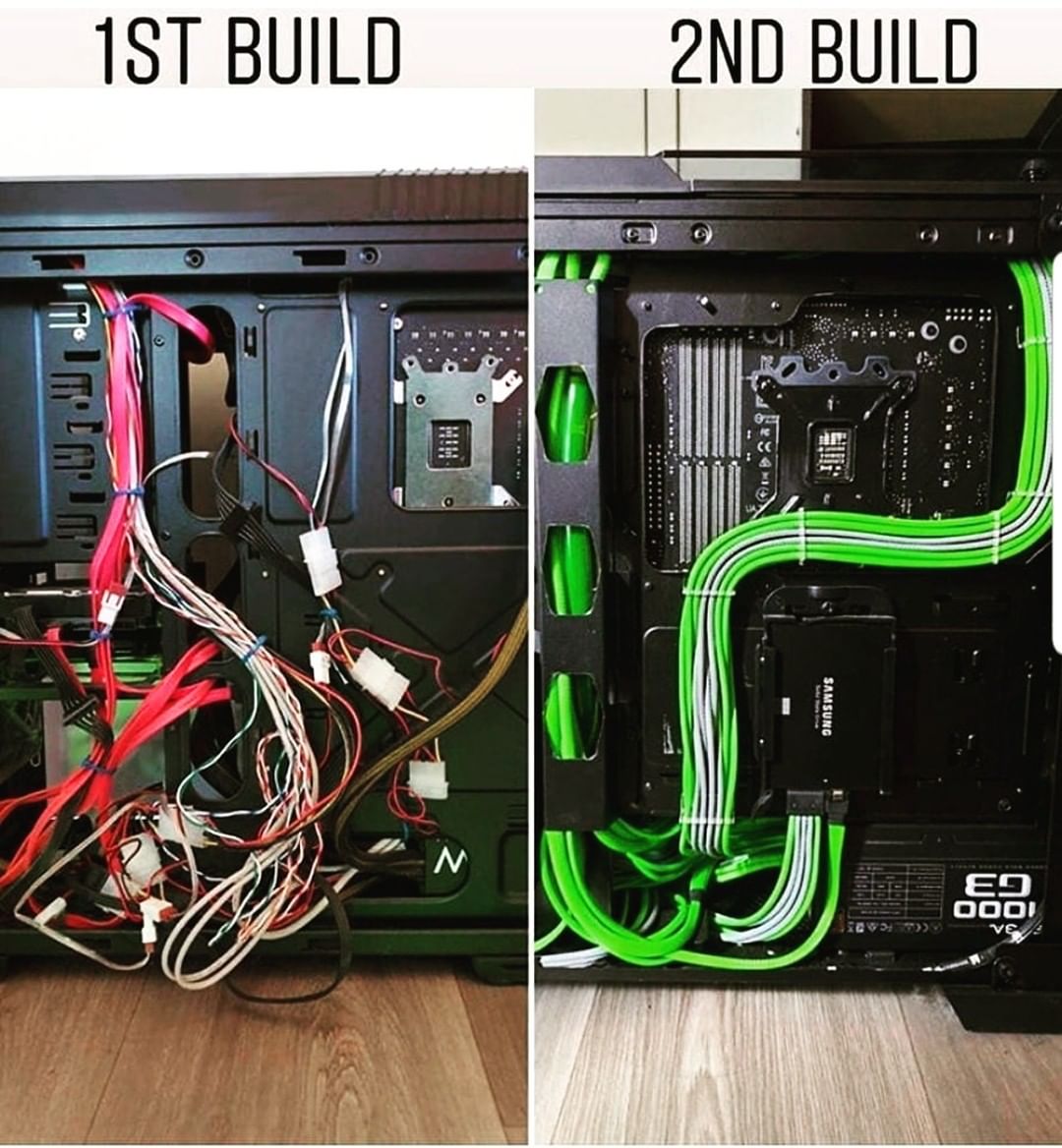
Electricity: one mounted strip feeding everything, surge-protected, with headroom — the Tripp Lite 12-outlet strip we’ve recommended for years is still sold and shipped by Amazon. Under-desk, a cable tray hides the lot: the Stand Up Desk Store cable management tray is still live too.
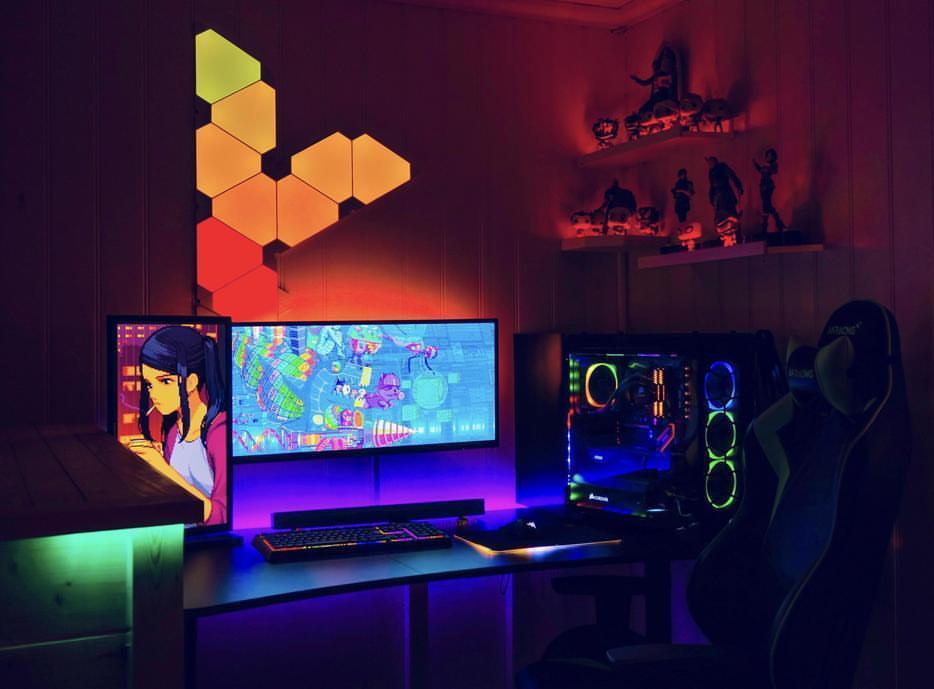
Lighting: bias light behind the monitors for eye comfort, accent RGB for atmosphere — light the wall, not your eyes.
A more concentrated setup
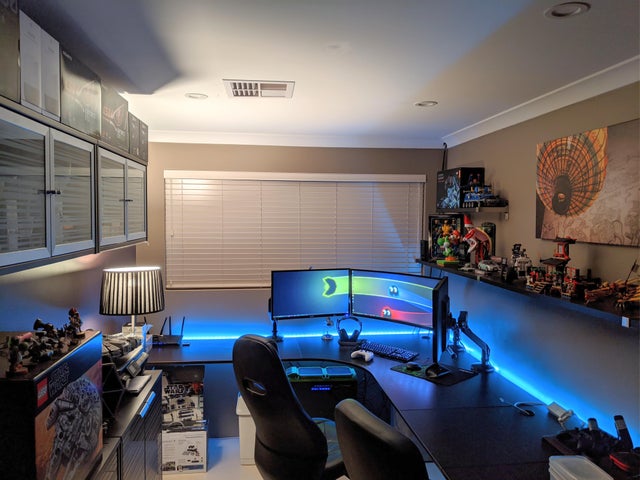
Small room, laptop-first, or second station: a compact desk, one good arm or riser — the LORYERGO stand we verified earns its slot here — plus headset hook and a single cable run. Concentration is a feature.
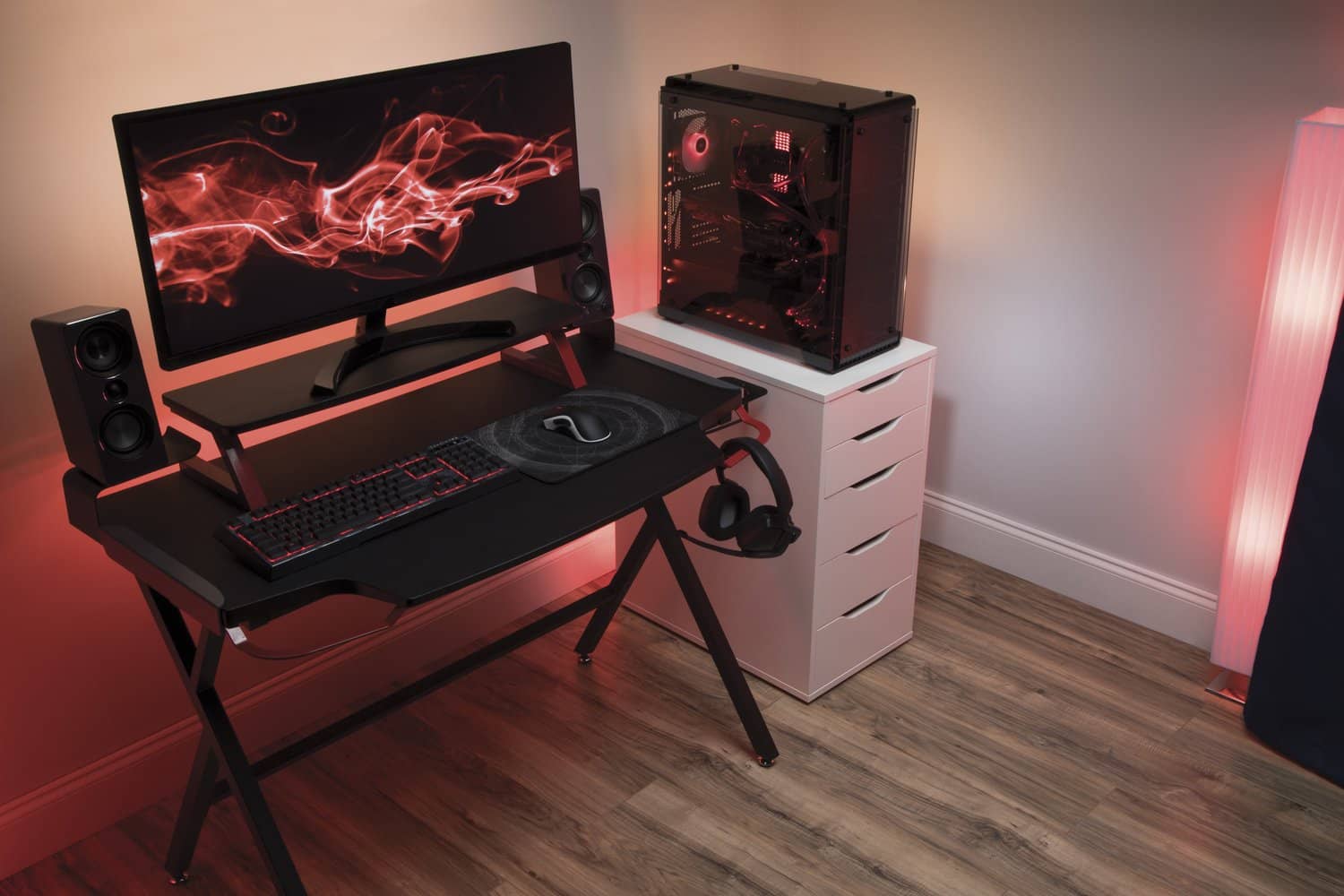
Correct posture at a gaming desk
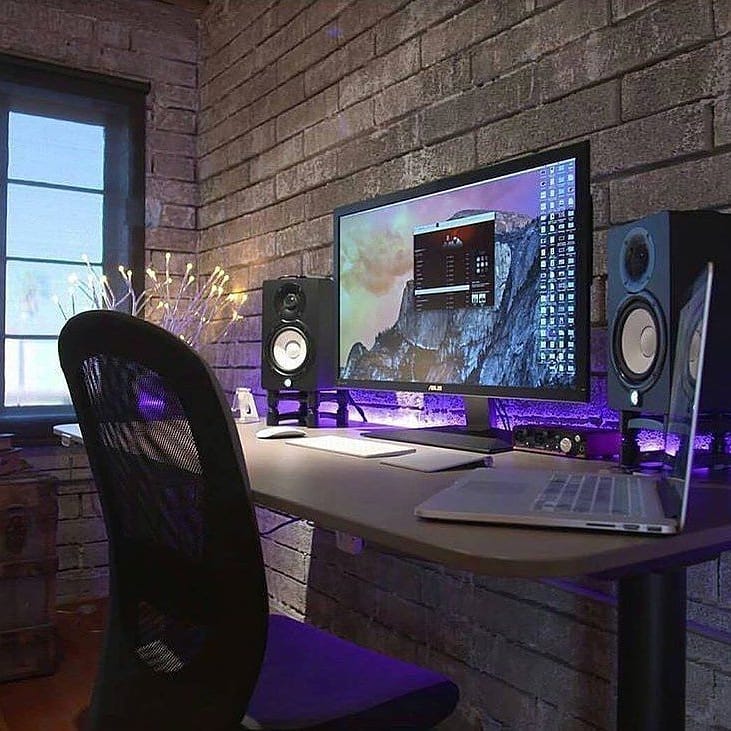
Feet flat, knees near 90, back against the chair’s lumbar, elbows level with the surface, screen top at eye height. The chair matters as much as the desk — our gaming chair rankings keep the verified field.
Why not just use a table?
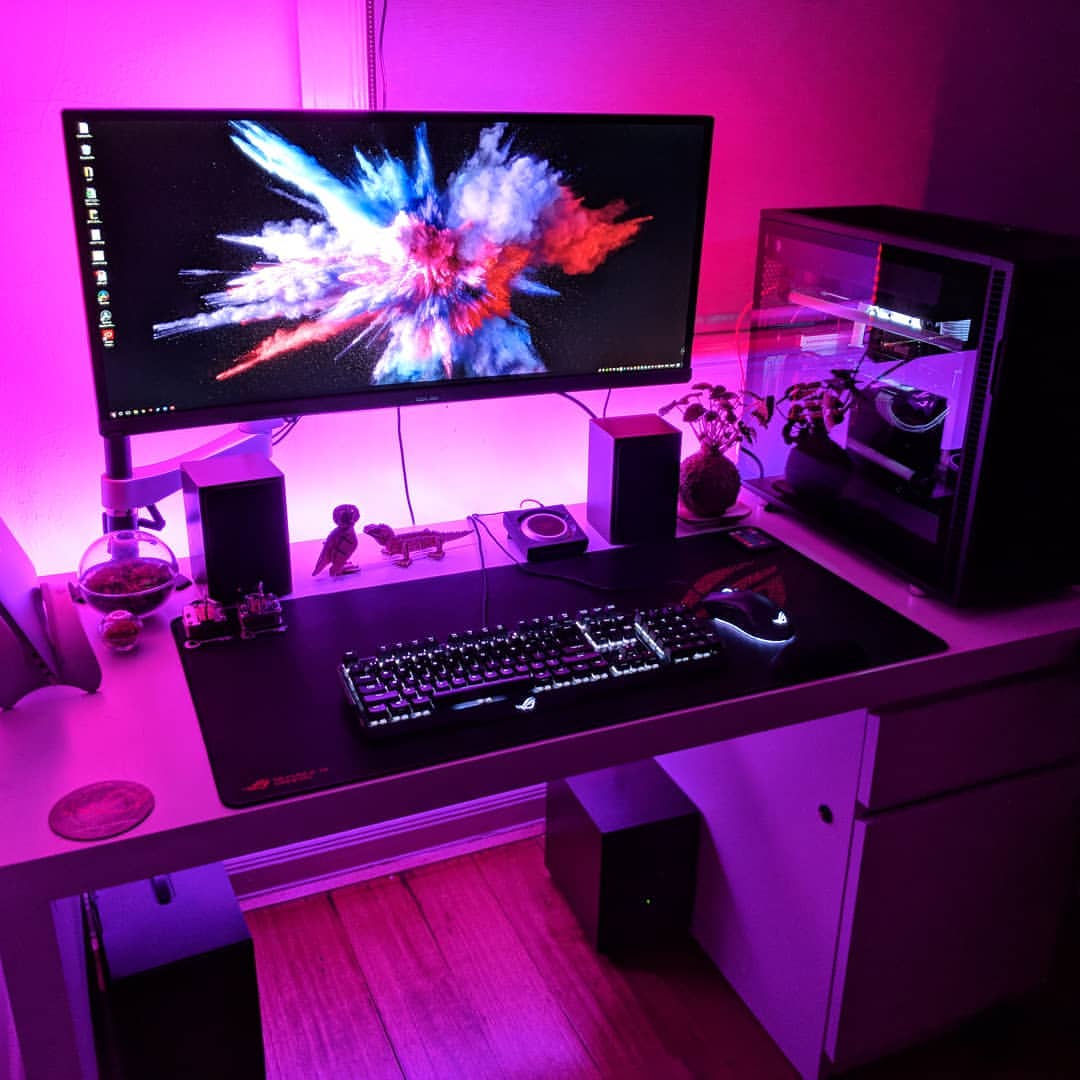
Tables are the wrong height, wrong depth, and allergic to cable management. They work until the first long session; desks are built for the thousandth.
Frequently asked questions
What makes a good gaming desk? Stability, size for your monitors, cable handling, and height that matches your elbows. Room for two or three monitors? 47 inches handles duals; 55–63 handles triples and ultrawides. Maximizing the experience? Arms, bias light, tamed cables, and presets if the desk moves. How long do desks last? Steel-framed desks outlive several PCs — a decade is normal. Too tall for a gaming desk? Fixed 29–30-inch desks run short for six-footers; adjustable frames solve it (see the tall-user guide). Cost? Honest fixed desks run low three figures; electric sit-stand gaming desks start not far above. Posture importance? Total — it’s the difference between a hobby and a chiropractor bill. Which type is best? The one that fits your room, rig, and rotation. Desks for multiple gamers? Long tops across two frames — the dual-station build from our DIY guide. Invest in a gaming chair too? Yes, or a task chair with real adjustability — the rankings above sort both schools.
Best gaming desk setup ideas
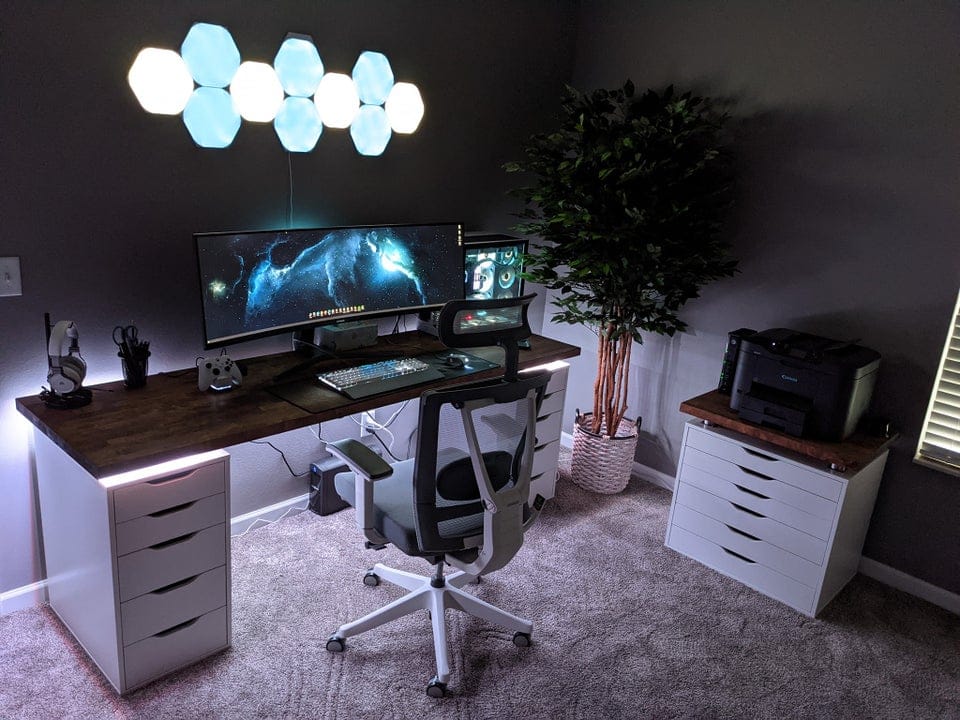
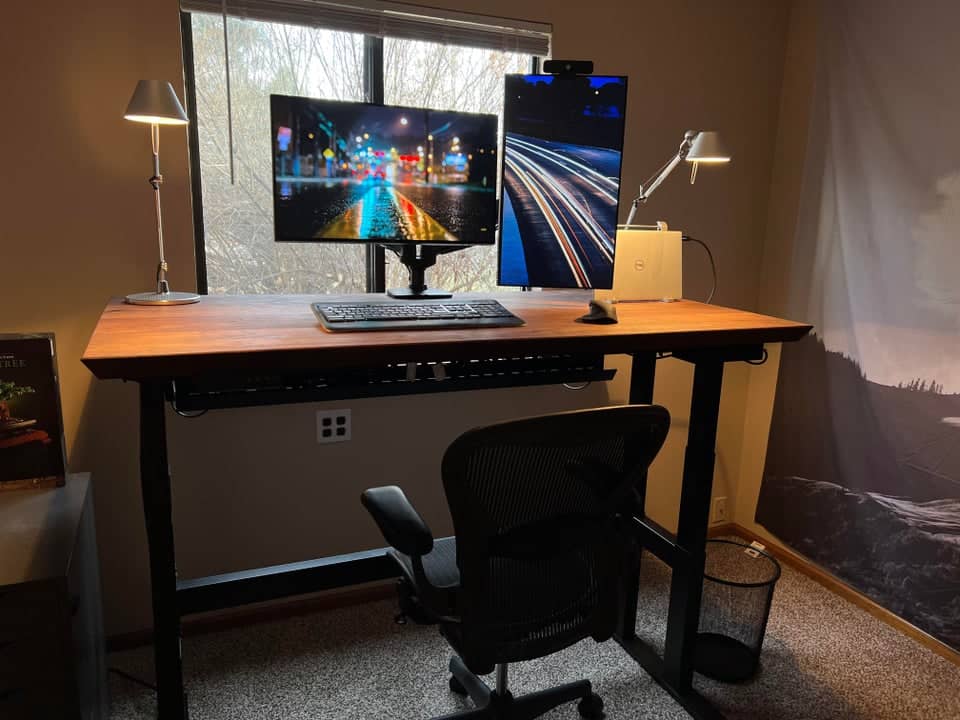
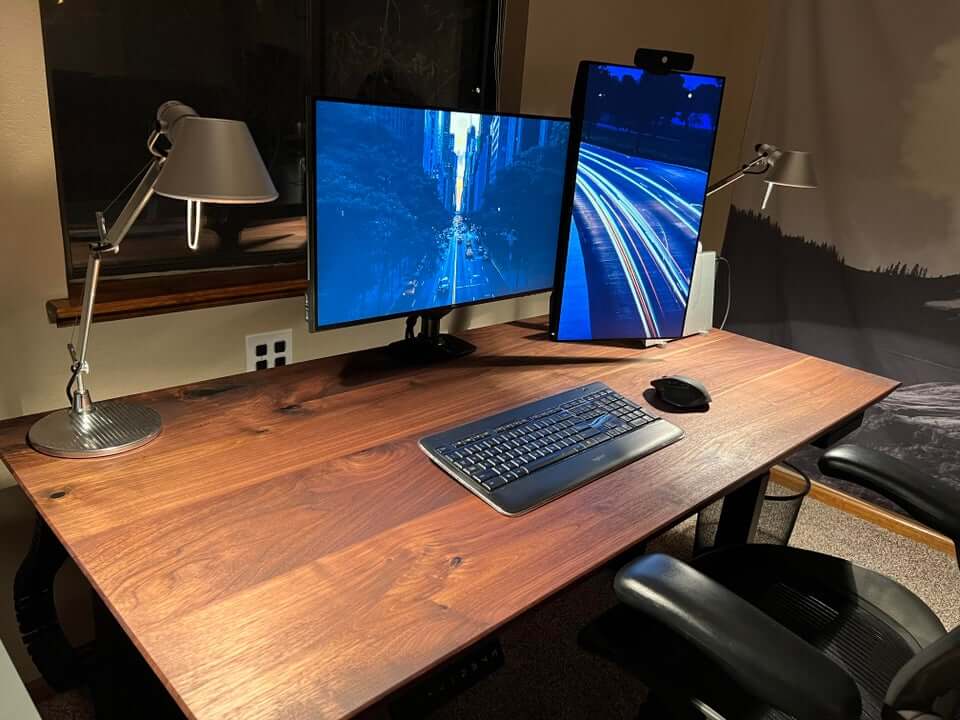
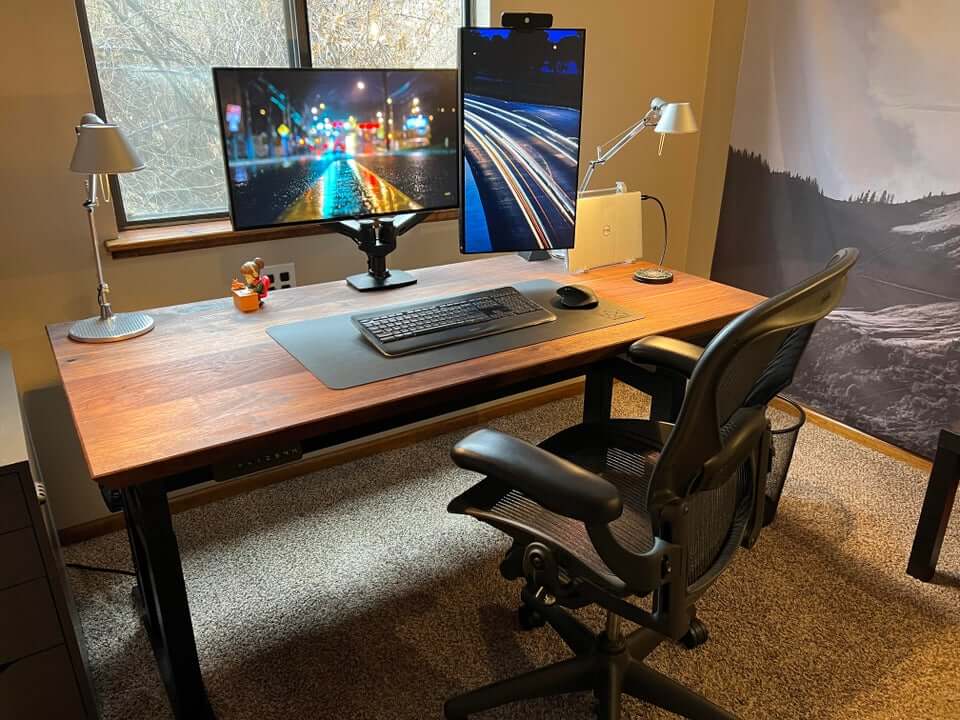
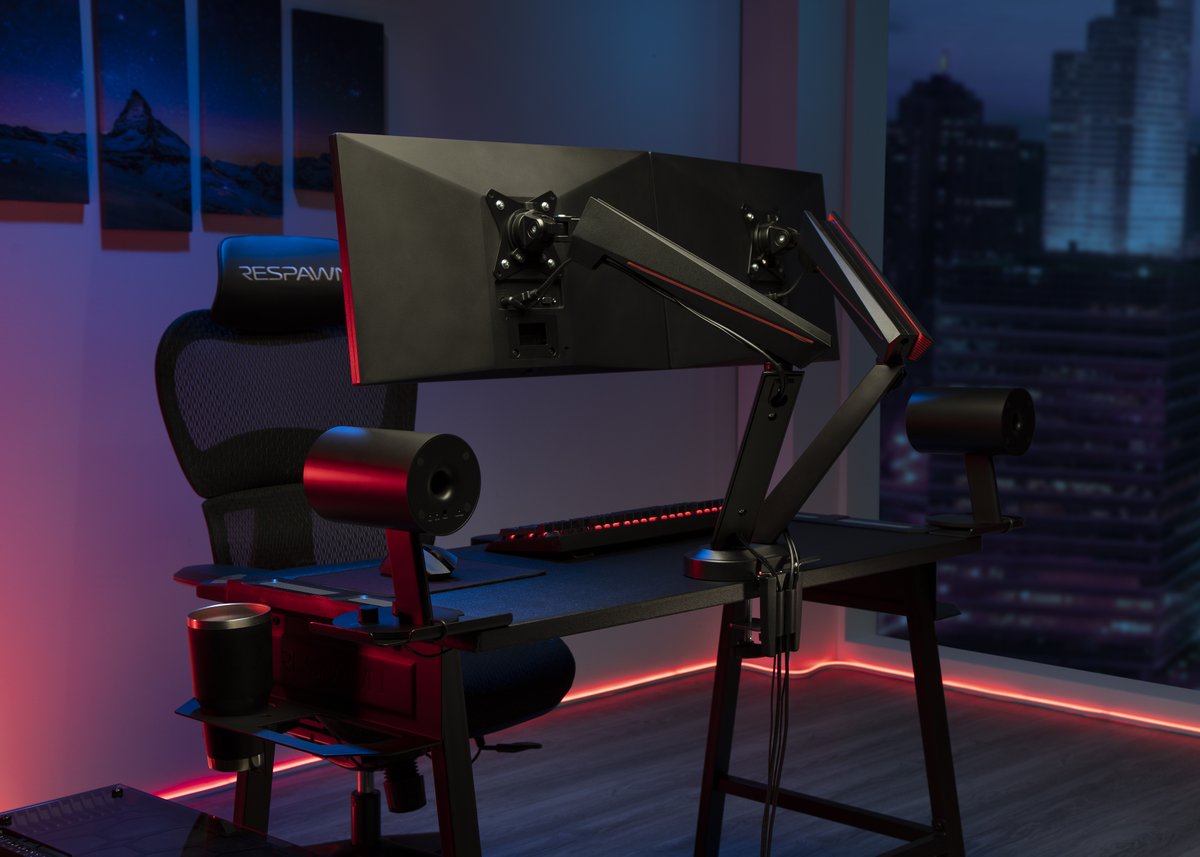
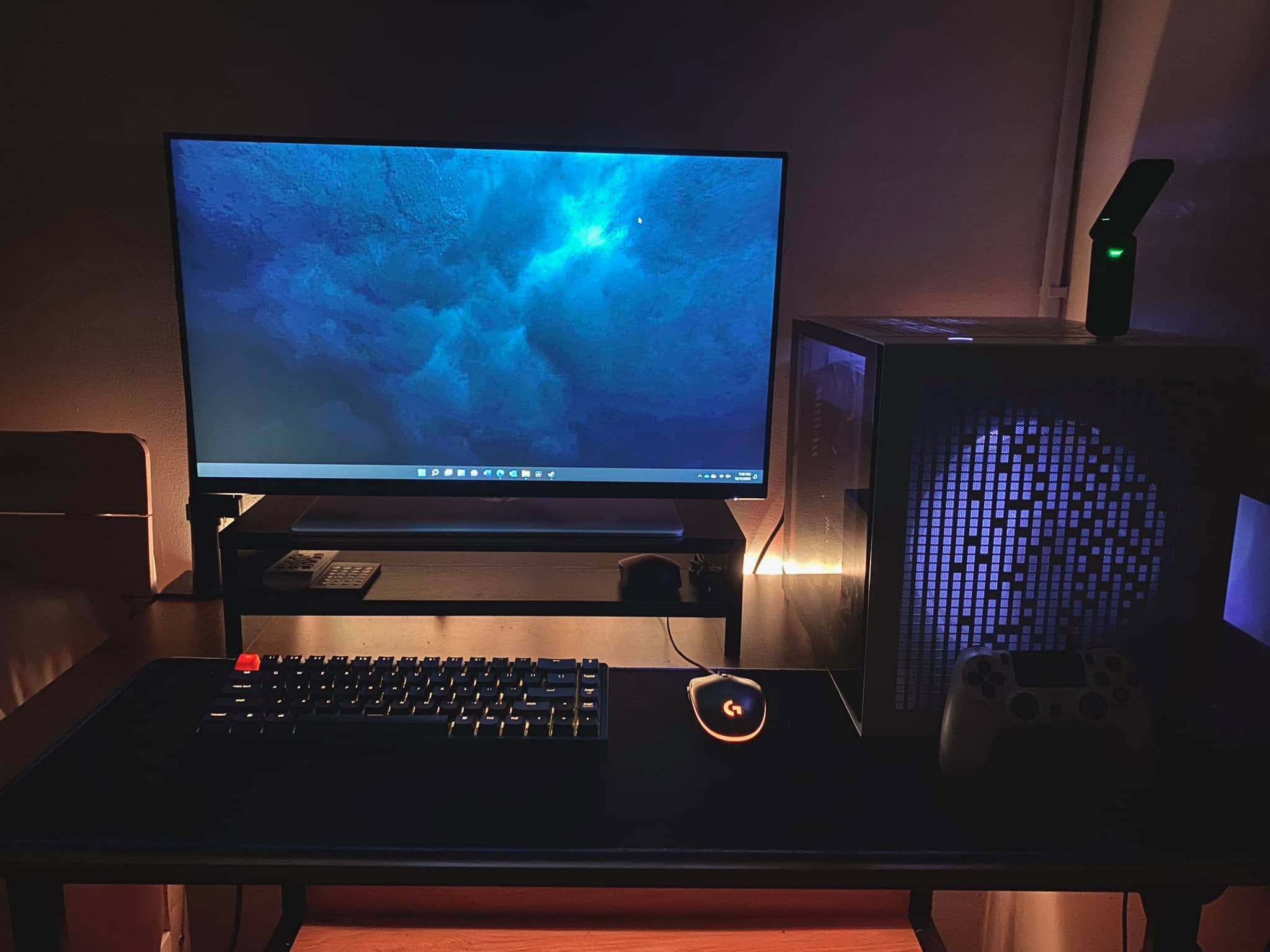
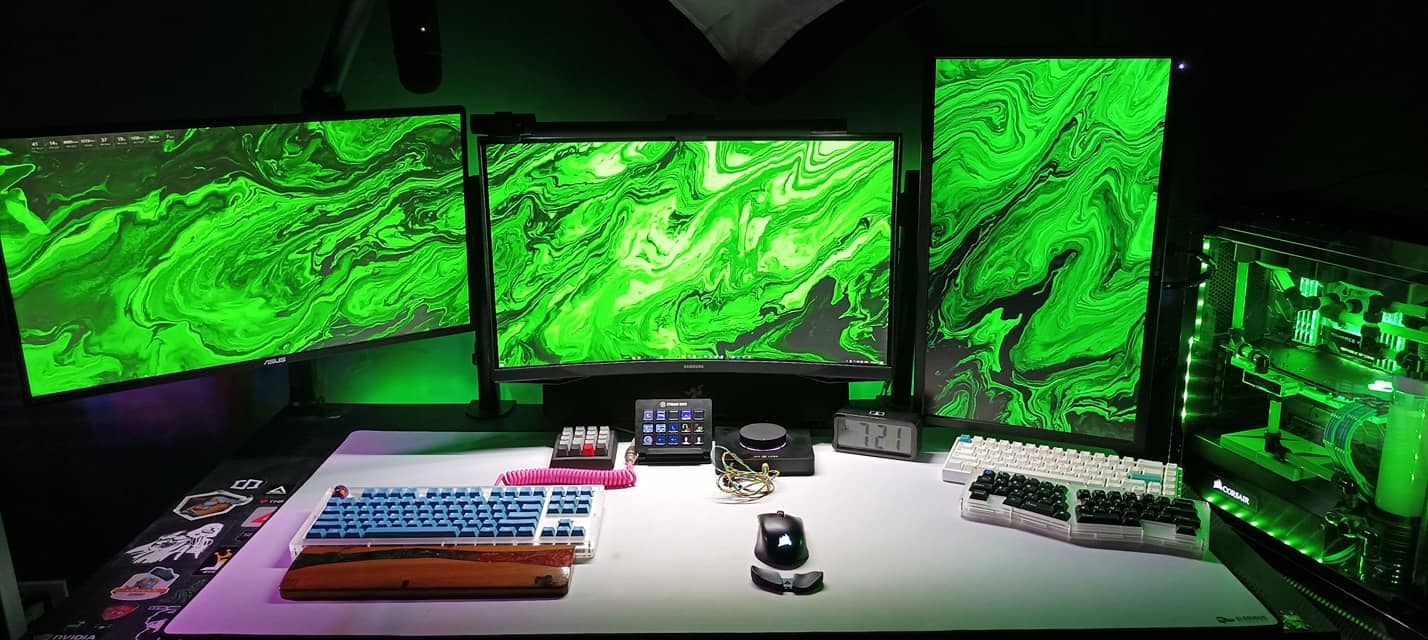
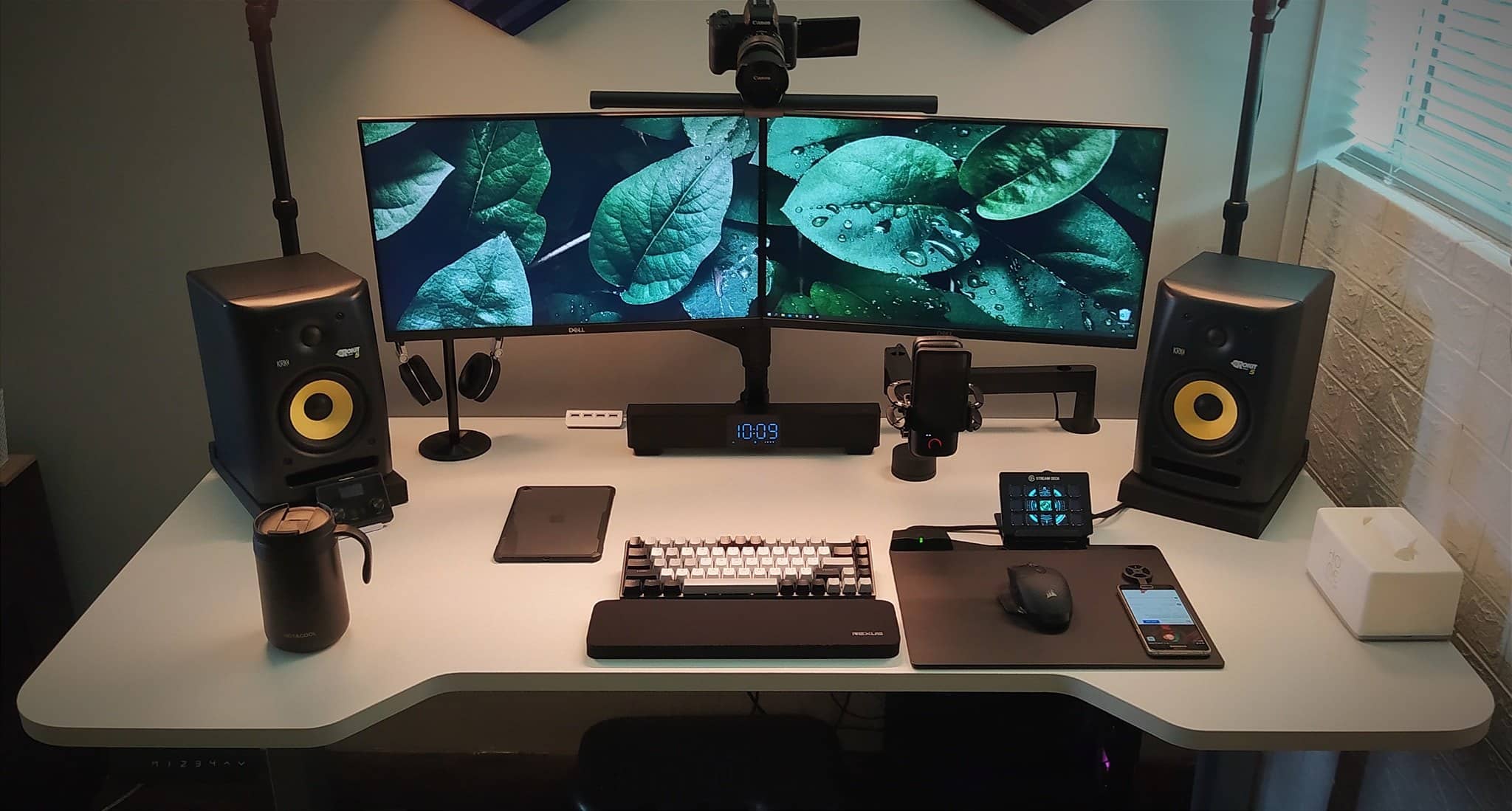
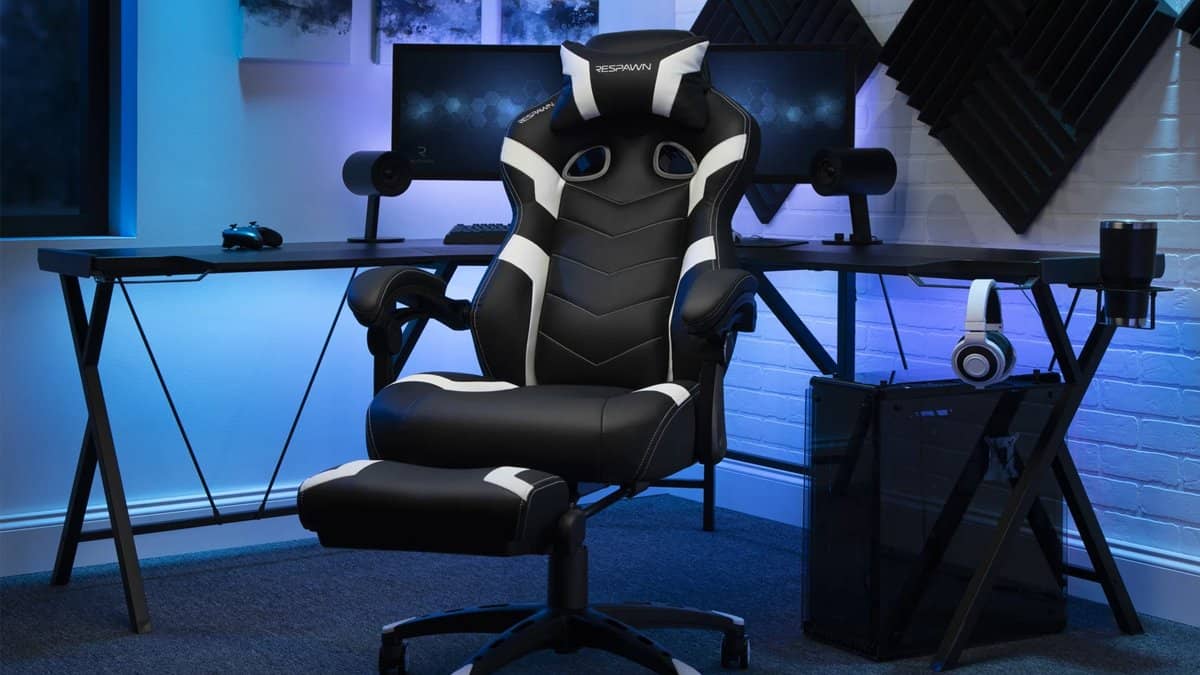
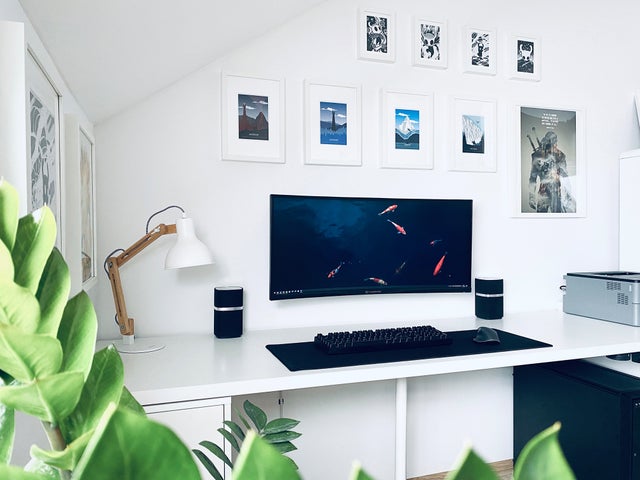
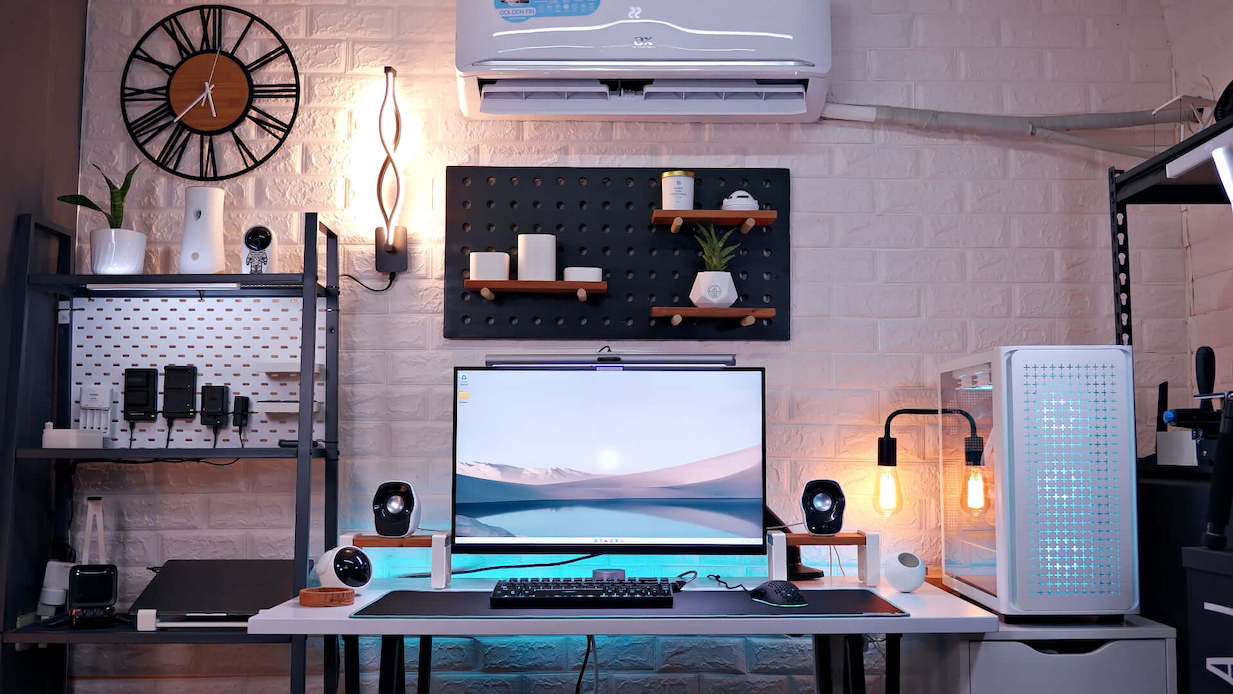
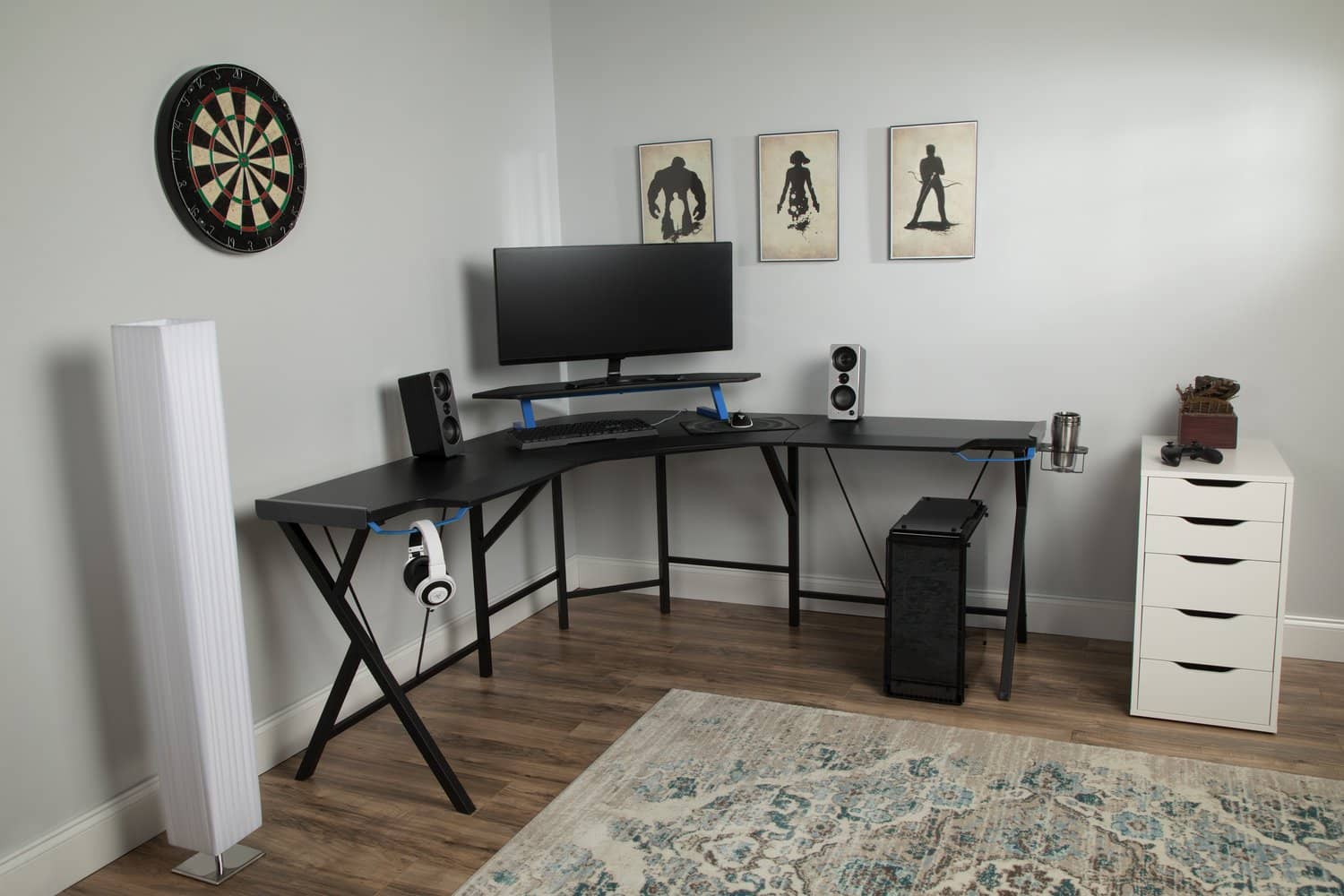
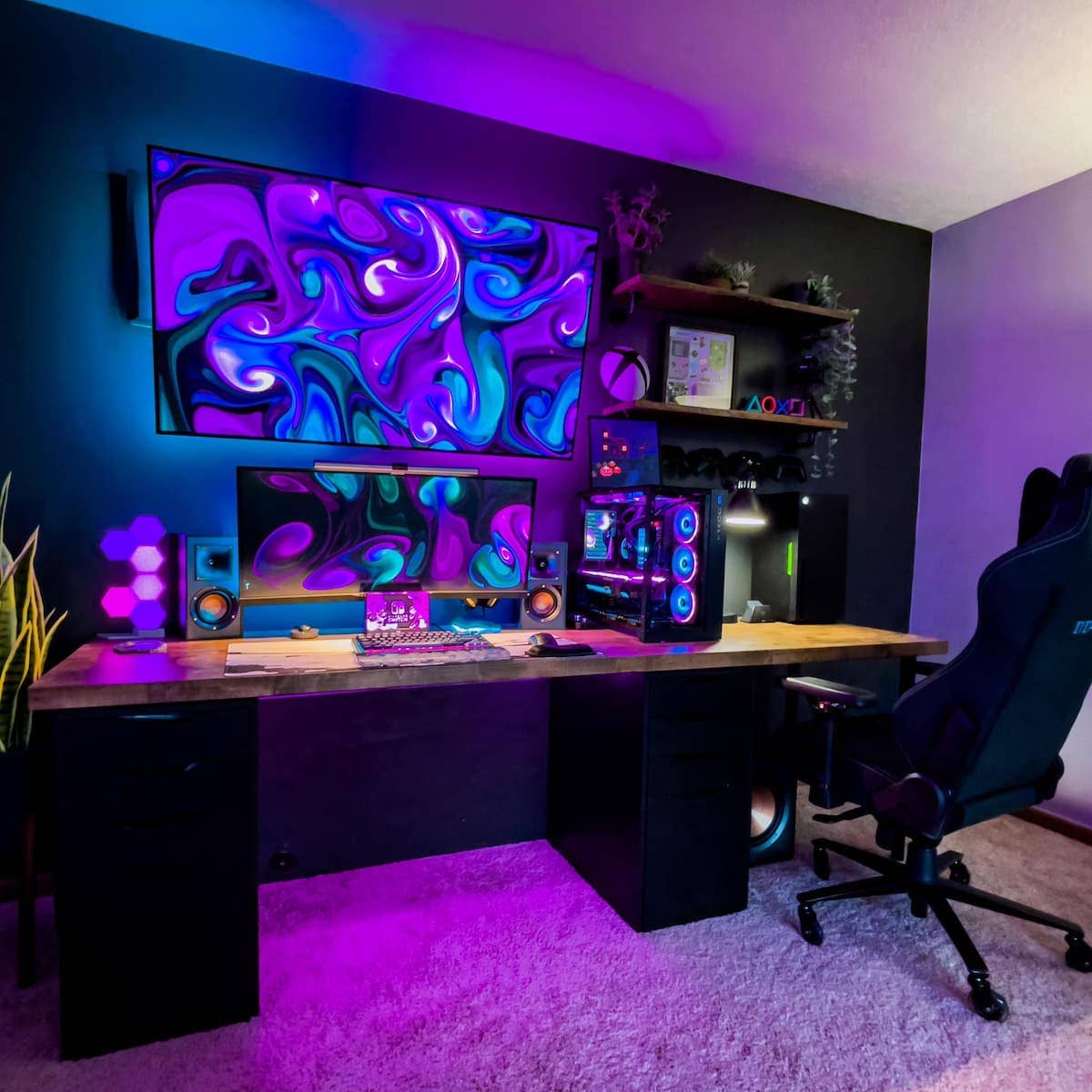
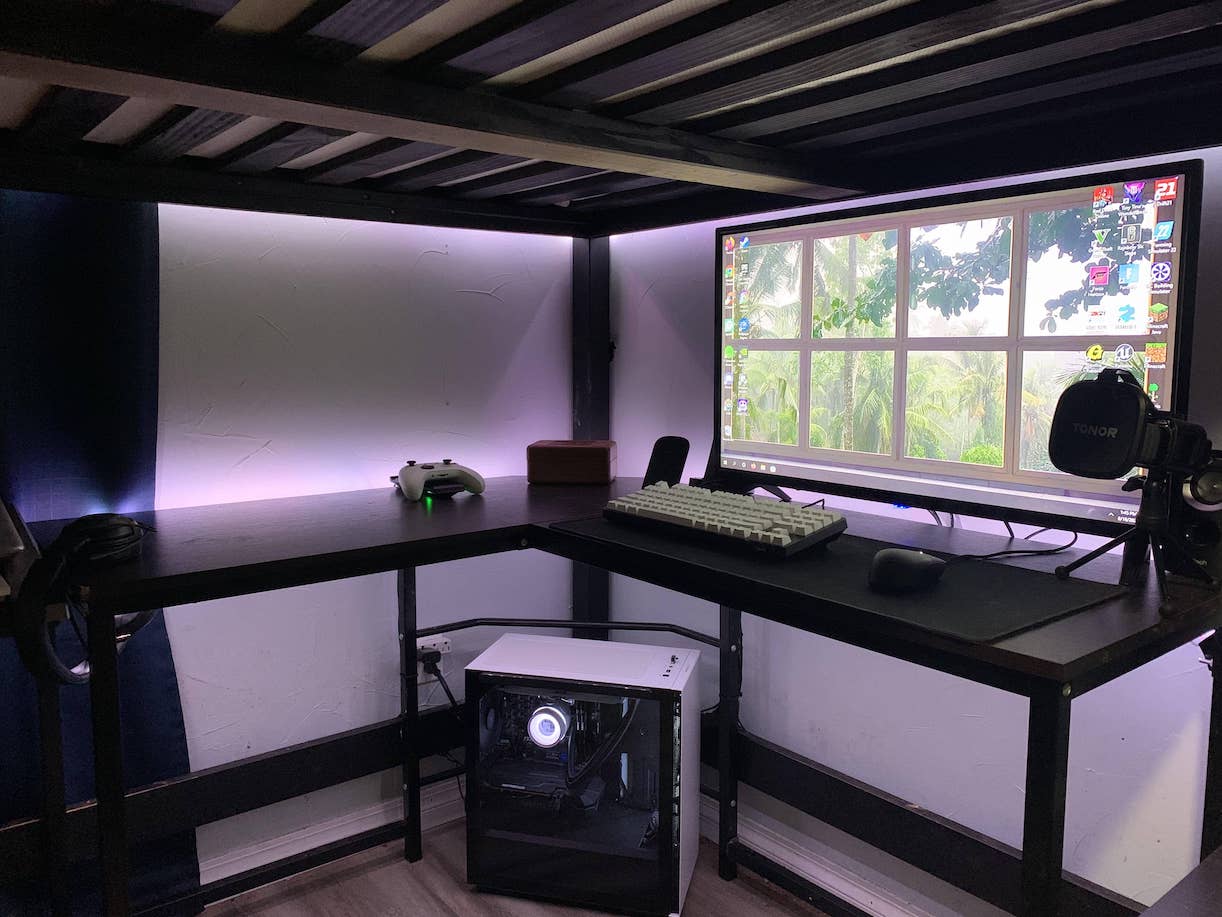
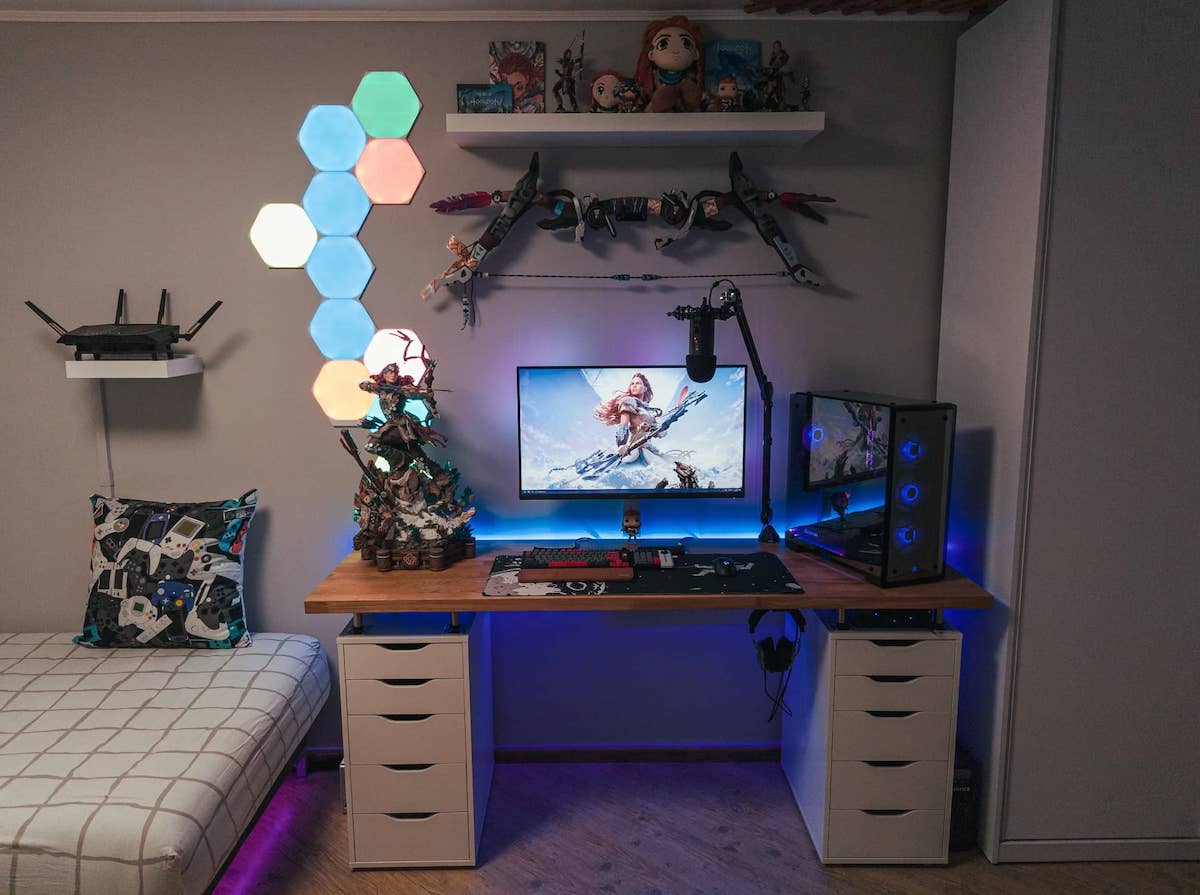
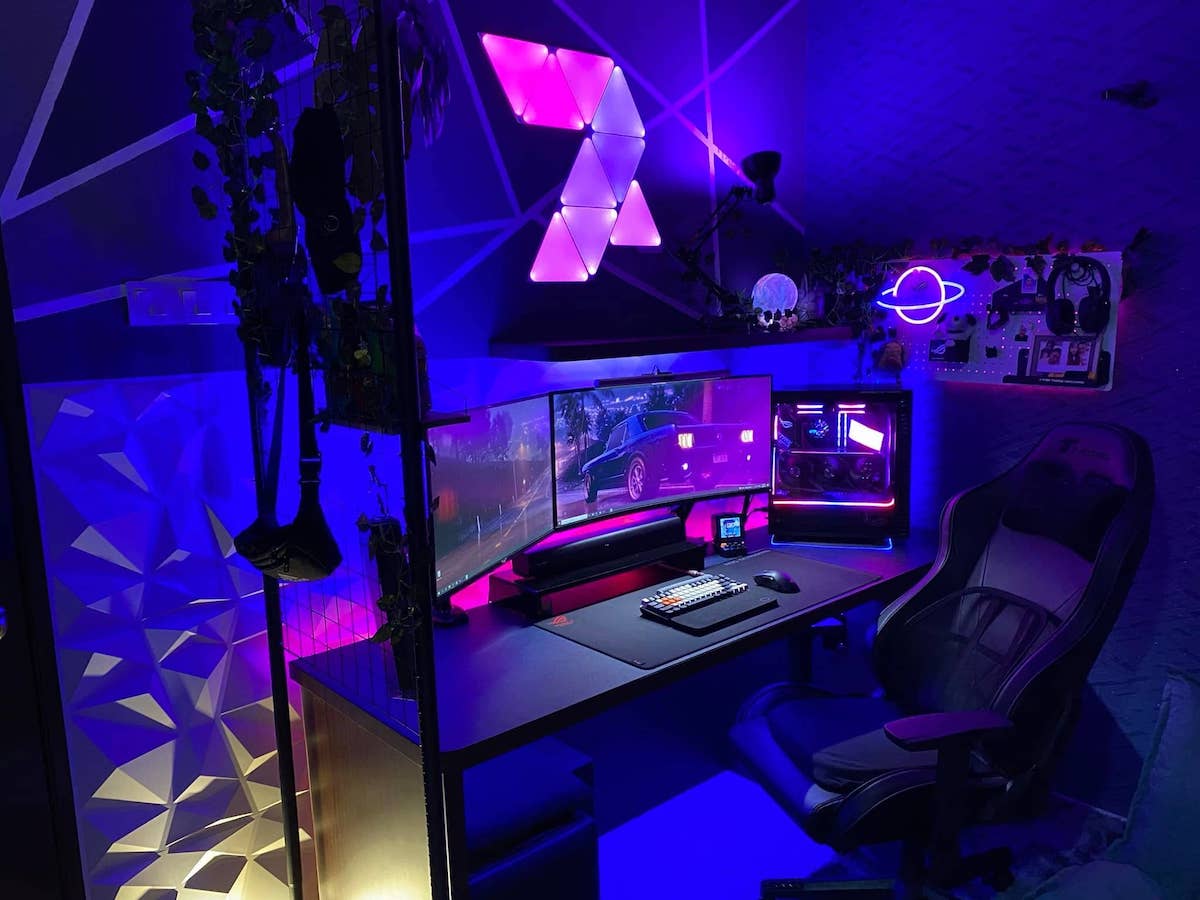
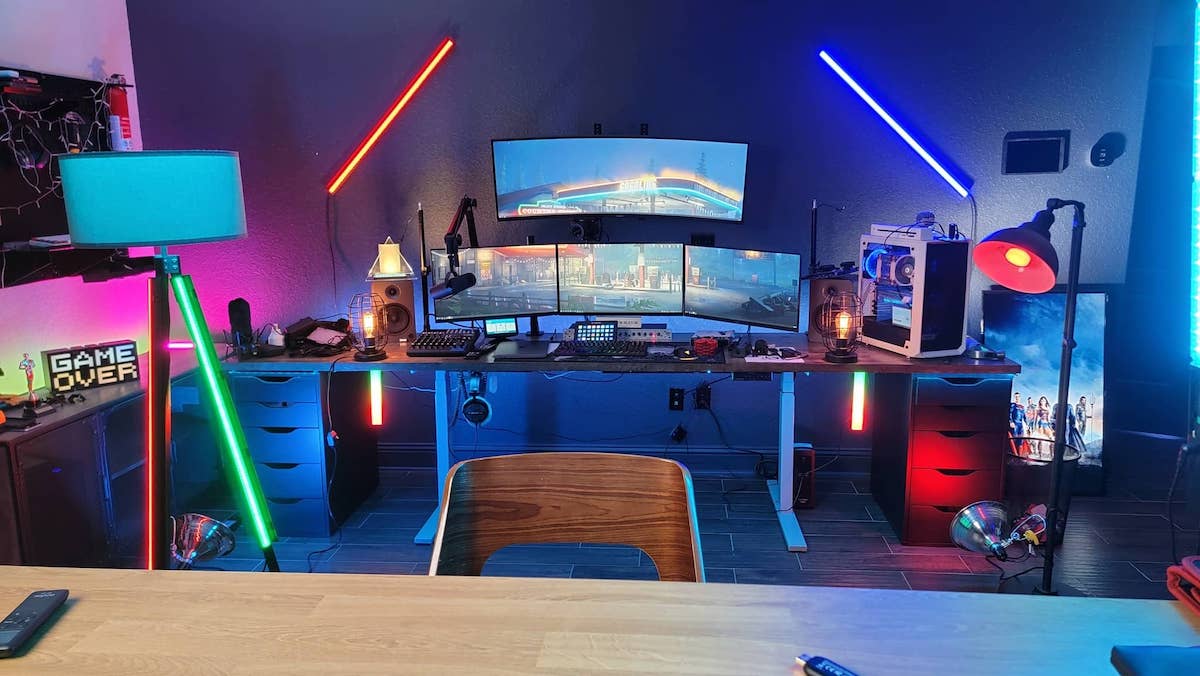
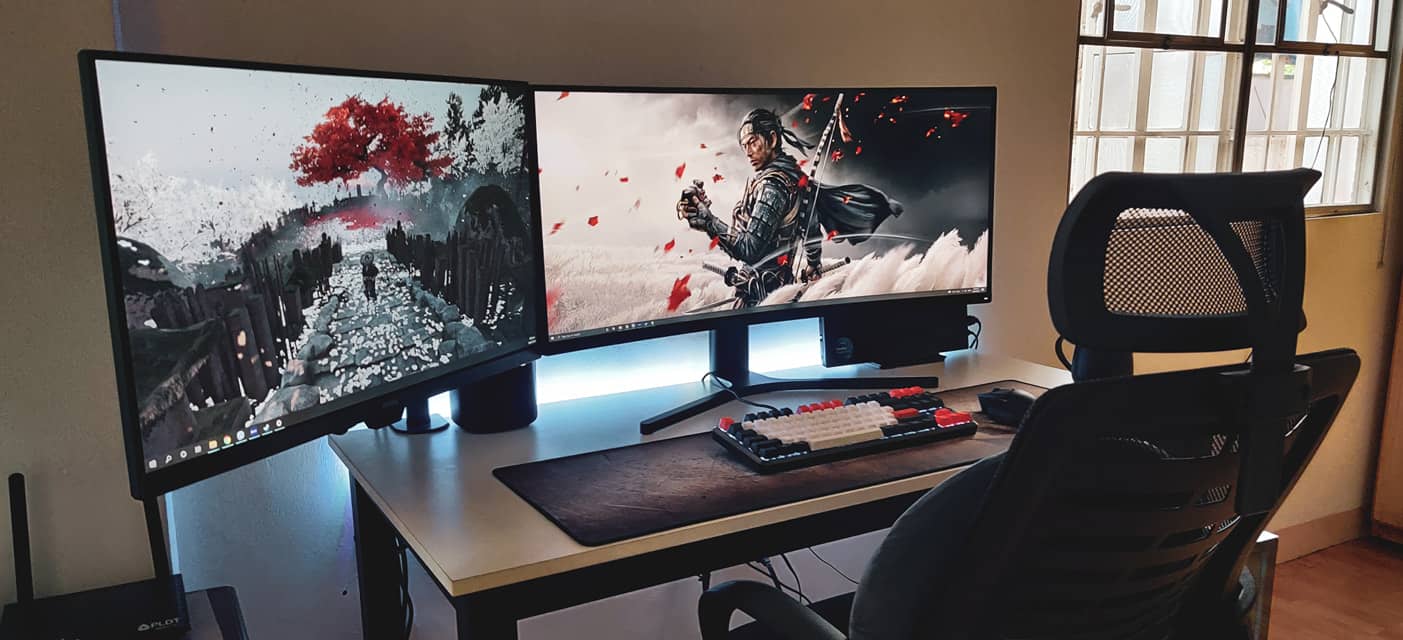
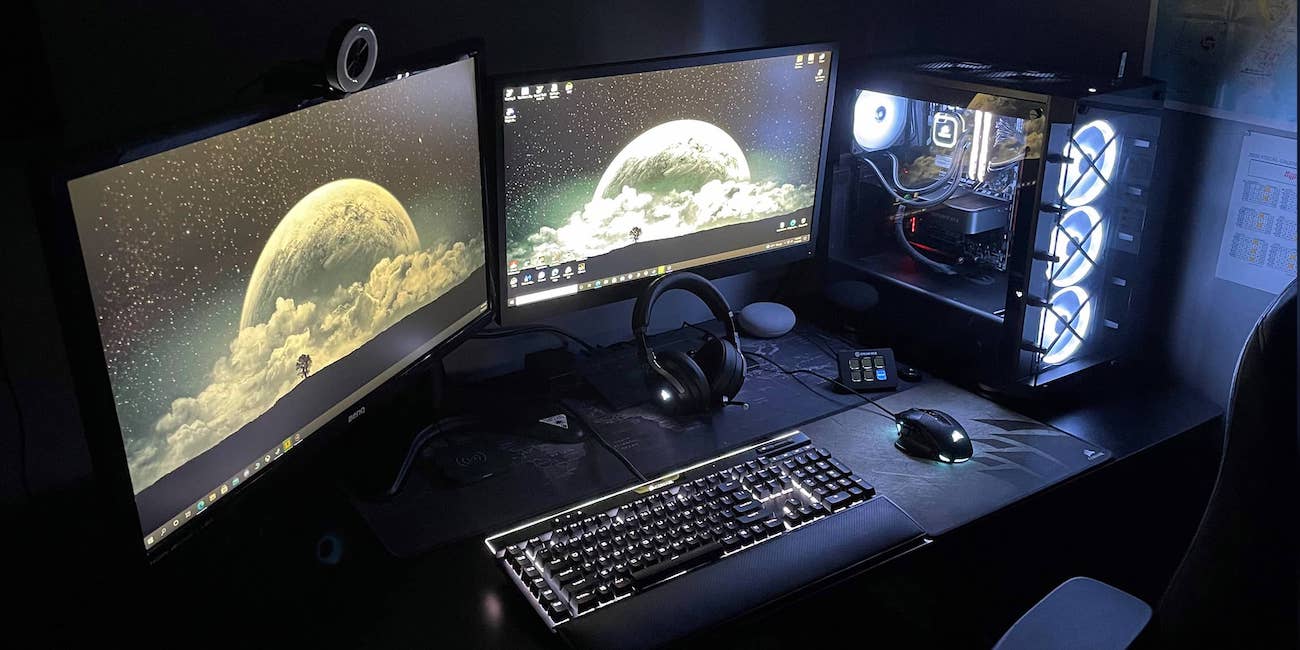
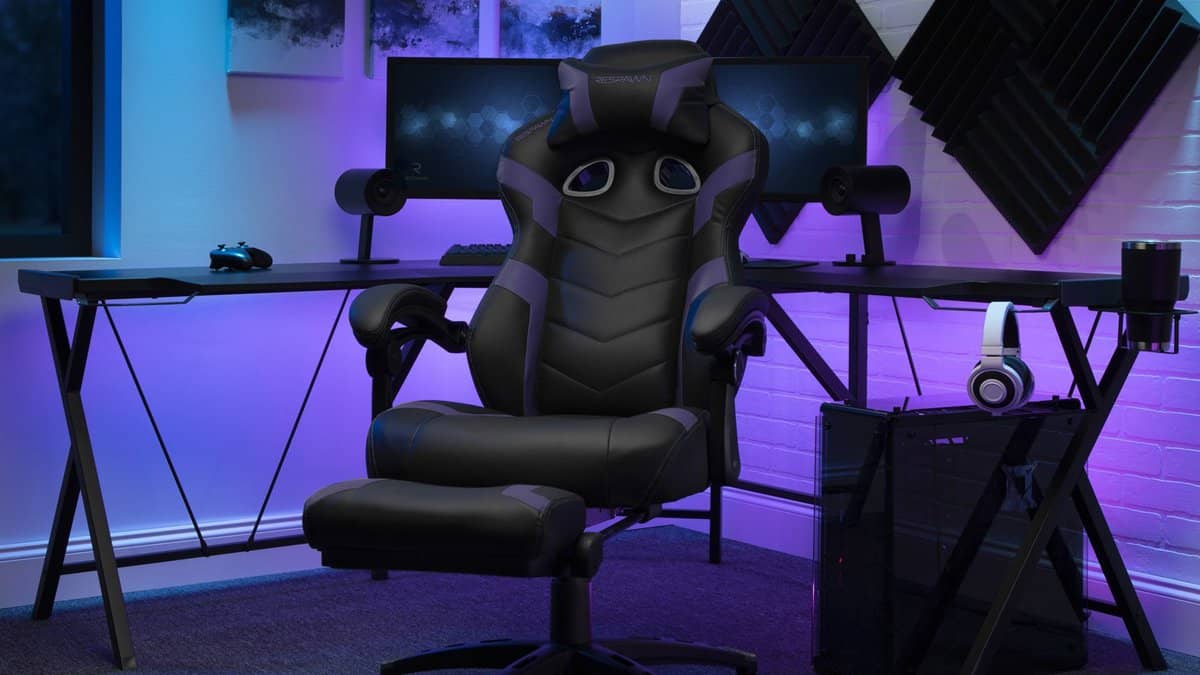
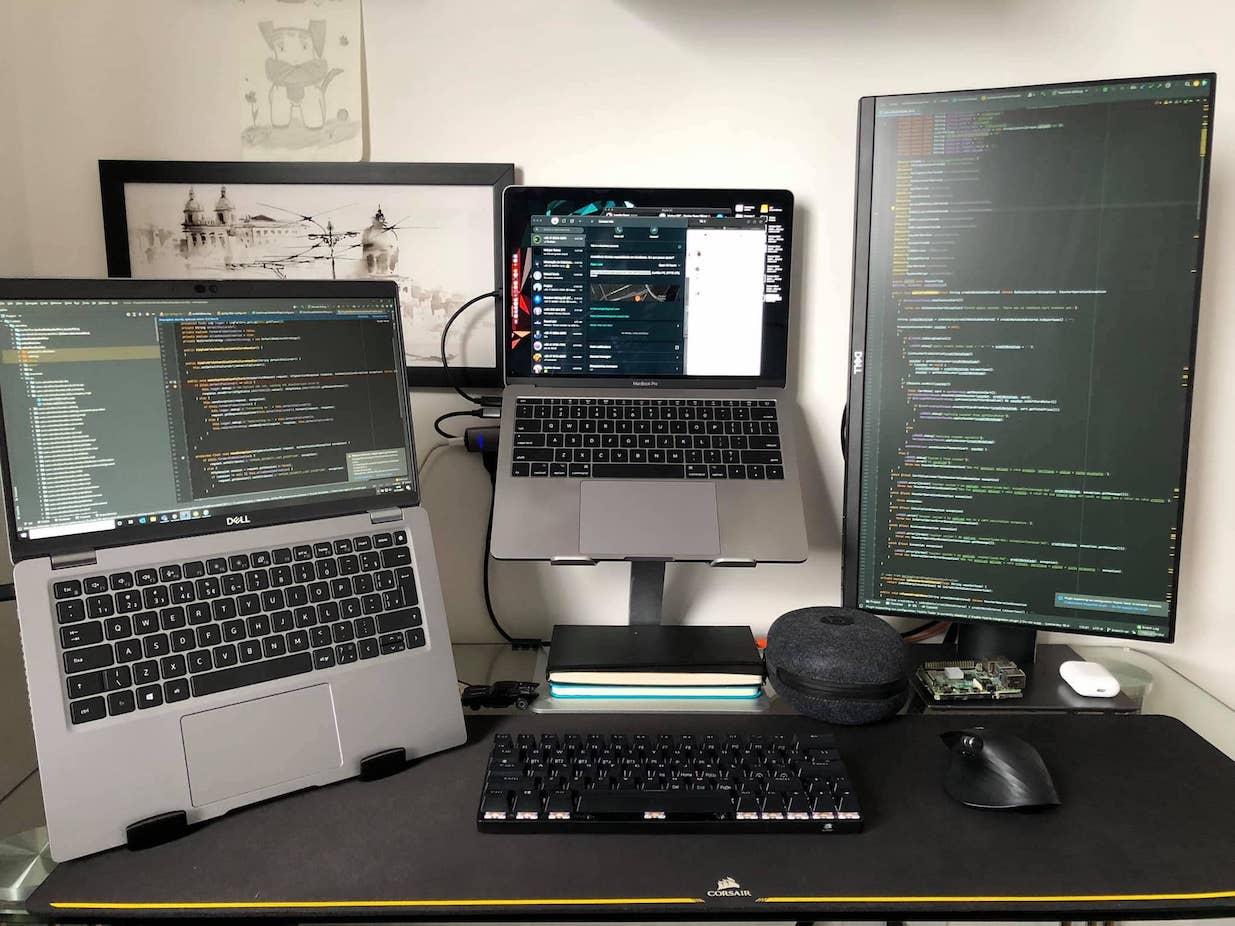
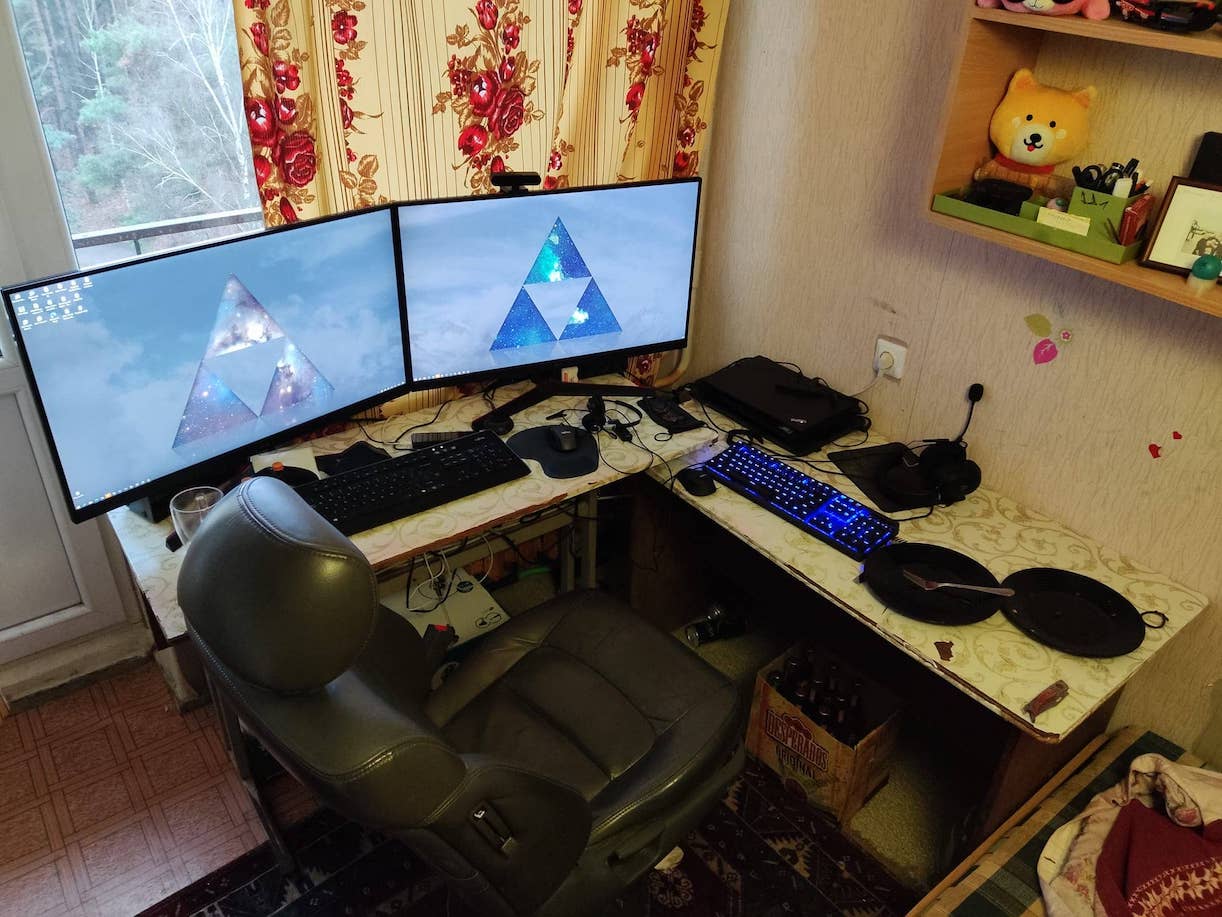
Steal what fits: the wall-hugger with a cable spine, the corner streamer, the standing battlestation. The perfect gaming desk is the one you stop noticing mid-match — and the checklist above is how you get there.
Last updated: August 23, 2026 — full 2026 refresh: accessory links re-verified live (dead monitor mount and laptop stand replaced with verified reviews; Tripp Lite, Cable Matters, and the cable tray confirmed live), guidance modernized, all original photography and setup galleries retained.